What Your Photos Reveal?
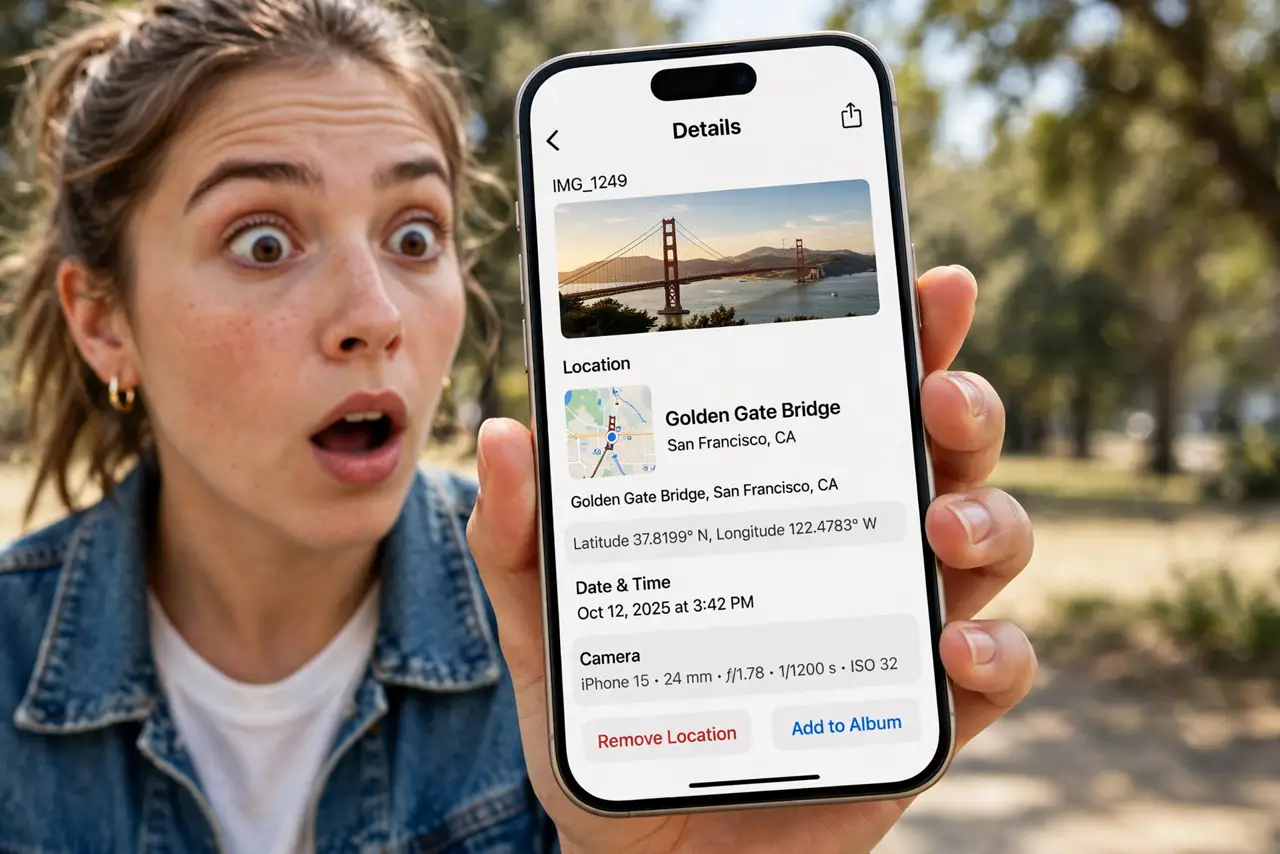
Every photo you share can carry hidden baggage: GPS coordinates, the phone model, even the exact time — embedded in the file as EXIF metadata. Most people post without knowing it is there. Here is what your photos reveal, how to check, and how to strip it before sharing.
TL;DR / Quick Fix
Photos store EXIF metadata — GPS location, device model, and timestamps — that travels with the file when you share it. Check what's embedded in your phone's photo details screen, and strip location before posting publicly. Most phones let you remove location per share; scrubbing before uploading is safest.
Follow these steps
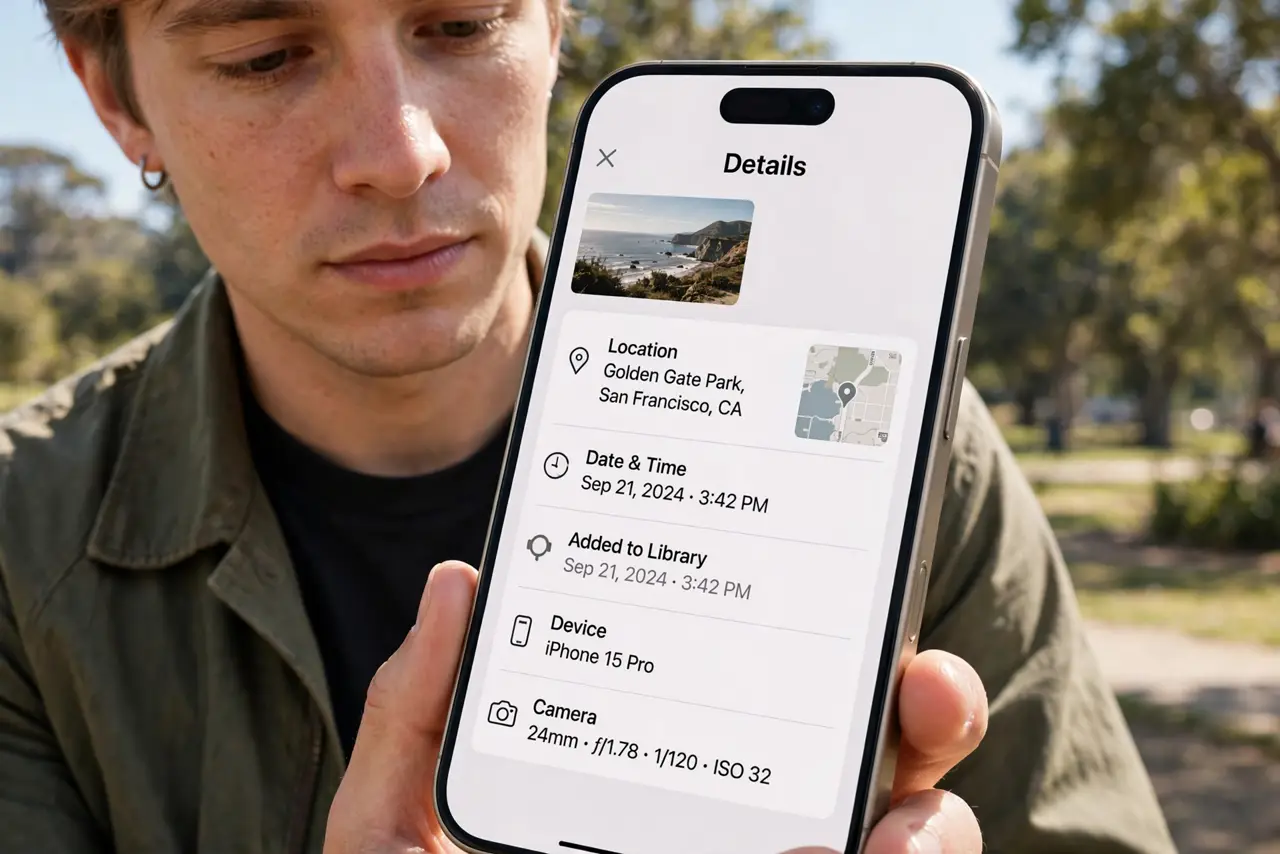
- See what is in your photos. Open a photo's details or info screen. Location, device model, and timestamps are usually listed plainly — see how to strip location once you know.
- Understand who sees it. Most social apps strip metadata on upload; messaging apps and email often keep it. The risky shares are the direct ones.
- Turn off geotagging at the source. Deny the camera app location permission. No GPS recorded means nothing to leak later.
- Strip location per share. iPhone's share sheet offers location removal per share; Android's options vary by app — check before sending.
- Scrub files before sensitive sharing. For anything sensitive, run the file through a metadata removal step before it leaves your device.
- Check again after editing. Some editors and filters re-add metadata to the exported copy. Verify the final file, not just the original.
What NOT to do
- Do not assume social apps strip everything. Policies change, and direct shares bypass the stripping entirely.
- Do not post photos of kids with location embedded. Home, school, and routines should never ride along in a file — see the geotag risk guide.
- Do not trust a 'metadata removed' claim without verifying. Check the file's details yourself after scrubbing.
- Do not share the full-resolution original when a smaller copy would do. Less data, less exposure.
Frequently asked questions
Do all social media sites strip EXIF?
Most strip it on upload, but not all — and messaging apps and email usually keep it. Treat direct shares as metadata-intact.
Can someone find my home from a photo?
If GPS coordinates are embedded and the photo was taken at home, yes. That is the core risk this guide addresses.
Does turning off location delete old metadata?
No — it only stops new photos from recording GPS. Old photos keep what they already have until you scrub them.
What to read next
- Strip Location Data From Photos
- Kids' Photos and Geotag Risk