Ping vs Jitter Explained
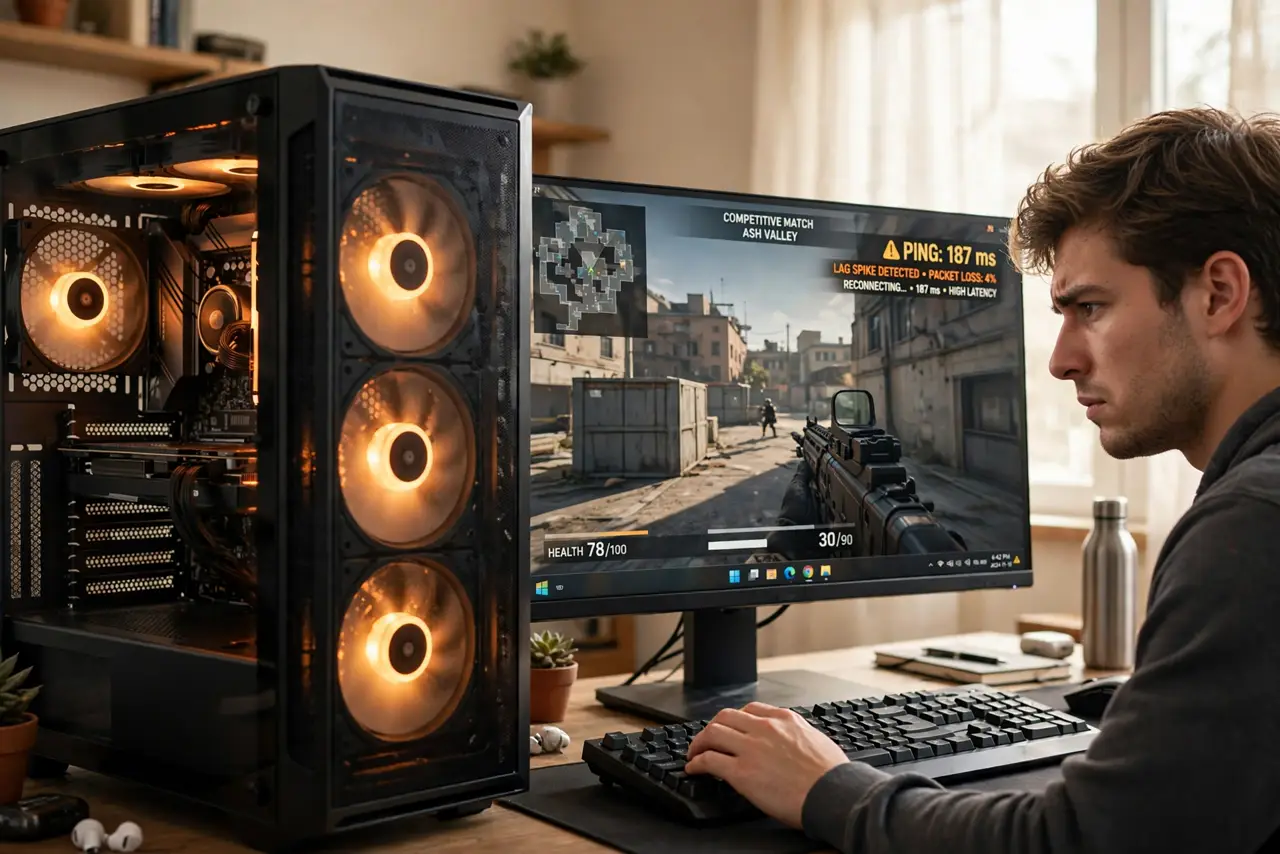
Your speed test says 500 Mbps, yet the game stutters, your shots register late, and the video call freezes every few seconds. Fast downloads do not fix this, because the problem is not speed — it is ping and jitter, the measures of how quickly and how steadily your data travels. Once you understand the difference, you stop blaming the wrong thing.
TL;DR / Quick Fix
Quick fix: ping is the delay of each data trip, and jitter is how much that delay varies — games and calls need both low and steady. Test over several minutes, switch to a wired connection if jitter is high, and pick servers close to you.
Follow these steps
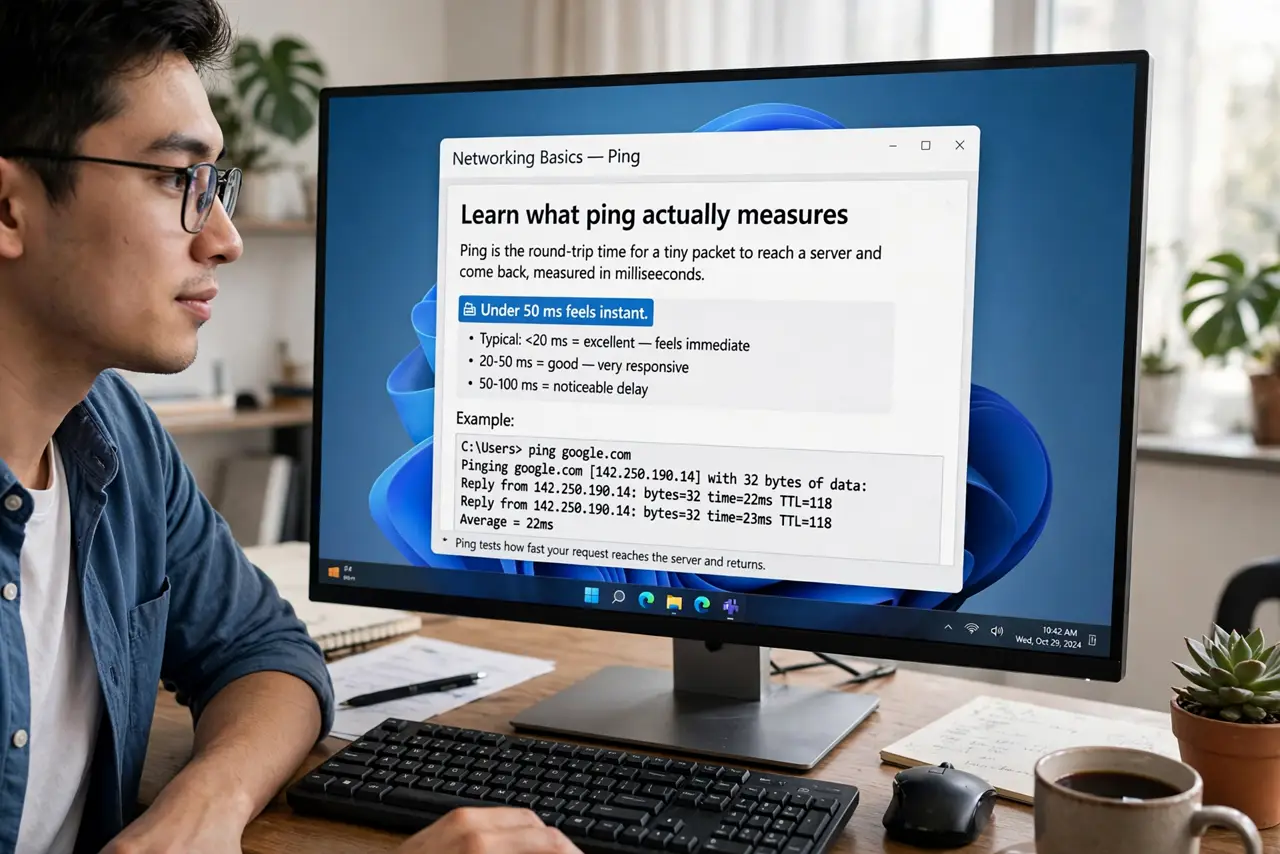
- Learn what ping actually measures. Ping is the round-trip time for a tiny packet to reach a server and come back, measured in milliseconds. Under 50 ms feels instant; over 150 ms feels sluggish. Speed tests measure size of the pipe, ping measures the length of the trip.
- Learn what jitter adds. Jitter is the variation between pings. A steady 80 ms plays fine; ping bouncing between 30 and 200 ms causes stutter, rubber-banding, and frozen call audio. Consistency matters more than the average.
- Test properly, not with a speed test. Run a continuous ping test to a game or call server for a few minutes — see our packet loss walkthrough for the method. One snapshot hides the spikes; a few minutes reveal them.
- Go wired before anything else. Wi-Fi adds jitter from interference and distance. A single Ethernet cable often cuts jitter to near zero — it is the cheapest, most reliable fix in networking.
- Pick a server near you. Distance sets a floor on ping that no settings can beat. Choose the closest game server or call region; playing across an ocean guarantees triple-digit ping.
- Fix bufferbloat if ping spikes under load. If ping explodes only when someone uploads or streams, your router is queueing badly. Smart queue management (SQM/QoS) on the router fixes it — check the router's QoS settings.
What NOT to do
- Do not pay for a faster plan to fix lag. More megabits do not lower ping — you are buying a wider road, not a shorter one.
- Do not game on a crowded 2.4 GHz channel. Microwaves, neighbors, and walls all add jitter; 5 GHz or Ethernet is the fix.
- Do not ignore upload saturation. One cloud backup uploading can wreck a whole household's ping — schedule big uploads overnight.
- Do not trust one ping reading. Jitter is a pattern over time; a single number can look fine while the connection stutters.
Frequently asked questions
What ping is good for gaming?
Under 50 ms is excellent, under 100 ms is playable for most games. Competitive shooters want under 30 ms, and jitter under 10 ms matters more than shaving the last few milliseconds.
Why is my ping fine but the game still stutters?
That is textbook jitter — the average looks good while individual packets arrive erratically. Test over several minutes to see the spikes.
Does ping affect video calls too?
Yes. High jitter freezes and garbles call audio before anything else. Calls need steady ping even more than raw speed — 10 Mbps steady beats 500 Mbps jumpy.