Ping Spikes Every Few Minutes? Fix It
Ping jumps every few minutes, games stutter, and calls clip, even though average speed looks fine. Spikes usually come from Wi-Fi interference, a background upload, or a busy router, not from average speed at all.
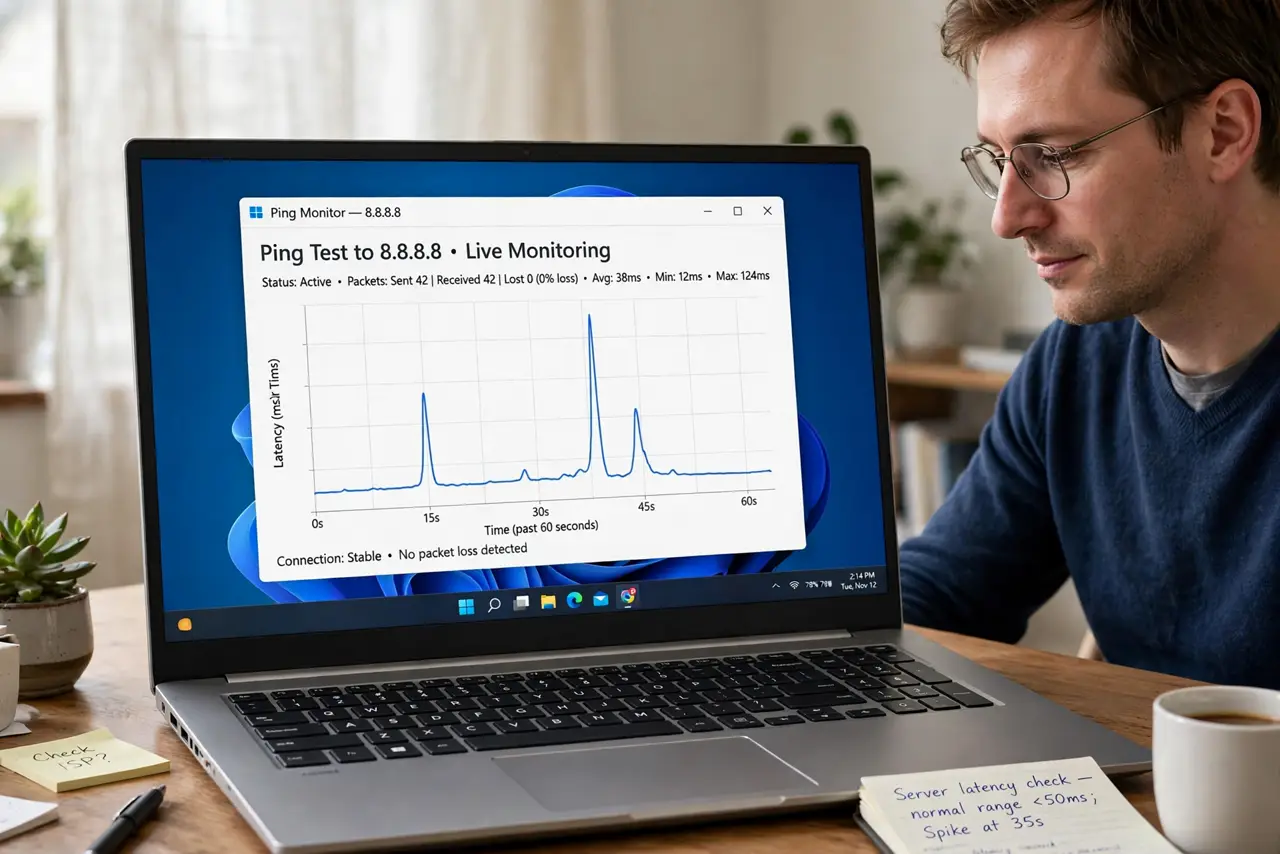
TL;DR / Quick Fix
Quick fix: test ping on a wired connection first, then close uploads, backups, and streams on every device. If spikes vanish on cable, the Wi-Fi path is the cause, so move closer, switch bands, and restart the router. Write down what worked for next time.
Follow these steps
- Test ping on a wired connection. Connect a computer with a cable and watch ping for a few minutes. Spikes that vanish on cable point to Wi-Fi, while spikes that remain point to the line or router.
- Close uploads and background work. Pause cloud backups, file uploads, game downloads, and streams on every device. A periodic backup or upload is a classic cause of regular ping spikes.
- Move closer and switch bands. Move the device closer to the router, or switch it to a cleaner band. Interference and weak signal cause spikes that average speed tests never show.
- Restart the router once. Unplug the router, wait thirty seconds, and plug it back in, then watch ping again. A restart clears a busy router state that can spike ping on a schedule.
- Note the spike pattern and times. Note how often spikes hit and at what times, and what runs then. A regular pattern points to a scheduled task, while random spikes point to interference.
- Contact the provider with the pattern. If wired ping still spikes with nothing else running, contact the provider with the pattern and times. Clean wired spikes are a line or router issue for them to investigate.
What NOT to do
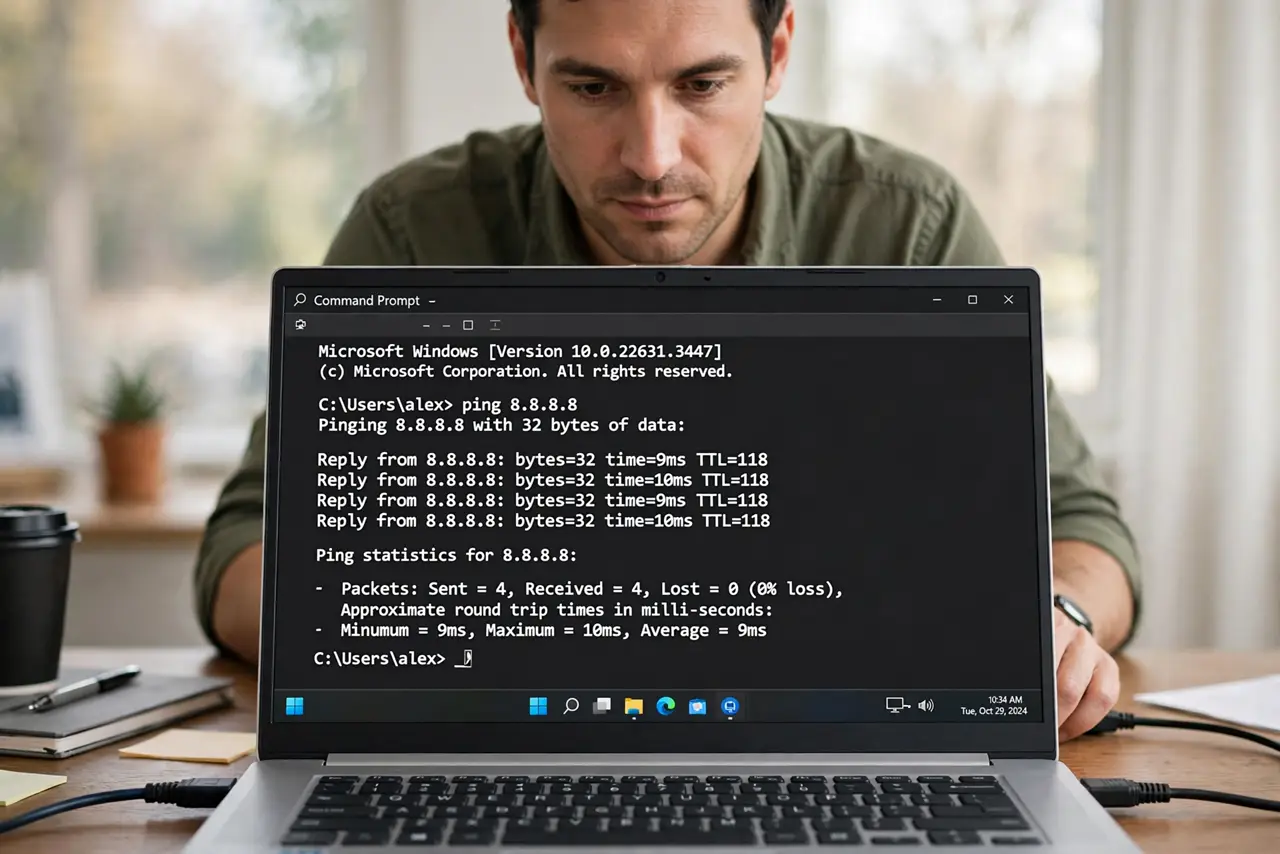
- Do not judge ping by average speed. Speed tests hide spikes, so watch ping itself over several minutes instead.
- Do not test ping while uploading or backing up. Background uploads create spikes, so the test must run with the house quiet.
- Do not restart the router every few minutes to chase spikes. One clean restart is a test, while constant restarts hide the pattern.
- Do not upgrade the plan for ping spikes. Faster speed does not fix delay spikes caused by interference, uploads, or a busy router.
Frequently asked questions
What is a ping spike?
A brief jump in delay, where packets take much longer for a moment. Games stutter and calls clip during spikes, even if average speed looks fine.
Why does ping spike every few minutes?
A periodic upload, backup, or interference burst can spike ping on a regular pattern.
Does wired help ping spikes?
Often, yes. A cable removes Wi-Fi interference and weak signal, the two most common spike causes at home.