Ping Spikes in Online Games? Fix It
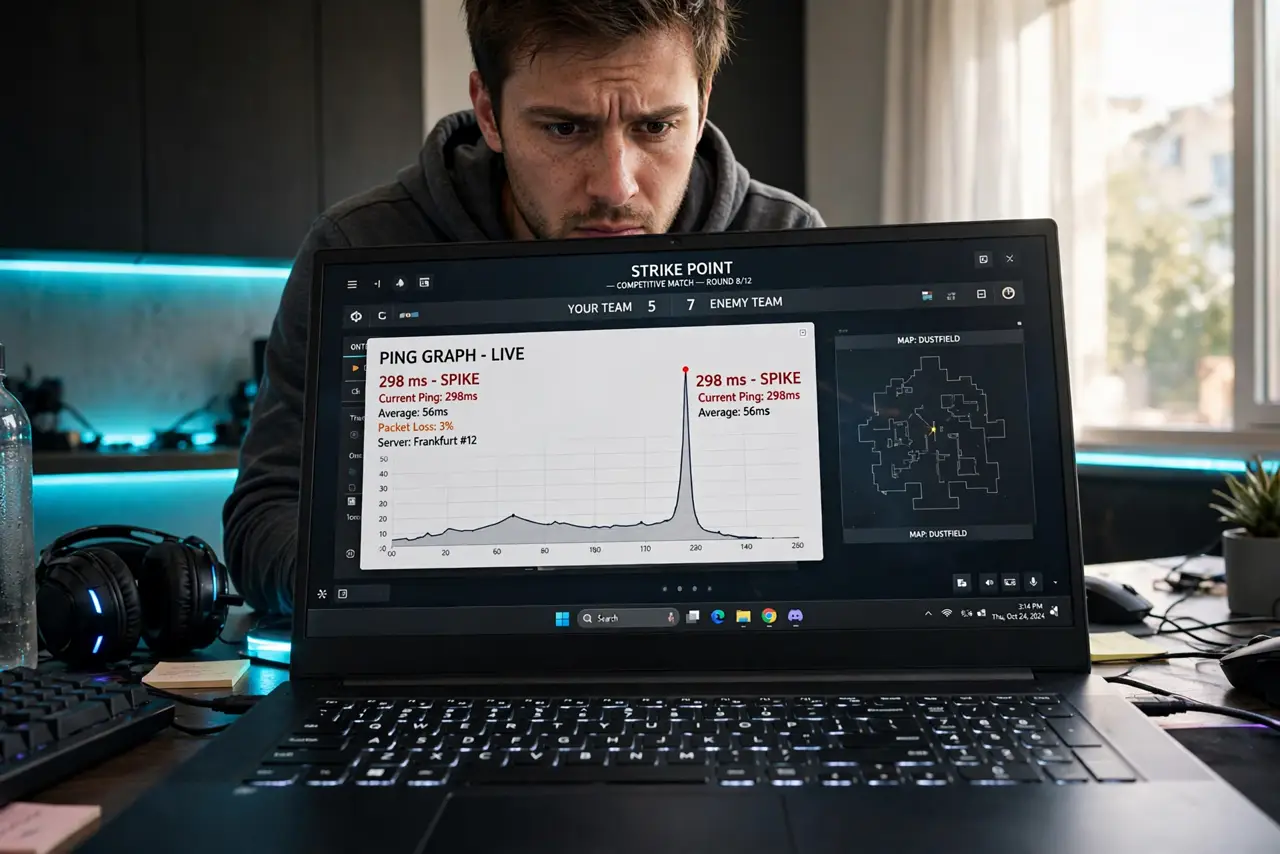
Your game runs fine, then teleports you into a wall — ping spikes, the bane of online gaming. Spikes come from bufferbloat, Wi-Fi interference, or someone starting a 4K stream mid-match. Here is how to hunt each cause.
TL;DR / Quick Fix
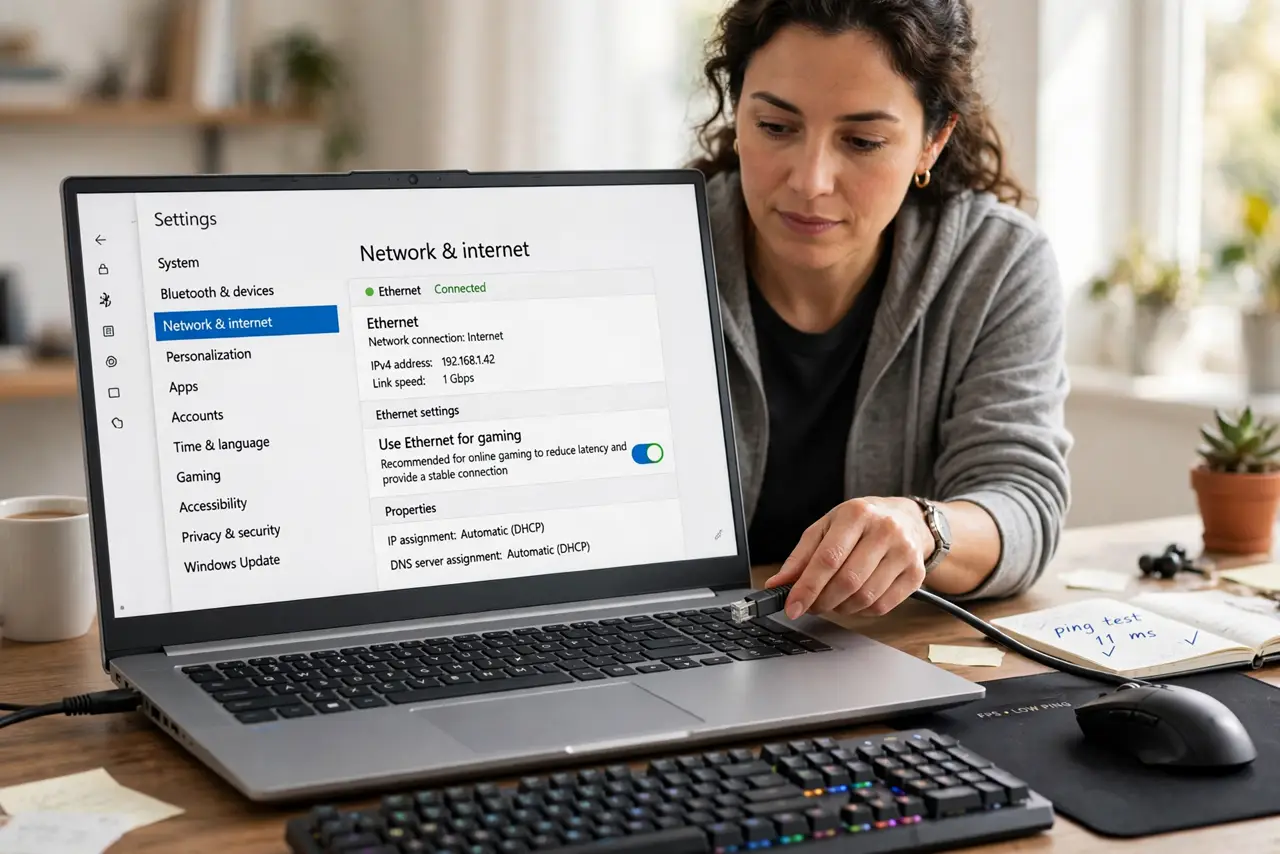
Quick fix: use Ethernet — Wi-Fi jitter is the top cause of ping spikes. Close streams and downloads during play, pick the nearest game server, and restart the router if spikes just started. If spikes persist on Ethernet with nothing else running, call the provider about line quality.
Follow these steps
- Switch to Ethernet for gaming. One cable removes Wi-Fi's jitter entirely. This single change fixes most spike complaints.
- Clear the network during matches. Pause 4K streams, downloads, and cloud backups. One stream can spike everyone's ping via bufferbloat.
- Pick the nearest server. Server distance is baseline latency. Auto-select lies sometimes — choose manually.
- Restart the router. A router up for weeks accumulates state that shows up as spikes. One clean reboot is a valid test.
- Check for bufferbloat. Run a bufferbloat test during a download. Bad bufferbloat means the router needs QoS or Smart Queue settings.
- Call the provider with data. Spikes on Ethernet, nothing else running, fresh router — that is their line. Show them timed ping logs.
What NOT to do
- Do not game on Wi-Fi and blame the game. Wi-Fi jitter is physics; the game's netcode is innocent.
- Do not buy a gaming router before trying Ethernet. A cheap cable beats an expensive router for spikes.
- Do not run speed tests mid-complaint. They measure the wrong thing — log ping over time instead.
- Do not ignore the rest of the household. Their 4K stream is your ping spike — coordinate, don't suffer.
Frequently asked questions
What causes ping spikes?
Usually Wi-Fi interference, bufferbloat from a saturated connection, or route changes at the provider. Ethernet plus a quiet network eliminates the first two.
Is 100ms ping bad?
For shooters, yes — under 50ms is the goal. For turn-based games, 100ms is invisible.
Why spikes only in the evening?
Congestion — yours or the neighborhood's. See the evening slowdown pattern for the bigger picture.