Set Up a Pixel Watch
A Pixel Watch pairs exclusively with Android — iPhones need not apply — and the setup flows through the Google Pixel Watch app. Most pairing stalls come from Bluetooth leftovers, an outdated companion app, or the watch being linked to a previous phone. Here is the clean setup path.
TL;DR / Quick Fix
The Pixel Watch pairs with Android phones through the Google Pixel Watch app — not iPhone. Charge the watch, install the app, enable Bluetooth, and follow the prompts with the same Google account on both. If pairing stalls, restart both devices. The Apple Watch pairing guide is the iPhone equivalent.
Follow these steps
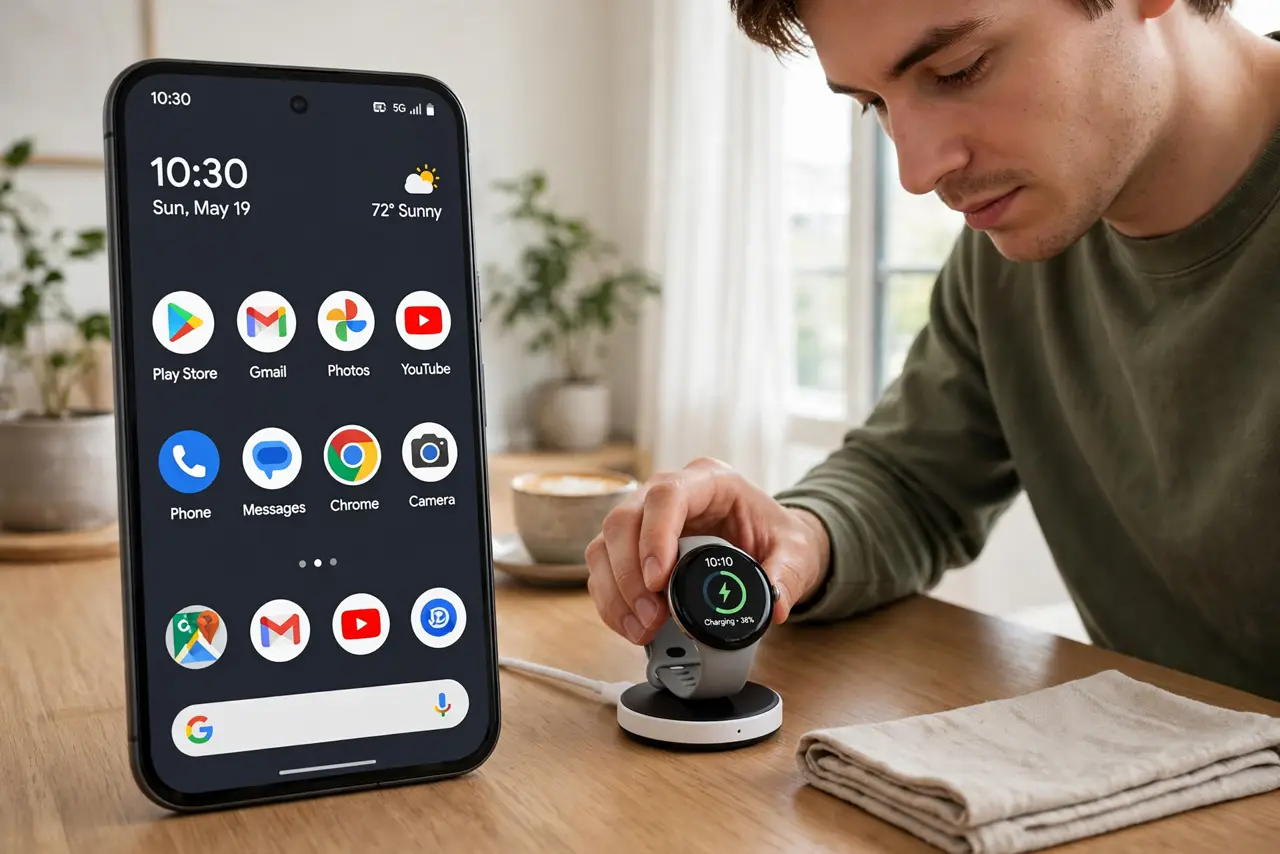
- Charge the watch first. Put it on the charger until it has a healthy charge. Pairing and updating on a near-dead battery causes the mid-setup shutdowns people mistake for defects.
- Install the Google Pixel Watch app. Get it from the Play Store on your Android phone and sign into your Google account. The watch pairs through this app, not through plain Bluetooth settings.
- Enable Bluetooth and location. Turn on Bluetooth and grant the app location permission — Android requires it for Bluetooth scanning. Denied location permission silently breaks discovery.
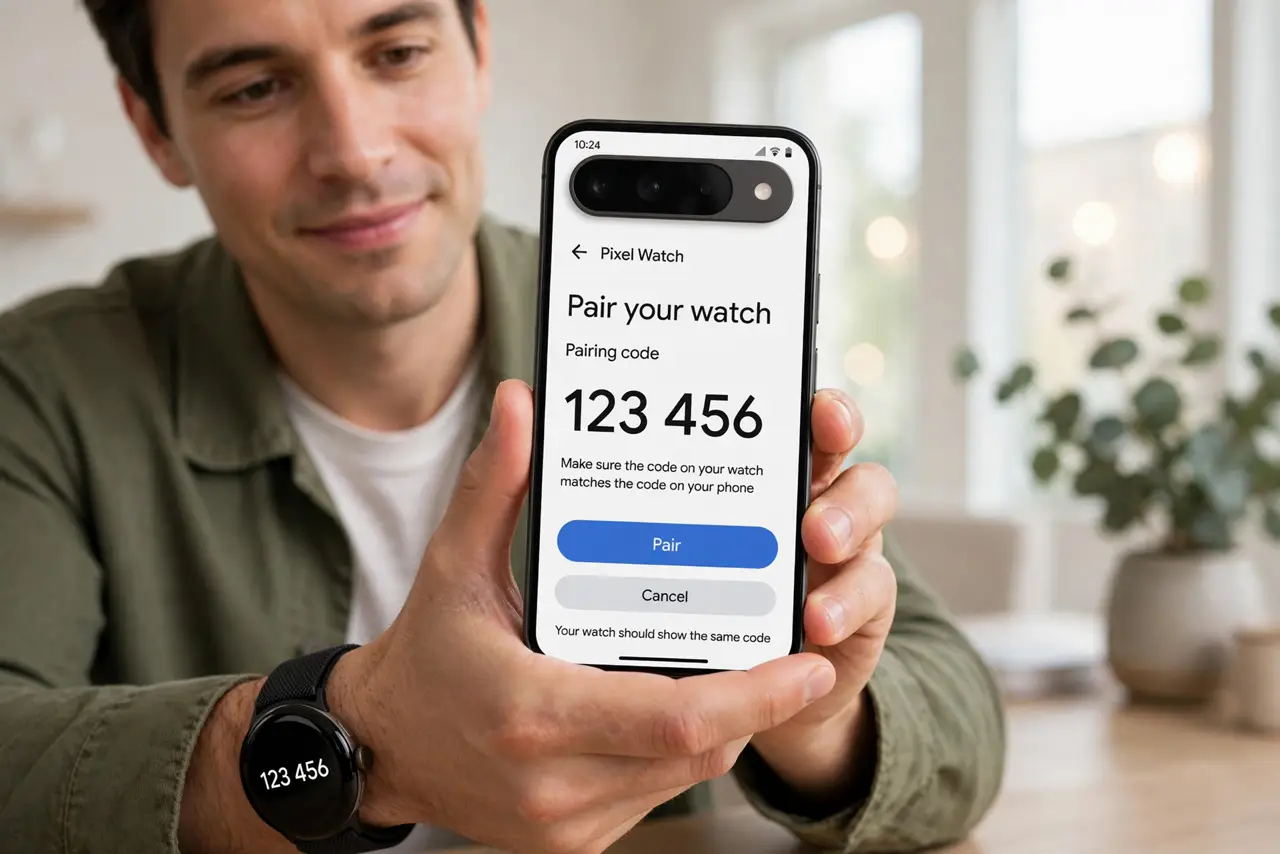
- Follow the in-app pairing flow. The app finds the watch, shows a pairing code, and confirms it matches the watch's screen. Confirm on both sides and let it finish without switching apps.
- Complete the update and setup. The watch usually downloads an update during setup — stay on Wi-Fi and be patient. Then walk through the health, notification, and watch-face choices.
- Test notifications and calls. Send yourself a text and confirm it buzzes the watch. Catching a silent-notification issue now beats missing something important tomorrow.
What NOT to do
- Do not try pairing with an iPhone. The Pixel Watch is Android-only — no app, no workaround, no exceptions.
- Do not pair from Bluetooth settings directly. The watch must pair through the Pixel Watch app; a manual Bluetooth pair creates a broken half-connection.
- Do not skip the app update. An outdated companion app is the classic cause of stalls at the pairing-code step.
- Do not reset the watch repeatedly. If pairing fails, restart the phone and watch once and retry — serial resets just waste the setup progress.
Frequently asked questions
Can I use a Pixel Watch with a Samsung phone?
Yes — any modern Android phone works, not just Pixels. Samsung's own watches offer deeper integration with Galaxy phones, but the Pixel Watch pairs fine.
Does the watch need its own data plan?
Only the LTE model, and only if you want connectivity away from the phone. The Wi-Fi/Bluetooth model needs the phone nearby.
Why won't it find my watch?
Bluetooth off, location permission denied, or the watch still paired to an old phone. Check all three, then restart both devices.