Set Up a PoE Security Camera
PoE — Power over Ethernet — means your security camera gets power and data through a single network cable: no outlet hunting, no Wi-Fi dropouts. The catch is the alphabet soup of standards and the cable run itself. Here's the practical setup, from switch to first recording.
TL;DR / Quick Fix
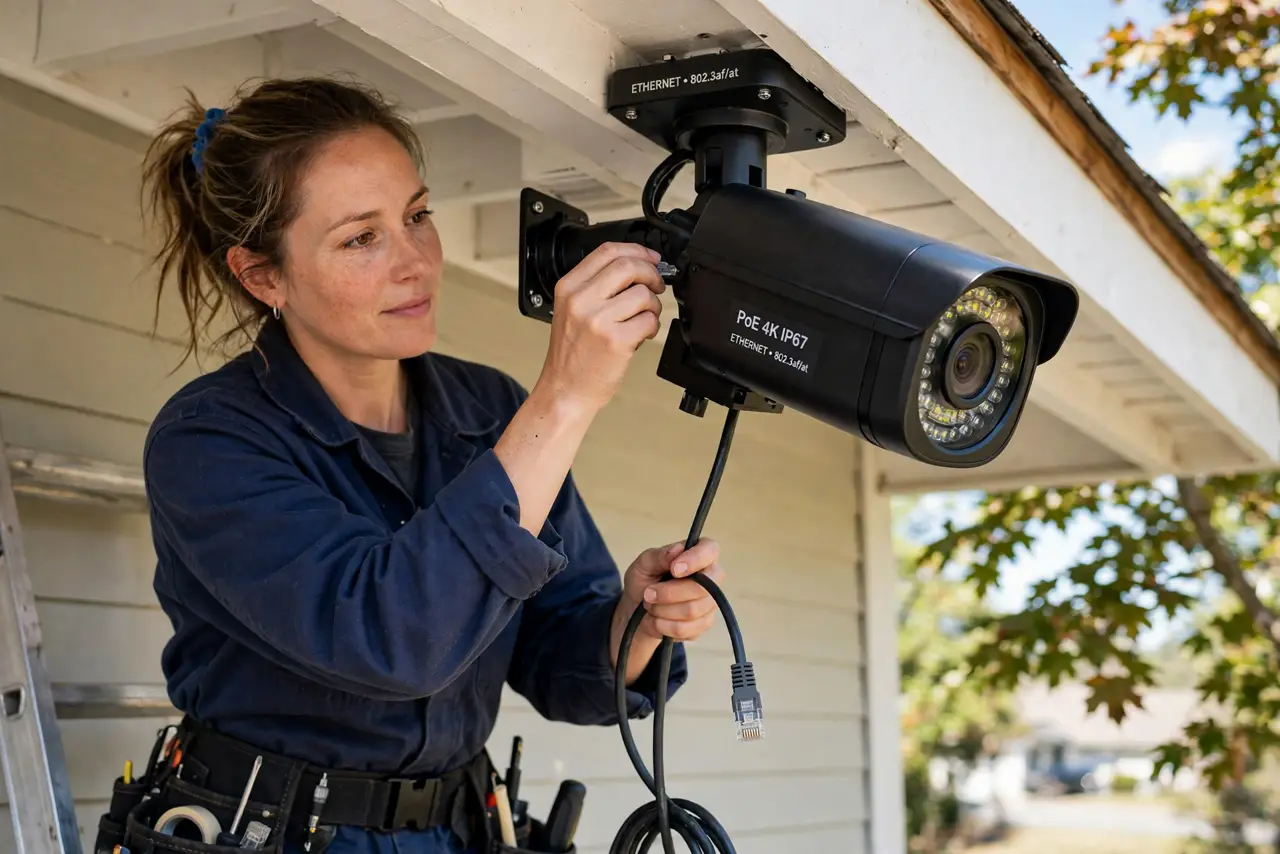
Quick fix: a PoE camera gets power and data through one Ethernet cable from a PoE switch or injector. Run the cable, plug it in, find the camera with the maker's app, and change the default password immediately. Plan cable routes before drilling — moving Ethernet is the painful part.
Follow these steps
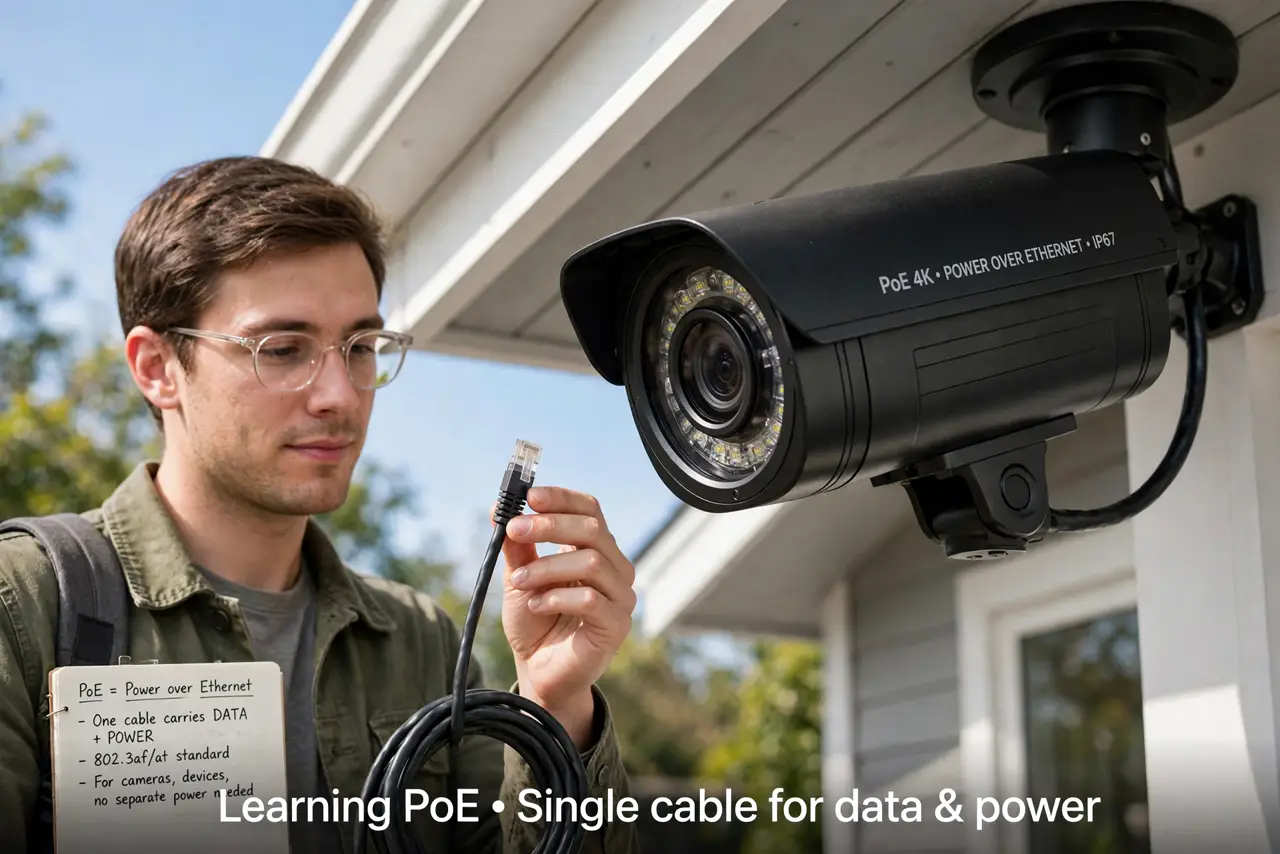
- Understand what PoE gives you. One Ethernet cable carries both data and power — the camera needs no outlet and no Wi-Fi. That's the whole appeal: reliable, wired, single-cable installs.
- Get a PoE switch or injector. Your router probably doesn't output PoE, so you need a PoE switch (multiple cameras) or a single-port injector (one camera). Match the standard — 802.3af for most cameras, 802.3at for power-hungry ones.
- Plan the cable route before drilling. Map the path from switch to camera mount, avoiding power lines and sharp bends. Measure twice — Ethernet is cheap, re-running it through walls is not.
- Run the cable and connect. Terminate or buy pre-made cable, run it, and plug camera to switch. Link lights on both ends confirm the physical connection before you touch software.
- Find the camera with the maker's app. Use the manufacturer's discovery app to find the camera on your network, then set it up — Wi-Fi cameras skip this, but PoE needs the wired handshake first.
- Change the default password immediately. Cameras ship with known default logins, and the internet scans for them constantly. Set a strong unique password before you mount the thing — and consider the separate IoT network.
What NOT to do
- Do not plug PoE into devices that can't take it without checking. Standard PoE negotiates safely, but passive/cheap injectors can fry non-PoE gear — verify compatibility.
- Do not run Ethernet alongside mains power cable. Parallel runs invite interference — cross power lines at right angles, don't hug them.
- Do not skip changing the default password. Default camera logins are public knowledge and botnets scan for them around the clock.
- Do not buy the camera before checking the PoE standard. An 802.3at camera on an 802.3af port may boot-loop or never power on.
Frequently asked questions
How long can the Ethernet run be?
Up to 100 meters (328 feet) per the standard — plenty for most homes. Beyond that you need a switch mid-run as a repeater.
PoE or Wi-Fi camera — which is better?
PoE wins on reliability: no batteries, no Wi-Fi dropouts, one cable. Wi-Fi wins where you can't run cable. Choose by your walls, not by hype.
What happens in a power outage?
The camera dies with the switch unless they're on a UPS. A small UPS on your network gear keeps cameras recording through short outages.