Powerline Adapter Drops Connection? Fix It
A powerline adapter works for a while, then drops, and the far room loses internet again and again. Powerline sends data through home wiring, so power strips, circuits, and noisy appliances all affect it more than Wi-Fi does.
TL;DR / Quick Fix
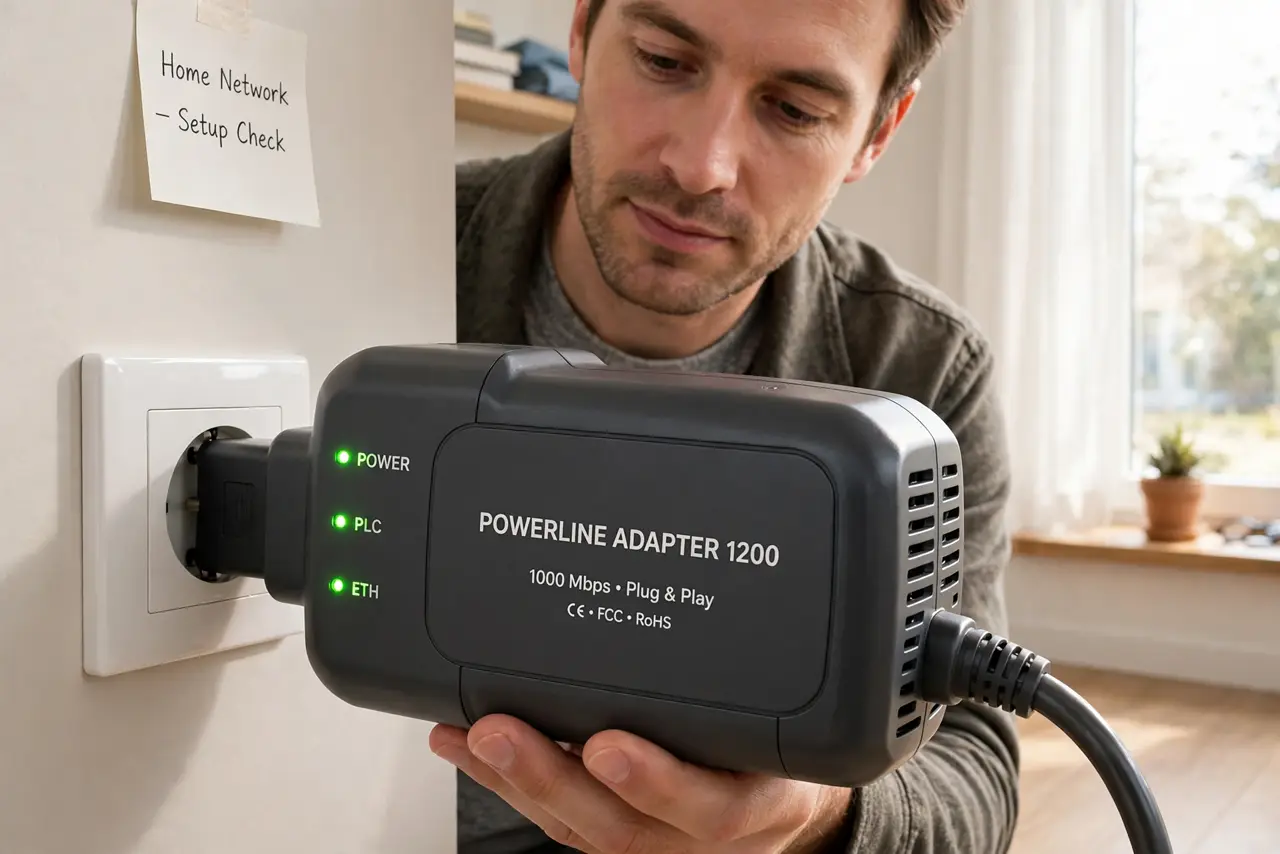
Quick fix: plug both adapters directly into wall sockets, not power strips, on the same electrical circuit. Then re-pair the adapters, move noisy appliances to other sockets, and test the far room again. Test once more after a restart. Write down what worked for next time.
Follow these steps
- Plug directly into the wall. Move both adapters from power strips to wall sockets directly. Power strips filter and weaken the powerline signal, causing drops that look random.
- Keep both adapters on one circuit. Put both adapters on the same electrical circuit when you can. Crossing circuits weakens the signal and makes drops far more likely.
- Re-pair the adapters. Follow the maker steps to pair the adapters again, starting with the one near the router. Re-pairing clears a lost pairing that causes repeated drops.
- Move noisy appliances away. Move chargers, heaters, and large motors to other sockets, away from the adapter sockets. Noisy appliances inject interference into the wiring the adapters use.
- Update the adapter firmware if offered. Check the maker app or site for a firmware update for your exact adapter model. Firmware updates can improve stability on noisy wiring.
- Test the far room over time. After each change, use the far room normally for a while before judging. Powerline drops can be intermittent, so a one-minute test can miss the pattern.
What NOT to do
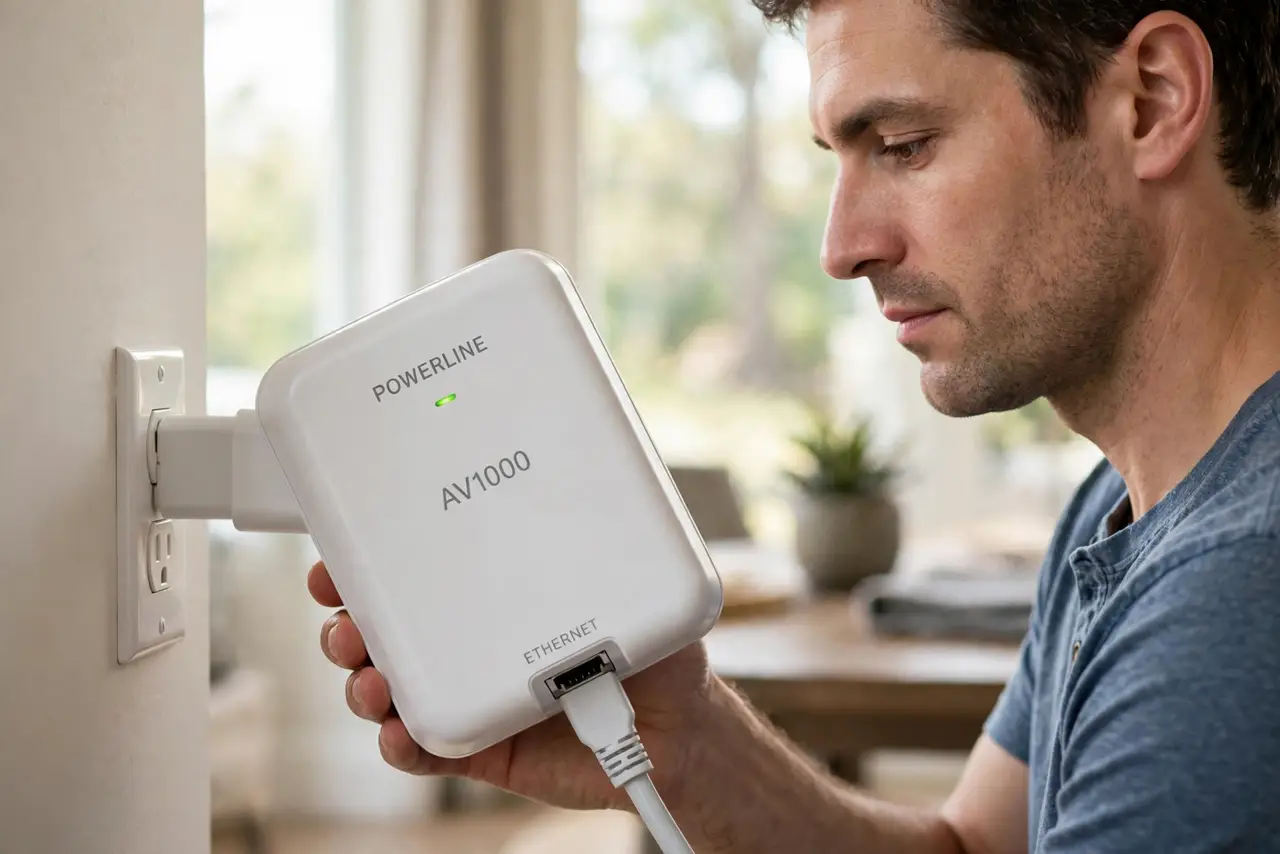
- Do not plug powerline adapters into power strips or surge protectors. Those devices filter the very signal the adapters need.
- Do not place adapters behind heavy furniture on extension leads. Long extensions and extra sockets weaken the signal before it starts.
- Do not mix adapter brands and expect them to pair. Different brands often use different standards, so keep a matched pair.
- Do not judge powerline by a one-minute test. Drops are intermittent, so test over a normal session before calling it fixed.
Frequently asked questions
Why does my powerline adapter keep dropping?
Power strips, different circuits, and noisy appliances all weaken the signal through home wiring.
Can powerline work across circuits?
Sometimes, but weaker. Same-circuit placement is far more reliable.
Should adapters match brands?
Yes. A matched pair from one maker pairs reliably, while mixed brands often fail to pair at all.