Printer Goes Offline After a Wi-Fi Change
You changed the Wi-Fi password and now the printer shows offline — it is still trying the old password, quietly failing. Updating the password on the printer itself brings it back in minutes.
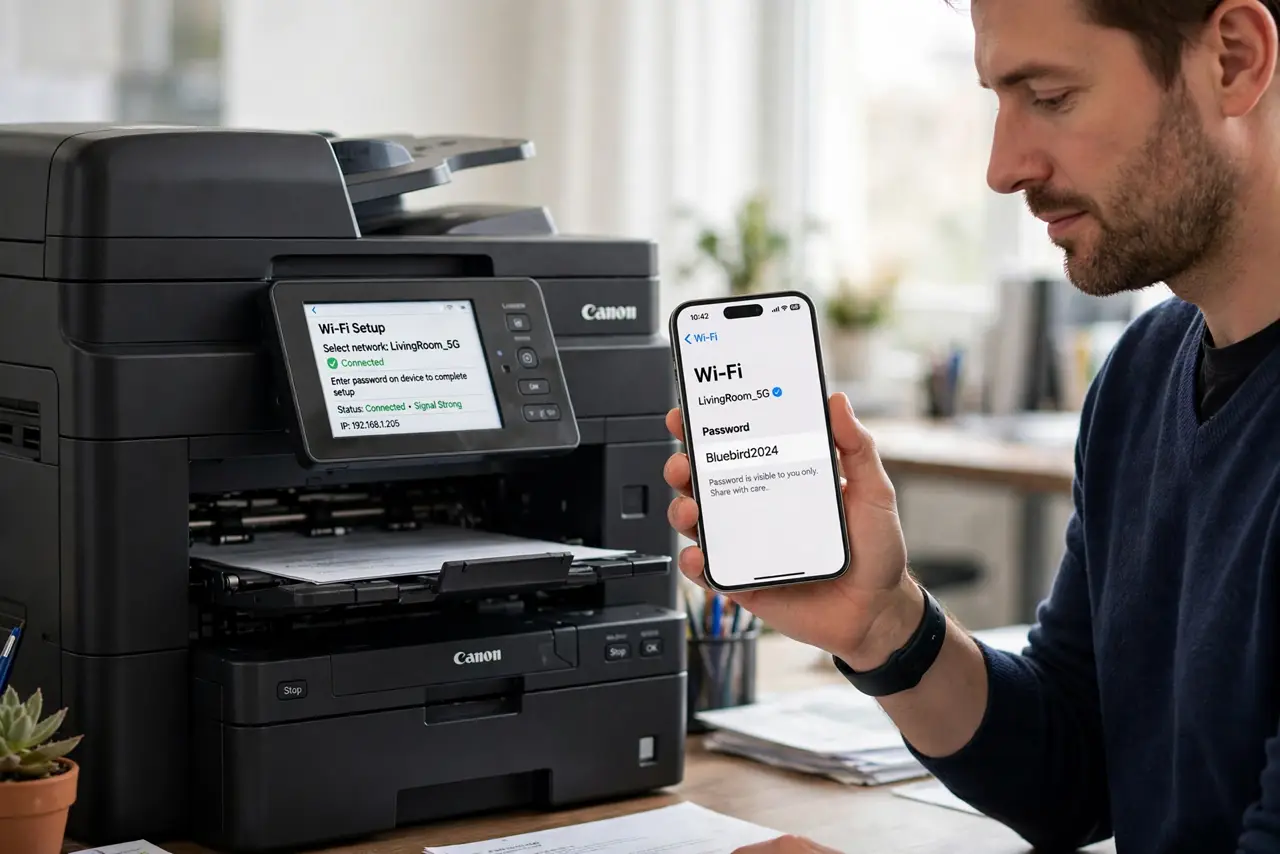
TL;DR / Quick Fix
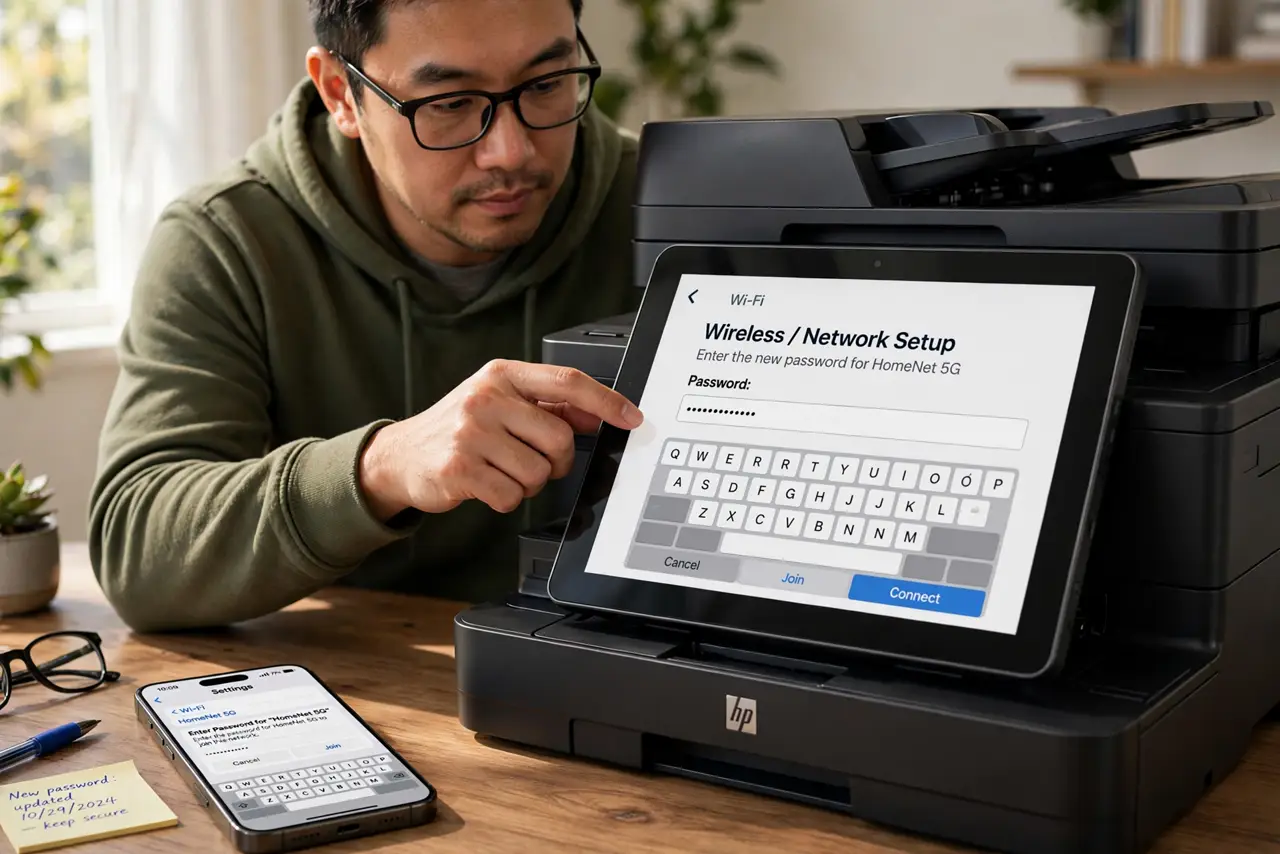
Quick fix: on the printer's own screen, open the wireless setup and enter the new Wi-Fi password exactly. Then restart the printer and the computer. If the printer still shows offline, remove it on the computer and add it fresh.
Follow these steps
- Enter the new password on the printer. Use the printer's display panel to open wireless or network setup and type the new password. The printer cannot learn the new password from your phone or laptop on its own.
- Watch for the printer's Wi-Fi light. After saving, the printer's Wi-Fi light should turn solid. A blinking light means the password was wrong or the printer joined nothing, so retype it carefully.
- Restart the printer and the computer. Power both off and on once the printer shows connected. The computer's print queue can hold onto the offline state until a restart clears it.
- Remove and re-add the printer if it lingers offline. On the computer, delete the old printer entry and add it fresh. The old entry may point at the printer's old address from before the Wi-Fi change.
- Check the printer got an address. Print a network configuration page from the printer's menu. A valid local address confirms the printer truly joined the network, not just the setup screen.
- Test with one simple page. Print a single test page before sending a big job. One success proves the whole chain — printer, network, and computer — is working again.
What NOT to do
- Do not keep hammering print on an offline printer. The jobs pile up in the queue and all print at once later, wasting paper when the printer finally reconnects.
- Do not reset the printer to factory defaults first. A reset erases scan-to-email and custom settings, while entering the new password is the actual fix.
- Do not change the Wi-Fi password again to match the printer. Update the printer to the new password once, instead of weakening the whole network's password for one device.
- Do not assume the printer is broken. A printer that worked yesterday and shows offline today after a password change is a printer with the wrong password, not a dead printer.
Frequently asked questions
Why does the printer say offline after a password change?
Because it still tries the old password and the router rejects it. Printers never learn a new password automatically.
The password is right but it still fails. Why?
Check for a typo, then confirm the printer joins the 2.4 GHz band if it is an older model that cannot use 5 GHz.
Do I need to reinstall the printer driver?
Rarely. Re-adding the printer entry is usually enough, and a driver reinstall is only for deeper printing faults.