PSVR2 Setup Tips
The PSVR2 promises stunning VR on your PlayStation 5, but your first session is blurry, the controllers drift, and the headset feels like a vise. Nearly every PSVR2 complaint traces back to setup, not hardware: fit, calibration, and room conditions. Get those right and the blur disappears. This guide dials it in.
TL;DR / Quick Fix
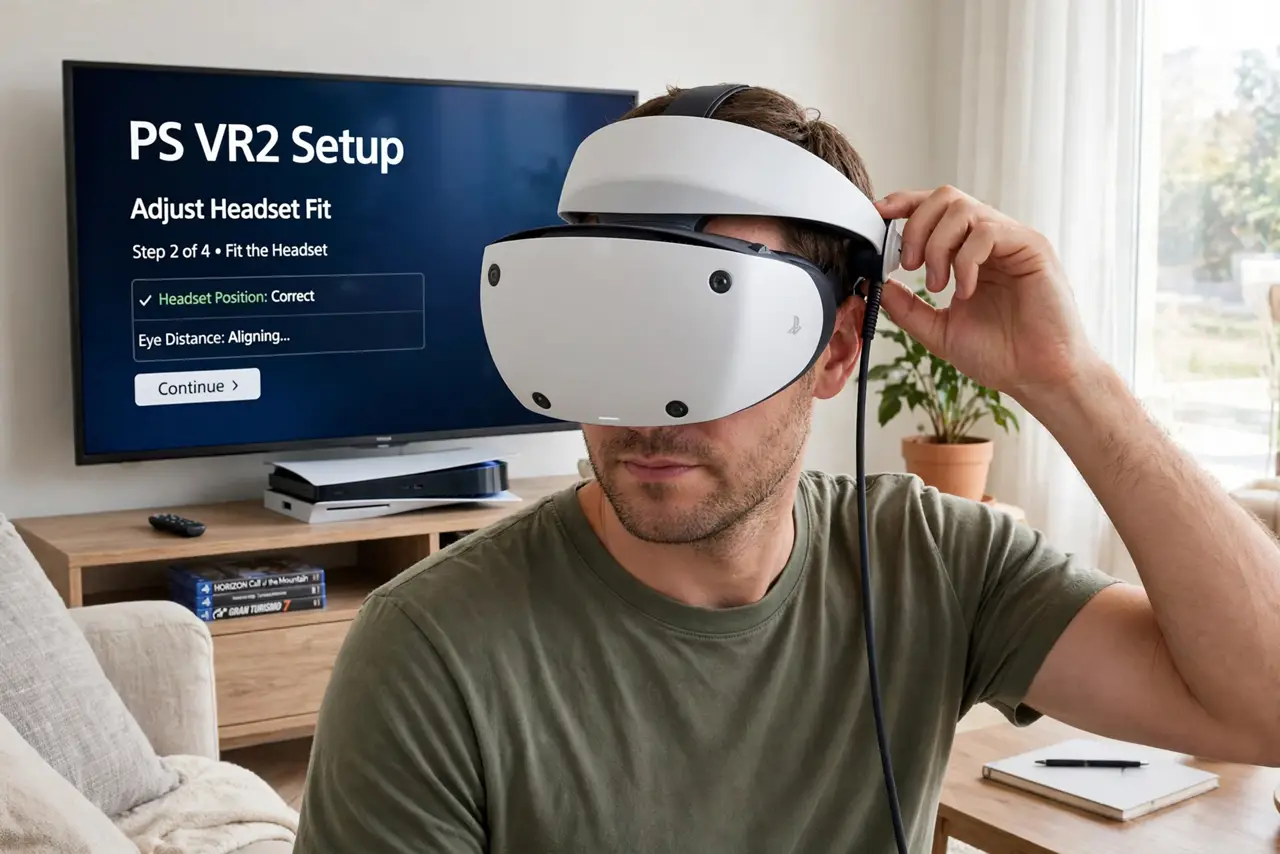
Quick fix: a blurry PSVR2 is almost always fit, not hardware — center the lenses on your eyes, run the eye-tracking calibration, and adjust the IPD slider until text is sharp. Keep lenses clean and the room lit for tracking. Take breaks, since eye strain blurs things too.
Follow these steps
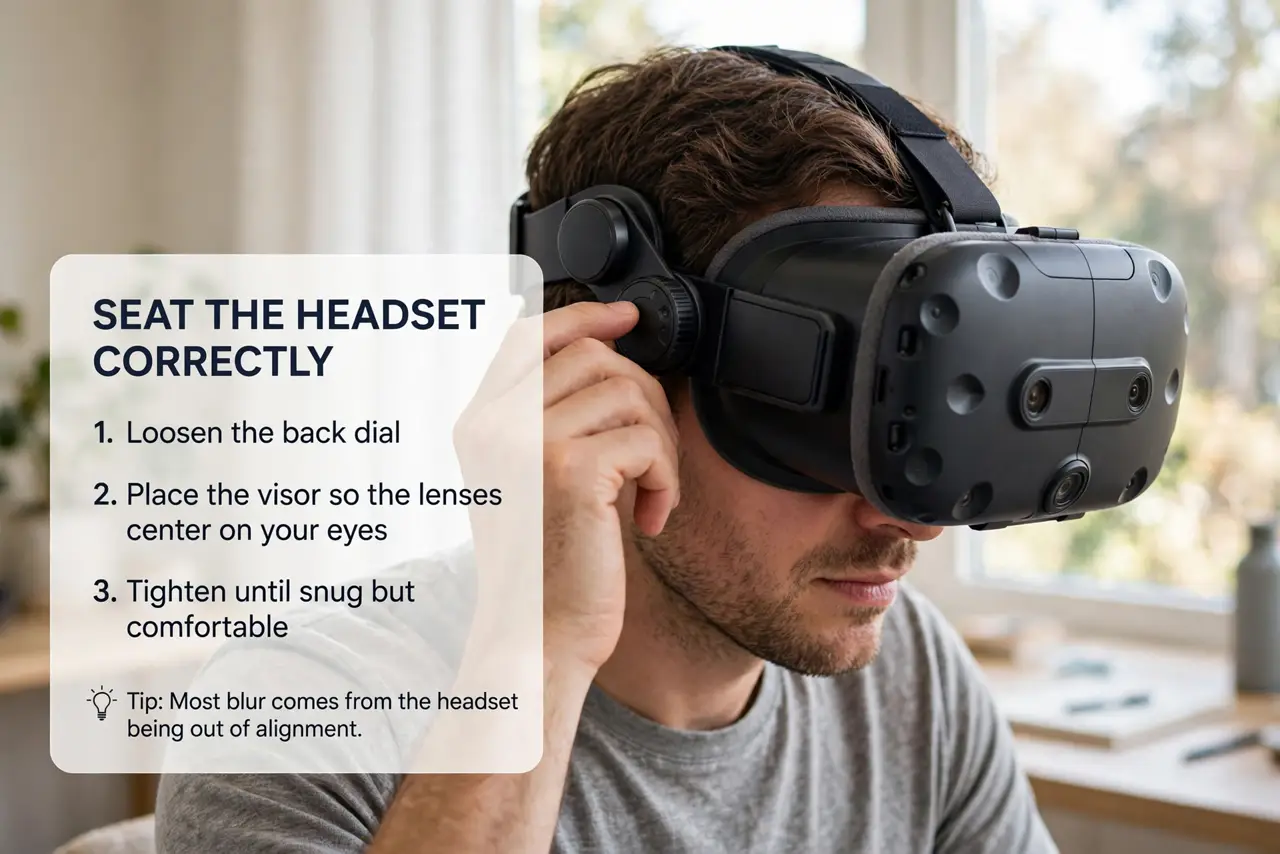
- Seat the headset correctly. Loosen the back dial, place the visor so the lenses center on your eyes, then tighten until snug but comfortable. Most blur comes from the headset sitting too high, too low, or tilted — reposition before blaming the lenses.
- Run eye-tracking calibration. The PSVR2 calibrates eye tracking during setup — do it carefully, following the dot with your eyes, not your head. Good calibration sharpens foveated rendering, which is a big part of the perceived clarity.
- Adjust the IPD. The lens-spacing slider must match your eyes. Adjust while looking at text and stop where it is sharpest — if one eye is clear and the other is not, the spacing is wrong.
- Light the room for tracking. The headset tracks via cameras that need light. A dim room causes drift and jitter — normal room lighting is enough, but near-darkness is not. Avoid direct sunlight on the lenses, which can damage them.
- Keep lenses spotless. Microfiber cloth only, gentle circles. Smudges and fog are clarity killers that feel exactly like a hardware problem — and a common reason new owners doubt their unit after choosing the right headset.
- Build up session length. Start with 20-30 minutes. Eye strain and mild nausea are normal at first and both masquerade as blur — regular short sessions build tolerance within a week or two.
What NOT to do
- Do not overtighten the headset. A vise grip causes headaches and pressure marks — snug and balanced beats tight every time.
- Do not play in a dark room. Camera tracking needs light; darkness causes the drift and swimming that new users blame on the hardware.
- Do not expose the lenses to sunlight. Sunlight through the lenses can burn the display — store the headset away from windows.
- Do not clean lenses with your shirt. Fabrics scratch the coatings — microfiber only, and keep one in the case.
Frequently asked questions
Why is only the edge of the view blurry?
That is normal — the lens sweet spot is in the center. Move your head to look at things, not just your eyes; edge softness is optical, not a defect.
Do the controllers need charging often?
They last several hours per charge. Keep the charging dock handy and drop them in after sessions — dead controllers mid-game are pure frustration.
Can I use it without the TV on?
Yes — the TV shows a spectator view, but the headset works independently. The PS5 just needs to be on.