Public USB Charging and Juice Jacking, Simply
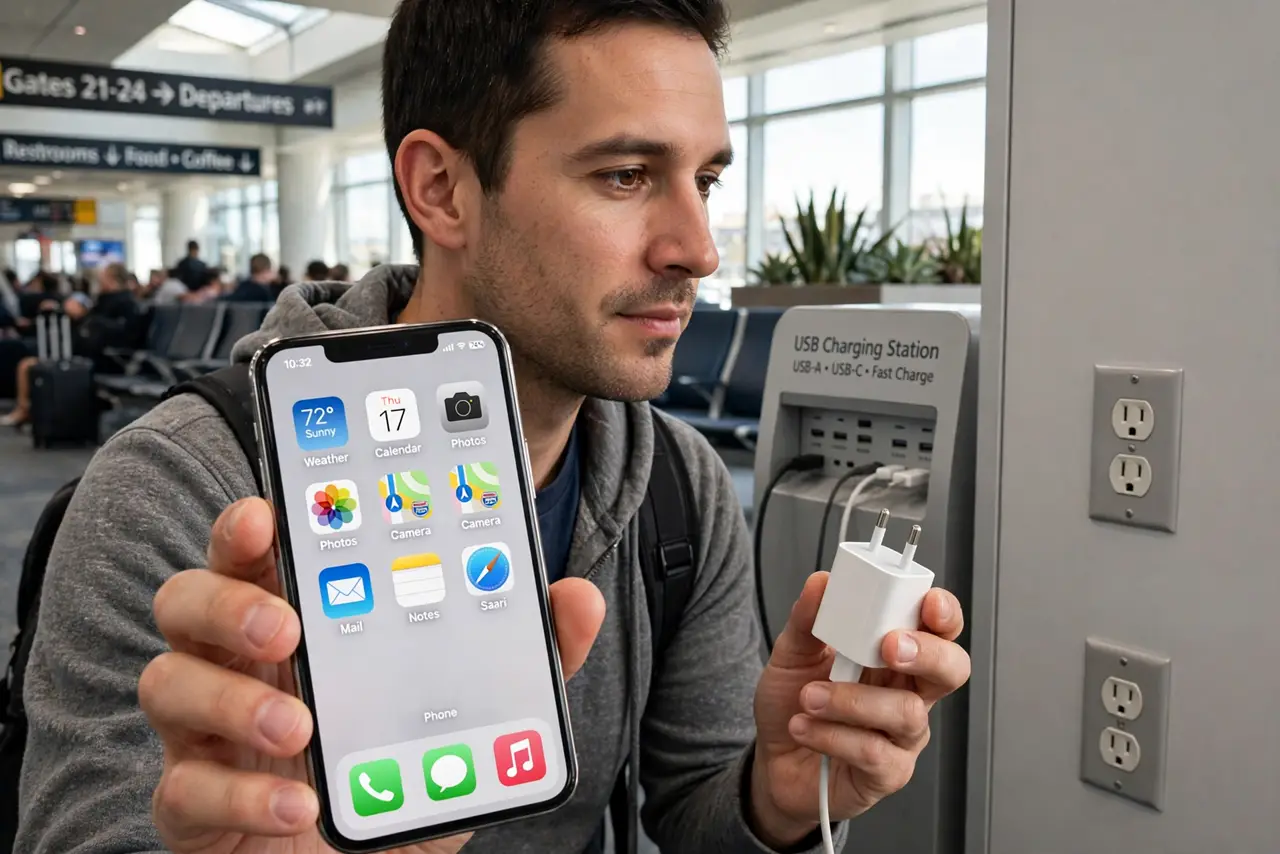
Airport and cafe charging stations offer a free USB port, and your dying phone begs you to plug in. Those ports can carry data as well as power, which is the opening for juice jacking: siphoning data or planting malware through the charging cable.
TL;DR / Quick Fix
Quick fix: carry your own charger and cable, and plug into wall outlets instead of public USB ports. If you must use a public port, use a charge-only cable or a USB data blocker, so the port gets power and nothing else.
Follow these steps
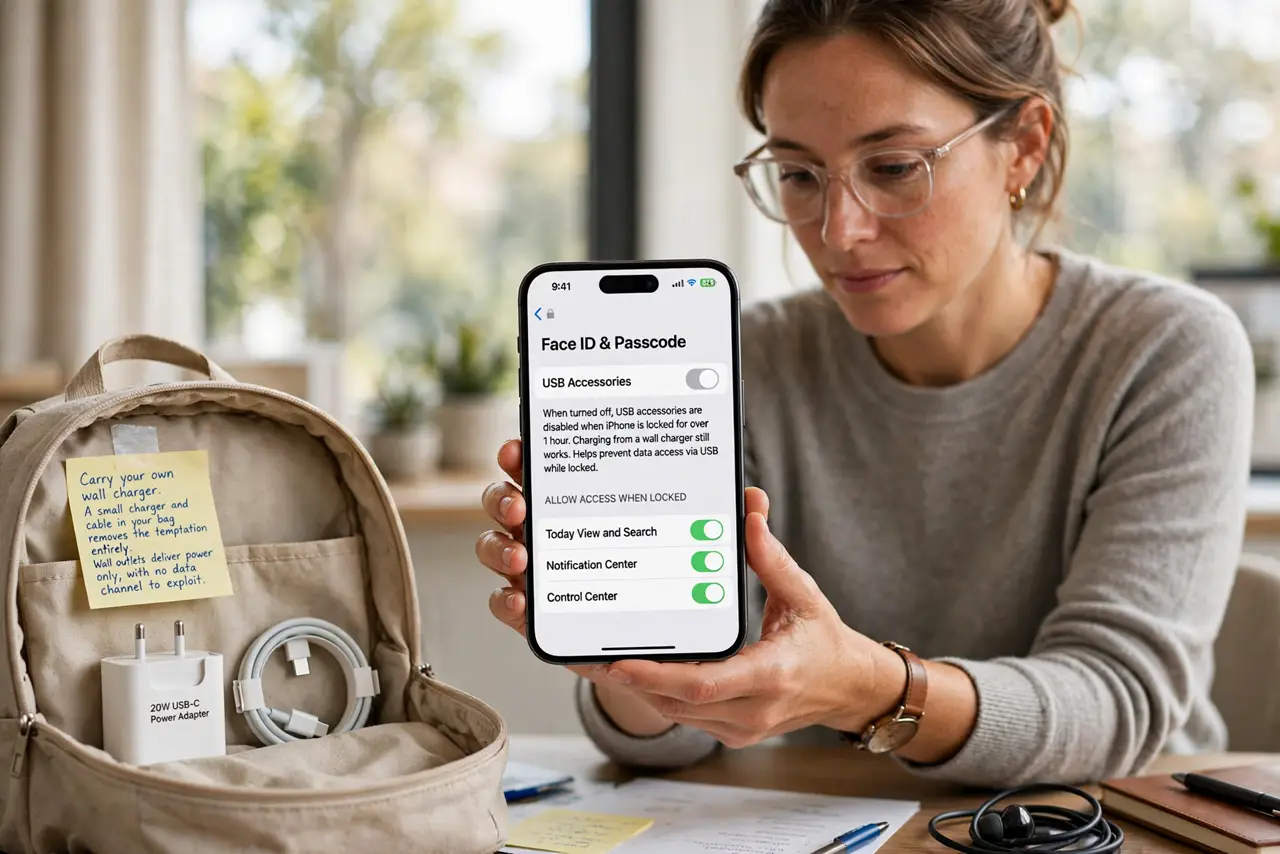
- Carry your own wall charger. A small charger and cable in your bag removes the temptation entirely. Wall outlets deliver power only, with no data channel to exploit.
- Use wall outlets, not USB ports. When a station offers both, choose the AC outlet. The USB port is the risky half of the station, even when it looks identical.
- Use a charge-only cable as backup. A cable with no data wires charges normally and cannot transfer data. Keep one for travel days when outlets are scarce.
- Consider a USB data blocker. A tiny adapter between the port and your cable passes power and blocks data. It is cheap insurance for the times you must use a public port.
- Watch for tampered stations. A station with loose parts, added adapters, or cables that are not part of the original build deserves suspicion. Tampering is how attackers upgrade a port.
- Treat unknown USB like a [[found drive|usb-stick-found-asks-to-open-files]]. A public port and a strange flash drive share the same rule: unknown USB gets no data access to your devices, ever.
What NOT to do
- Do not plug into a public USB port with your everyday cable. A normal cable carries data too, which is the whole opening for the attack.
- Do not trust a charging cable left at the station. Free cables can be modified, so use only your own known-good cable.
- Do not approve a trust-this-computer prompt at a station. That prompt is the attack asking permission, and the answer is always no.
- Do not assume juice jacking is a myth and relax. Real-world cases are rare, but the precaution costs nothing and the failure costs everything.
Frequently asked questions
What is juice jacking?
An attack that uses a public USB charging port's data channel to steal data or install malware while your phone charges.
Is it common?
Documented cases are rare, but the precaution is so cheap that experts recommend it anyway.
Does a wall outlet have the same risk?
No. A plain AC outlet carries power only, with no data path for an attacker to use.