Stay Safe on Public Wi-Fi
Free coffee-shop Wi-Fi is convenient — and it is also the easiest network you will ever join, for everyone including snoopers. You do not need to avoid public Wi-Fi entirely, but a few habits separate safe use from risky use. Start with the public Wi-Fi basics and build from there.
TL;DR / Quick Fix
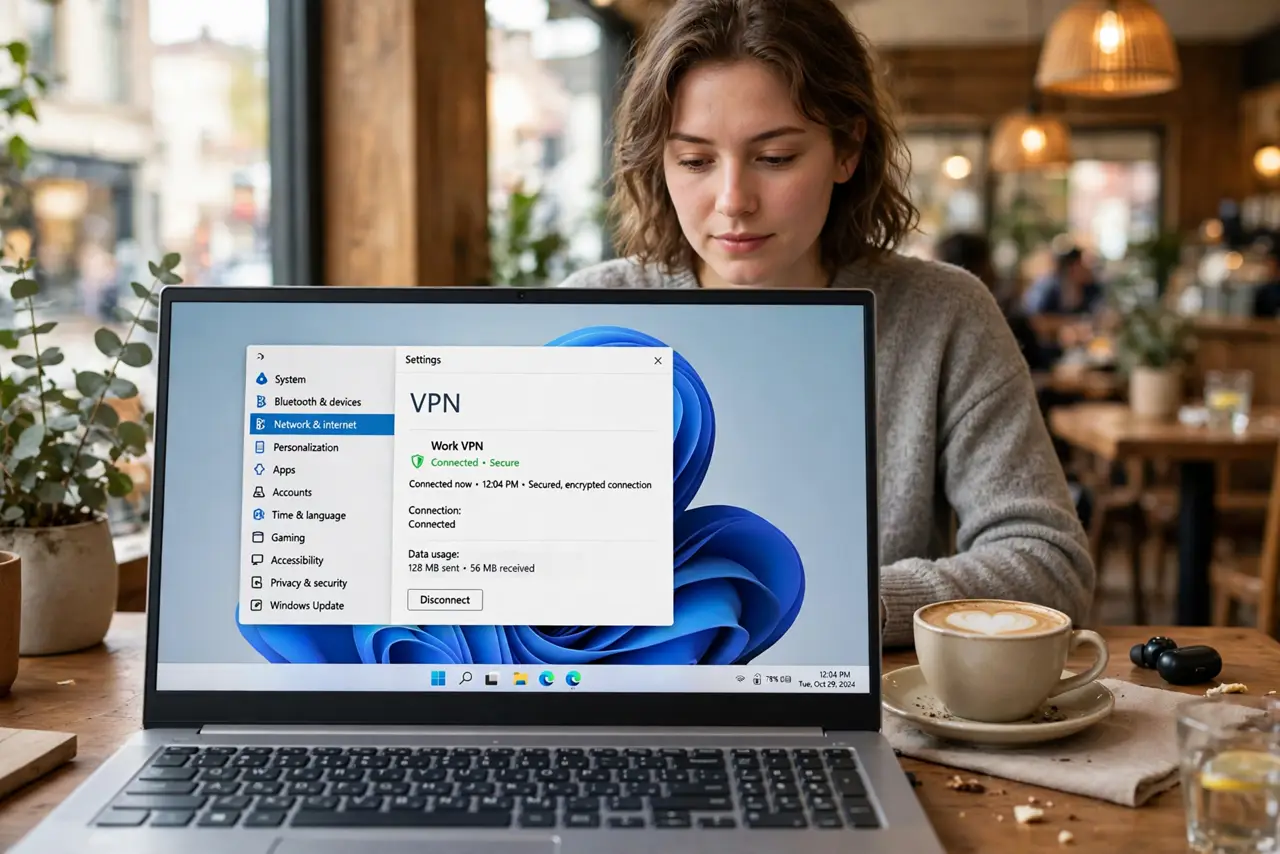
Quick fix: on public Wi-Fi, use a VPN, stick to sites with HTTPS, and turn off auto-join for open networks. Avoid banking and sensitive logins on networks you do not trust. These three habits cover nearly all real-world risk. Forget the network when done so devices do not rejoin silently.
Follow these steps
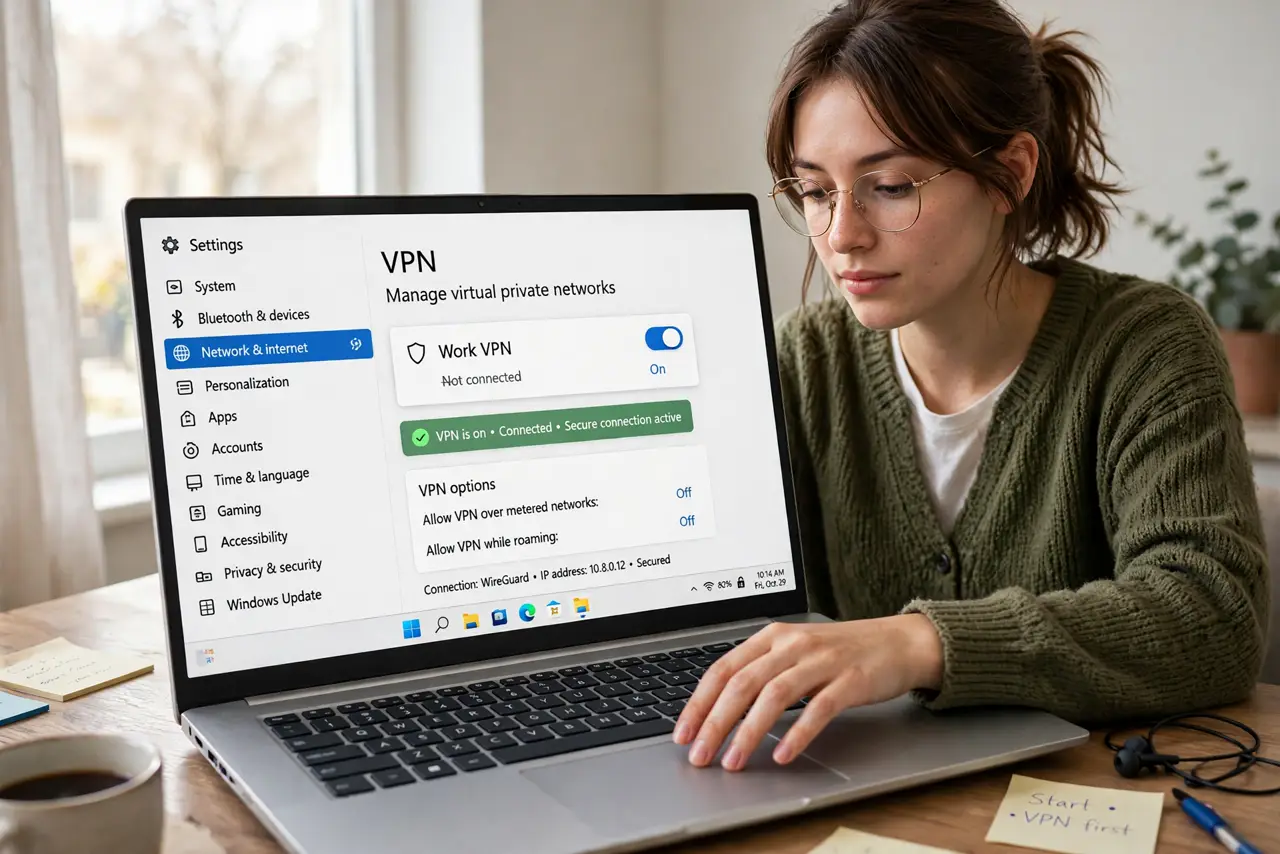
- Turn on a VPN before anything else. A VPN encrypts your traffic so local snoopers see noise. Connect it before opening email or anything sensitive — see VPN basics.
- Verify the network name. Attackers run fake hotspots named 'Free Cafe WiFi.' Ask staff for the exact network name before joining.
- Stick to HTTPS sites. Look for the padlock — HTTPS encrypts between you and the site even on hostile networks. Never enter passwords on non-HTTPS pages.
- Turn off auto-join. Phones that auto-join any open network will hop onto attacker hotspots silently. Disable auto-join for public networks in Wi-Fi settings.
- Avoid sensitive accounts on sketchy networks. Banking and work admin can wait for home or mobile data. Convenience is not worth the risk profile.
- Forget the network when you leave. Remove it from saved networks so your device does not reconnect automatically next time you walk past.
What NOT to do
- Do not do banking on airport Wi-Fi without a VPN. High-traffic hotspots are the most-targeted networks there are.
- Do not trust every 'Free WiFi' name you see. Evil twin hotspots exist precisely to harvest logins.
- Do not leave file sharing on. Public network profiles should disable sharing — check before you connect.
- Do not assume the padlock means the network is safe. HTTPS protects the site connection, not the network — the VPN covers the rest.
Frequently asked questions
Is a free VPN enough?
It beats nothing, but free VPNs have their own risks — see free VPN risks. A reputable paid VPN is the safer pick.
Is mobile data safer than public Wi-Fi?
Yes — cellular is much harder to snoop. When in doubt, hotspot from your phone instead.
What about the cafe's login page?
Captive portals are normal. Connect the VPN after you clear the portal page.