VPN on Public Wi-Fi? Basics
You have heard 'use a VPN on public Wi-Fi' a hundred times, but what does it actually do for you at the coffee shop? A VPN (virtual private network) wraps all your internet traffic in encryption between your device and the VPN's server — so the café network sees scrambled noise instead of your browsing. It is the single highest-value safety habit on public networks. Here is the plain version.
TL;DR / Quick Fix
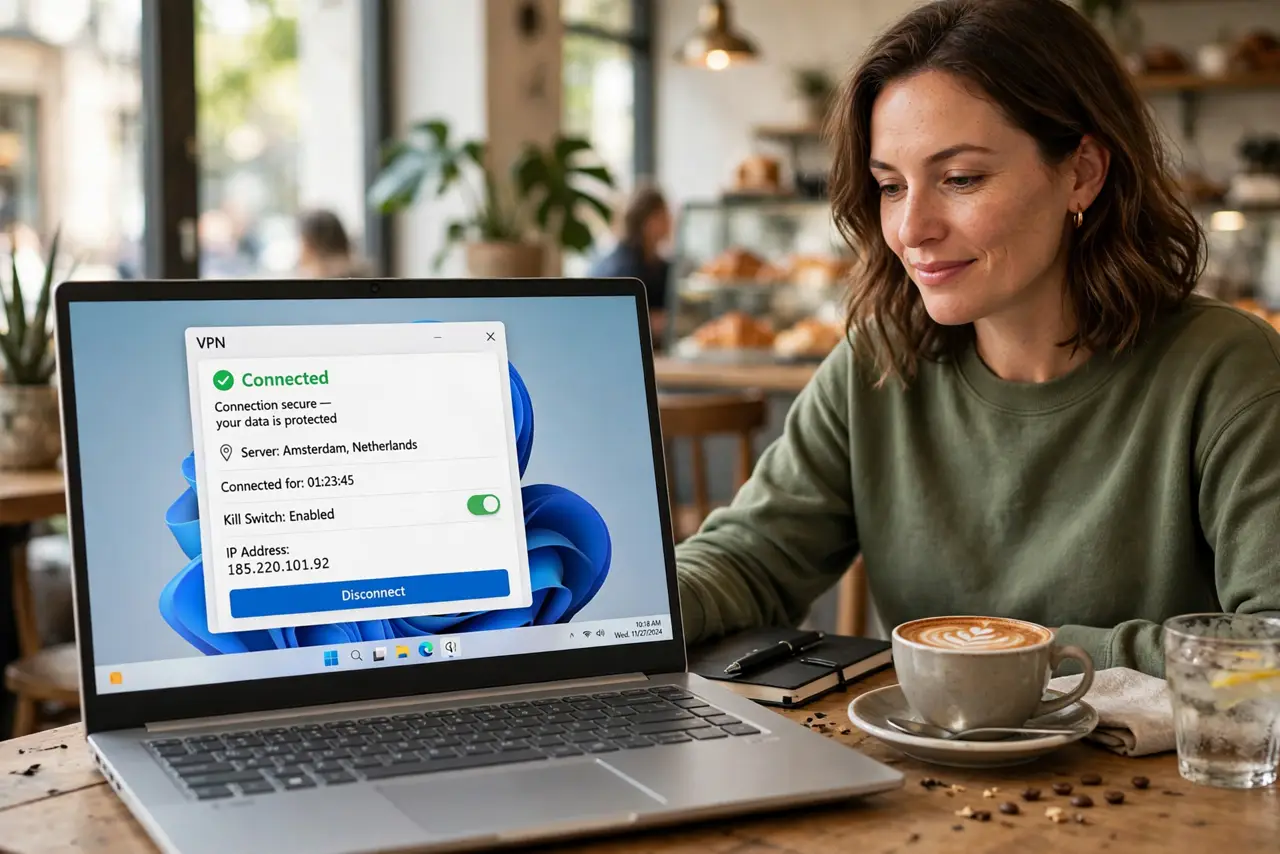
Quick fix: a VPN encrypts all your traffic on public Wi-Fi so the network operator and snoopers see only scrambled data. Turn it on before joining the network, use a reputable paid provider, and leave it on for the whole session. It is the single best public Wi-Fi habit.
Follow these steps
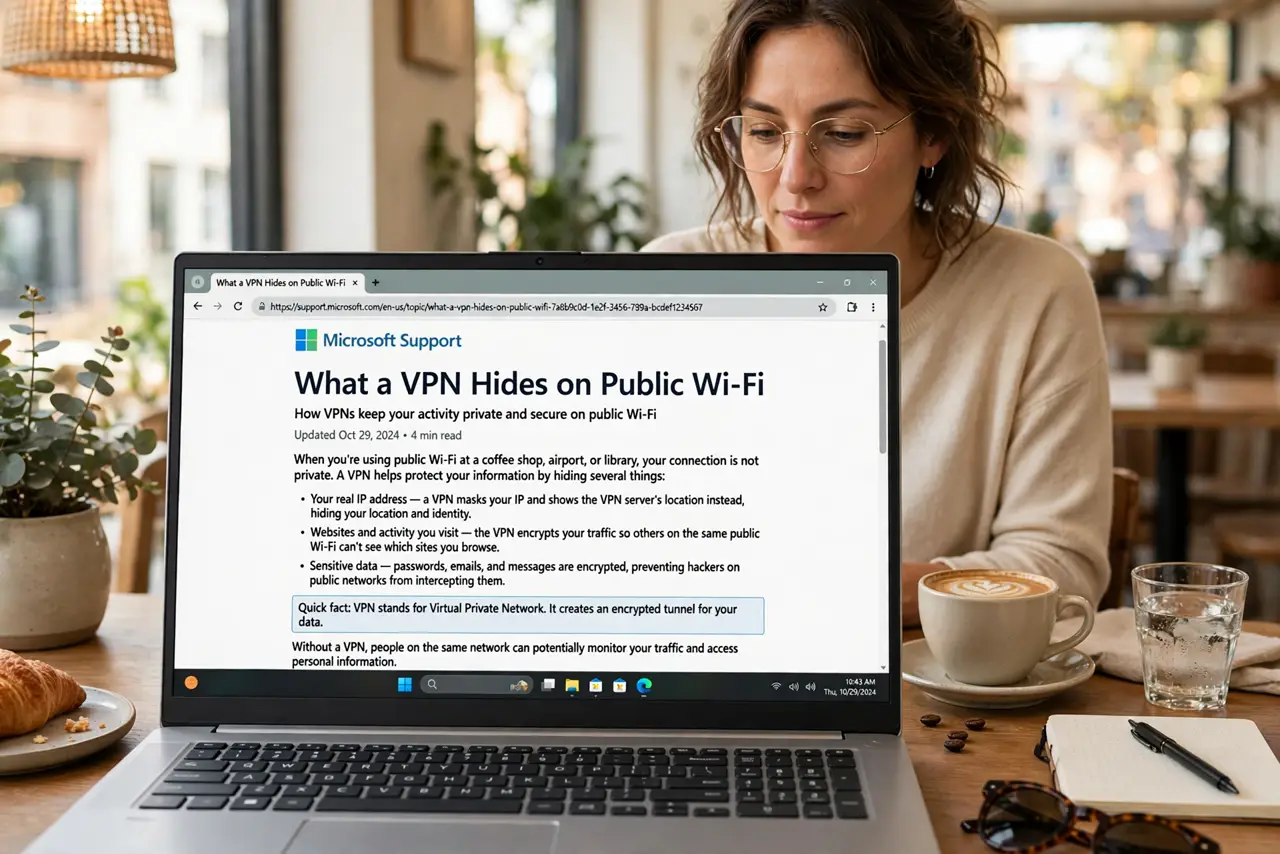
- Understand what a VPN hides. On café Wi-Fi without a VPN, the network can see which sites you visit and intercept unencrypted traffic. A VPN encrypts everything between you and the VPN server — the local network sees only one encrypted stream. See VPN basics for the fuller picture.
- Turn it on BEFORE joining. Connect the VPN as soon as you join the public network — ideally set it to auto-connect on unknown networks. Traffic sent before the VPN connects is unprotected traffic.
- Pick a reputable provider. Free VPNs often pay the bills by logging or selling your data — the exact thing you are trying to avoid. A well-reviewed paid VPN costs a few dollars a month; see the free-VPN catch before trusting a free one.
- Check for the kill switch. A kill switch cuts your internet if the VPN drops, so you never leak unprotected traffic silently. Turn it on in the VPN app's settings — it is the difference between protection and the illusion of it.
- Do not forget your phone. Your phone joins the same risky networks. Install the VPN app on your phone too and enable auto-connect — mobile apps leak plenty of data over open Wi-Fi.
- Know what a VPN does not do. It does not block malware, phishing, or fake login pages. It hides your traffic from the local network — that is all, and that is plenty. Pair it with the café Wi-Fi habits for the full routine.
What NOT to do
- Do not use a random free VPN. If you are not paying, your data is the product — free VPNs are often worse than no VPN.
- Do not connect first, VPN later. Every second unprotected on a hostile network is the window an attacker needs.
- Do not assume the VPN makes you anonymous. It hides traffic from the local network, not from the sites you log into.
- Do not torrent or break rules over café Wi-Fi even with a VPN. A VPN is a privacy tool, not a permission slip.
Frequently asked questions
Does a VPN slow down my connection?
Somewhat — encryption and the extra hop cost speed. On café Wi-Fi the bottleneck is usually the café itself, so you will rarely notice. Pick a nearby server to minimize it.
Can I just use my phone hotspot instead?
Often yes — cellular data is inherently safer than open Wi-Fi. But hotspots have data caps, so a VPN on Wi-Fi is the unlimited-data answer.
Do I need a VPN at home too?
Less so — your home network is trusted. A VPN at home mainly hides browsing from your internet provider, which is a different decision with different tradeoffs.