Should You Use a VPN Before Public Wi-Fi Login
Coffee shop Wi-Fi asks you to log in through a portal page, and you wonder whether the VPN should go on first. The answer is about order: the portal needs to see you before the VPN hides you.
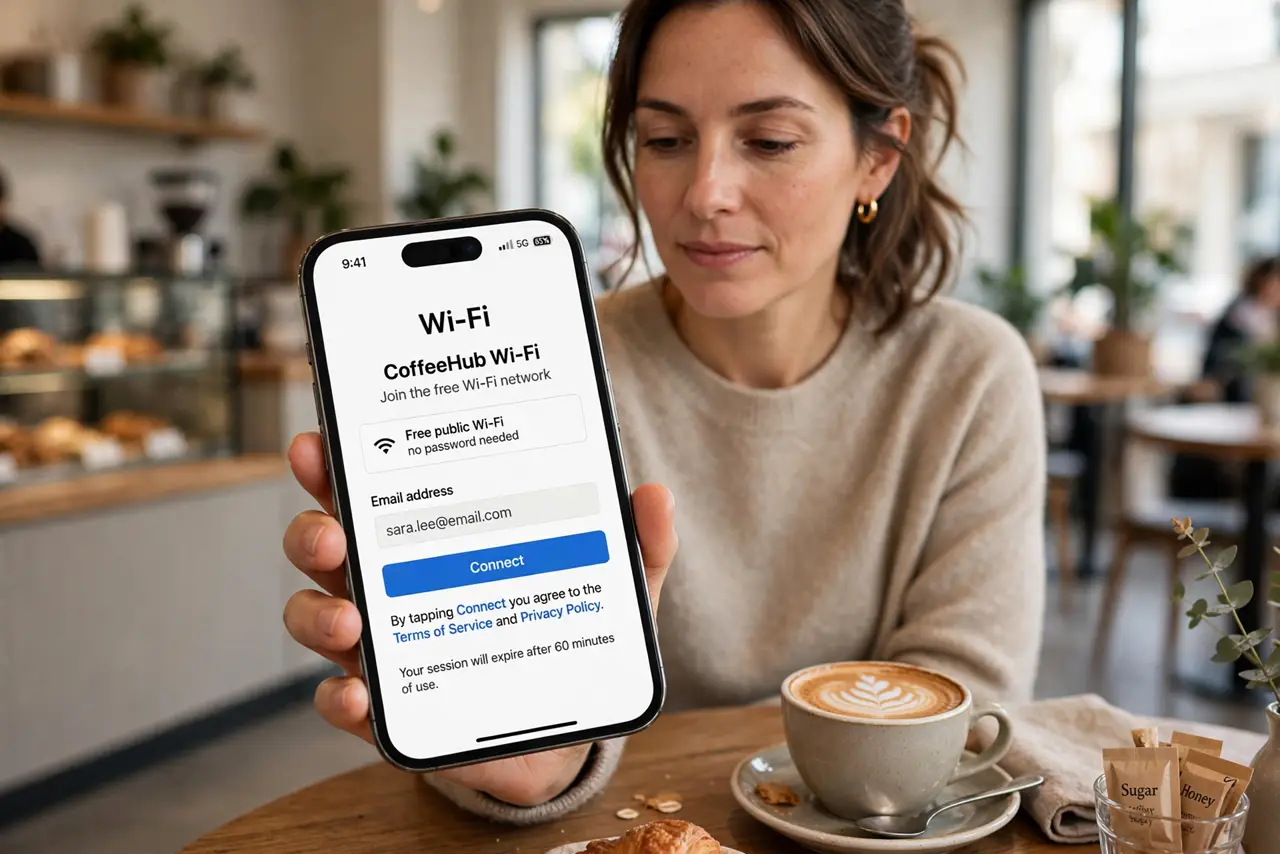
TL;DR / Quick Fix
Quick fix: connect to the public Wi-Fi, complete the portal login with the VPN off, and turn the VPN on immediately after you are online. The portal cannot validate you through an active VPN tunnel, but everything after the login should travel inside it.
Follow these steps
- Connect to the network first. Join the public Wi-Fi normally with the VPN off. The portal page needs a direct connection to show you its login or accept-terms screen.
- Complete the portal login. Fill in whatever the portal asks — a room number, an email, or just an accept button. Until this step finishes, you have no real internet for the VPN to protect.
- Turn the VPN on right after. The moment pages load, enable the VPN. From here on, your browsing travels inside the encrypted tunnel instead of in the open.
- Check the VPN actually connected. Look for the VPN icon or open the VPN app to confirm. A VPN that silently failed to connect leaves you browsing in the open while you feel safe.
- Avoid sensitive logins before the VPN is up. Do not open banking or email between the portal login and the VPN connecting. That short window is exactly when your traffic is most exposed.
- Follow a public Wi-Fi safety routine for the rest. Forget the network when you leave, keep sharing off, and prefer sites with the padlock, per a solid public Wi-Fi safety routine. The VPN is one layer, not the whole plan.
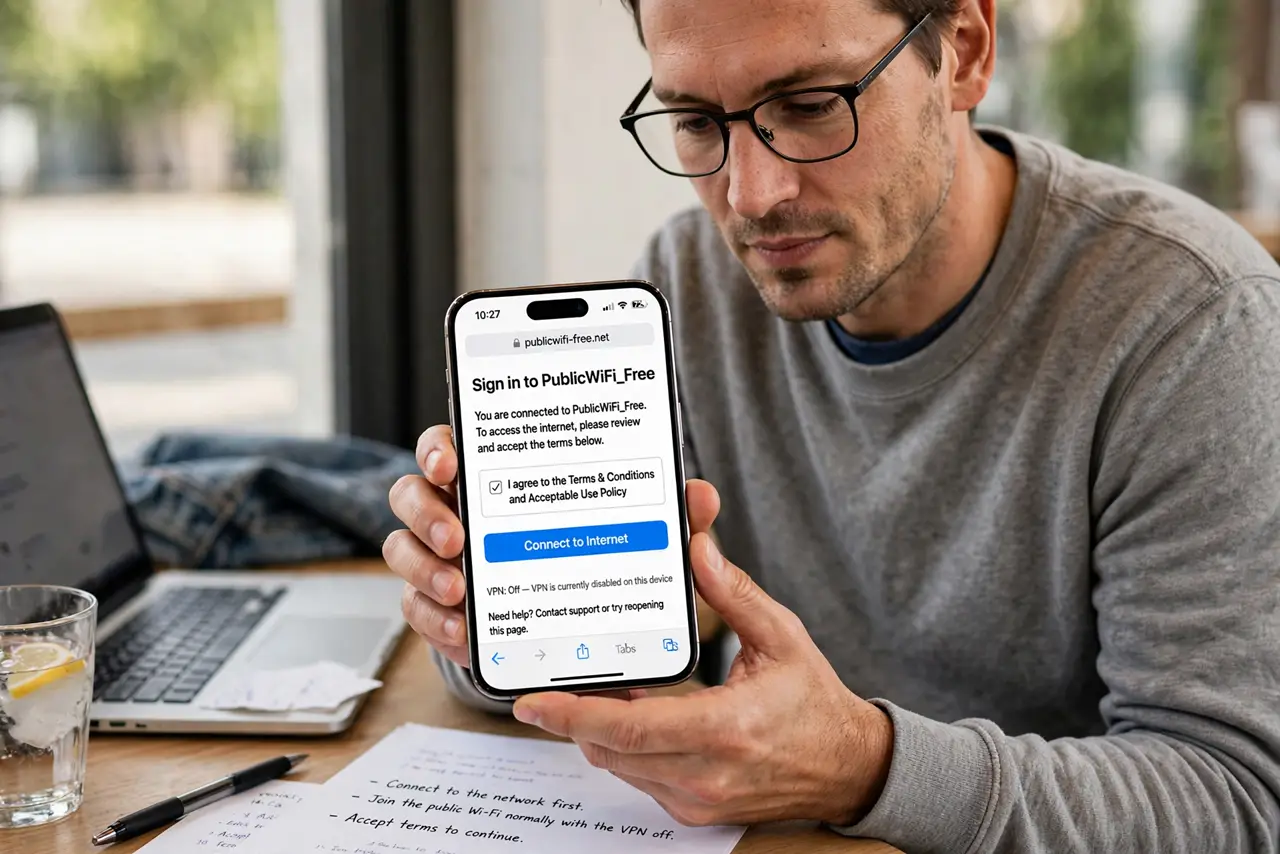
What NOT to do
- Do not turn the VPN on before the portal login. The portal cannot reach you through the tunnel, so the login page never completes and you stay offline.
- Do not trust the portal page with more than it asks. A coffee shop portal that wants your full identity deserves suspicion — give the minimum it requires.
- Do not do banking on public Wi-Fi with no VPN at all. The portal login is not encryption, and your traffic stays readable to others on the network.
- Do not assume the VPN makes everything safe. It encrypts the tunnel, but phishing pages and fake portals can still trick you inside it.
Frequently asked questions
Why not VPN first, then login?
Because the portal needs to see your device directly to grant access. A VPN hides you, so the portal's check never completes.
Is the portal login itself safe?
Mostly it is just access control, not encryption. Treat anything you type before the VPN is on as potentially visible.
Do I need a VPN on public Wi-Fi at all?
It is the simplest strong protection for open networks. Without one, your browsing can be observed by others nearby.