Malicious QR Codes? How to Spot Them
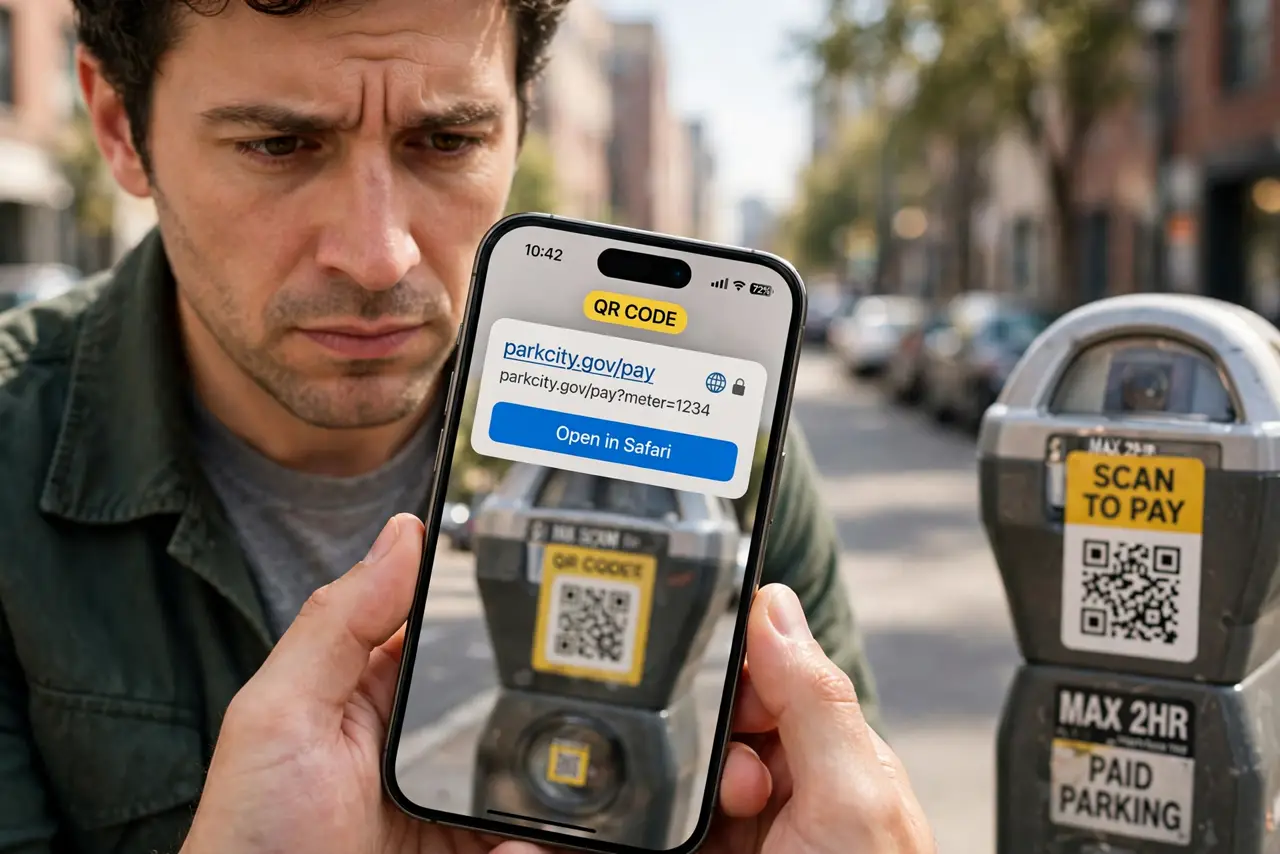
QR codes ask for blind trust — you point, it opens, you never see the address first. Scammers exploit that: fake stickers over parking meter codes, QR codes in phishing emails, restaurant table codes swapped for malicious ones. The fix is a one-second habit: preview the URL before you open it.
TL;DR / Quick Fix
Scammers stick fake QR codes over real ones — on parking meters, restaurant tables, and in emails — to send you to phishing sites. Preview the URL before opening: most phones show the address after scanning. If the domain looks wrong or the sticker covers another code, walk away.
Follow these steps
- Let the phone show the preview. Both iPhone and Android cameras display the URL before opening. Never tap through without reading that address — it is your only inspection point.
- Check the domain carefully. A parking payment at 'citypay-secure.top' instead of the city's real domain is the tell. Look for misspellings, odd endings, and extra words.
- Inspect physical stickers. A QR sticker pasted over another code, slightly crooked or bubbling at the edges, is a classic swap — see parking meter scams. Peel suspicion, not the sticker.
- Be extra wary in emails. Legitimate companies rarely send QR codes asking you to log in by email. A QR in an unexpected email deserves the same suspicion as a link.
- Type critical addresses manually. For payments and banking, type the address yourself or use the official app — never arrive via a scanned code when money is involved.
- Report swapped codes. Tell the restaurant, the parking operator, or the venue. One report gets the fake sticker removed before the next victim.
What NOT to do
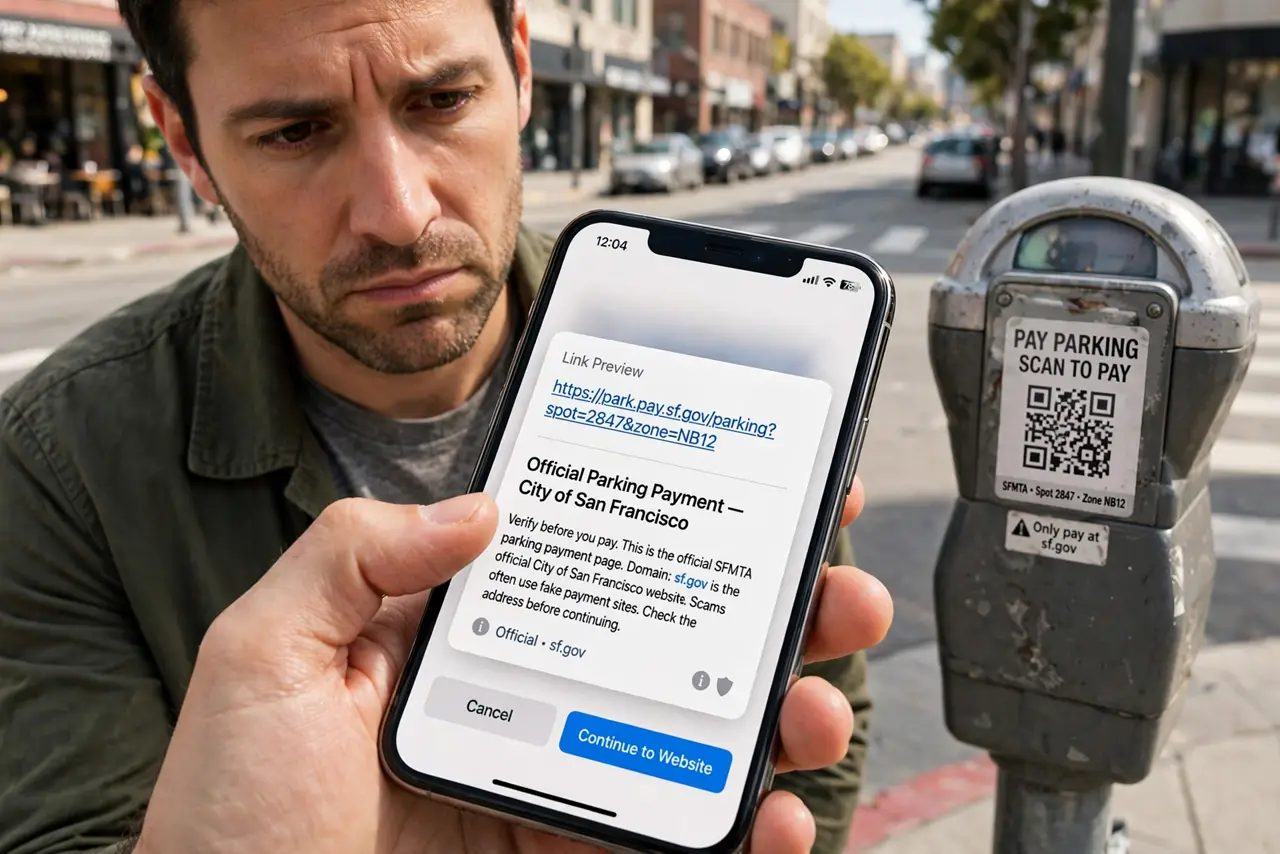
- Do not scan QR codes that ask for login credentials. No legitimate login flow starts from a random sticker — go to the site directly.
- Do not trust a code just because the location looks official. Stickers go over real codes in broad daylight; placement proves nothing.
- Do not disable the URL preview. Some scanner apps offer 'open instantly' — that convenience deletes your only chance to inspect.
- Do not enter payment details on a page you reached by QR without verifying the domain twice. Money pages deserve manual navigation.
Frequently asked questions
Can a QR code itself contain a virus?
The code is just text — usually a URL. The danger is the page it opens, which can phish or attempt malicious downloads. Preview first, always.
Why do scammers love QR codes?
Because they bypass the suspicion people learned for links — nobody 'reads' a QR code, so the malicious address hides in plain sight.
Are QR codes on restaurant tables safe?
Mostly, but swaps happen. If the menu page asks for anything beyond viewing — login, payment, app download — verify with staff.