QR Code Sticker Over a Real Code? Check First
Scammers stick their own QR code over a genuine one on posters, parking meters, and restaurant tables. Scanning the sticker can lead to a fake payment or login page. Inspect the code before you scan, and never pay through a stickered code without verifying it.
TL;DR / Quick Fix
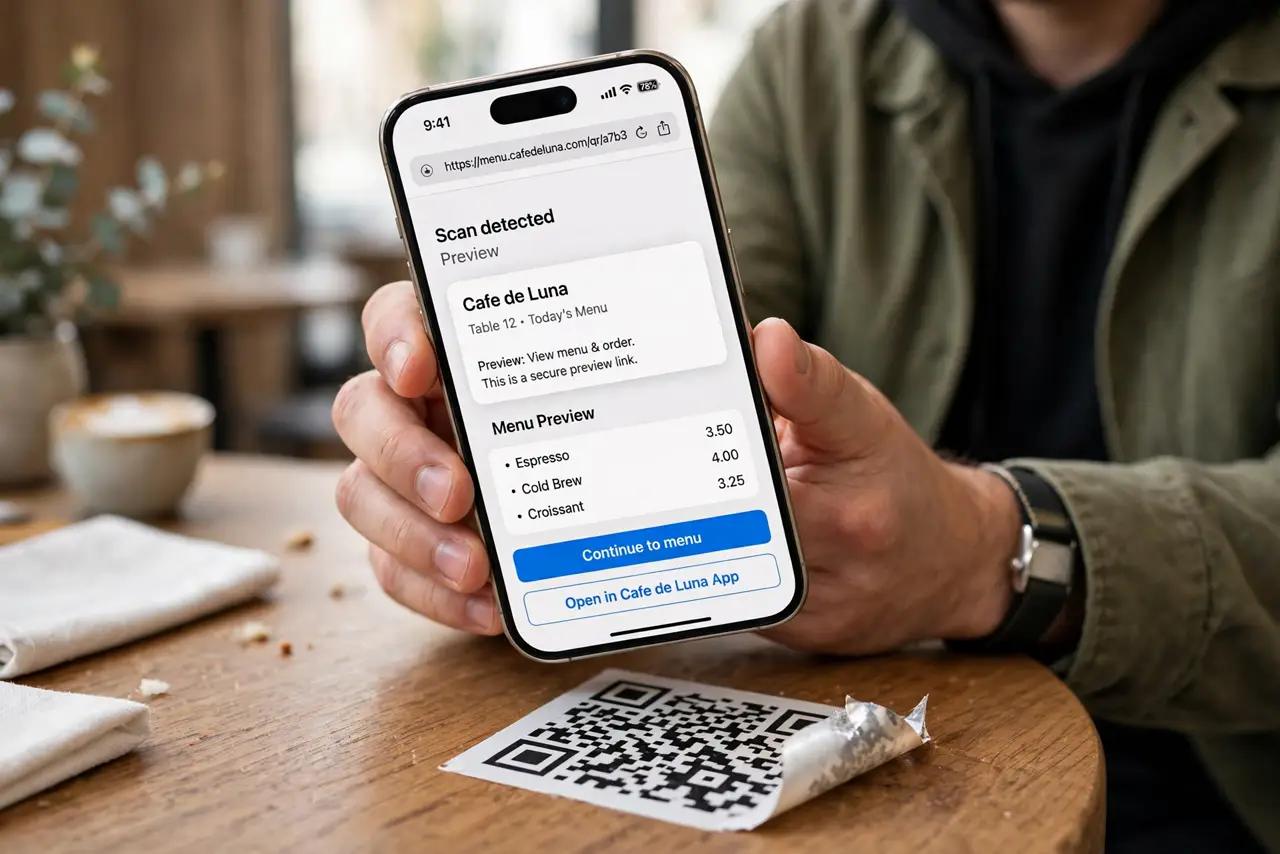
Quick fix: look closely for a sticker edge, a second layer, or a code that looks newer than its surroundings. If anything looks pasted over, do not scan it. Type the official address yourself, or ask staff for the genuine payment method.
Follow these steps
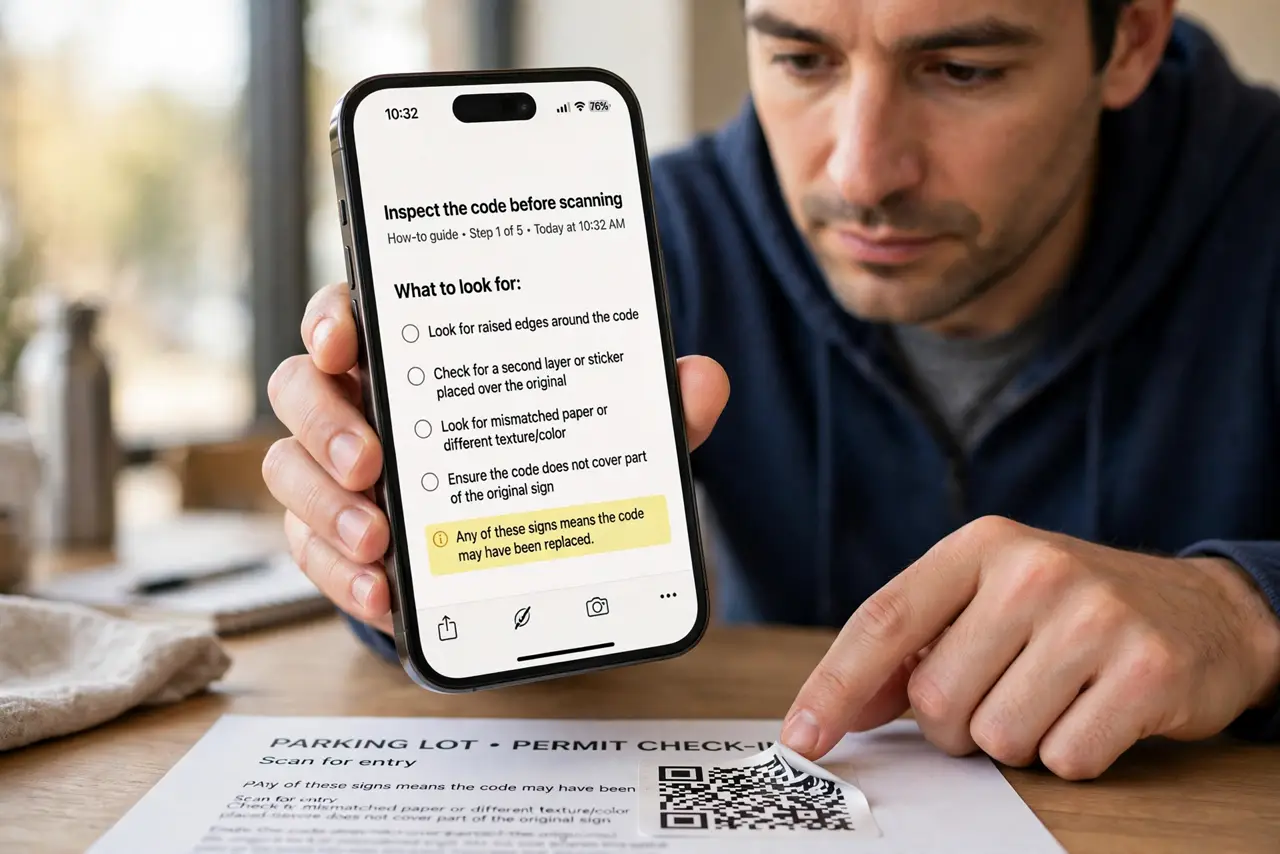
- Inspect the code before scanning. Look for raised edges, a second layer, mismatched paper, or a code that covers part of the original sign. Any of those signs means the code may have been replaced.
- Compare it with its surroundings. A genuine printed code usually matches the sign in color, size, and wear. A fresh sticker on a faded sign, or a code at a slight angle, deserves suspicion.
- Preview the address before opening. Use your camera preview to read the address the code points to, without opening it. If the address looks odd, misspelled, or unrelated, do not open it.
- Type the official address yourself. For parking, menus, or payments, type the official website or open the official app yourself. That bypasses the sticker entirely.
- Ask staff if you are unsure. Ask a staff member whether the code is genuine, especially at a parking meter or restaurant table. Staff can confirm the real payment method in seconds.
- Never enter card details from a stickered code. If you already scanned a suspicious code, close the page without entering payment or login details, and use the official app or desk instead.
What NOT to do
- Do not scan a code that looks pasted over a printed sign. A sticker is cheap, and replacing a code takes seconds.
- Do not pay a parking or restaurant bill through a code you have not verified. Use the meter, desk, or official app instead.
- Do not enter login details on a page reached from a random sticker code. Close it and open the official app yourself.
- Do not peel the sticker off and scan what is underneath without checking. Report the tampered sign to staff instead.
Frequently asked questions
How can I tell a sticker from a print?
Feel for an edge, look for a second layer, and check for mismatched wear. A printed code sits flat and ages with its sign.
What if I already paid through a suspicious code?
Contact your bank at once, explain the payment may be fraudulent, and check statements closely. Then change any password you entered on that page.
Are QR codes on menus safe?
Usually, but the same check applies. If the table code looks replaced, ask staff for a menu or the official ordering link.