Quest 3 Basics
You unboxed the Quest 3, the most popular VR headset for first-timers, and now it is asking about boundaries, lenses, and straps. Twenty minutes of proper setup is the difference between 'this is amazing' and 'this is blurry and uncomfortable.' This guide walks through the first-time setup and the beginner habits that make VR click.
TL;DR / Quick Fix
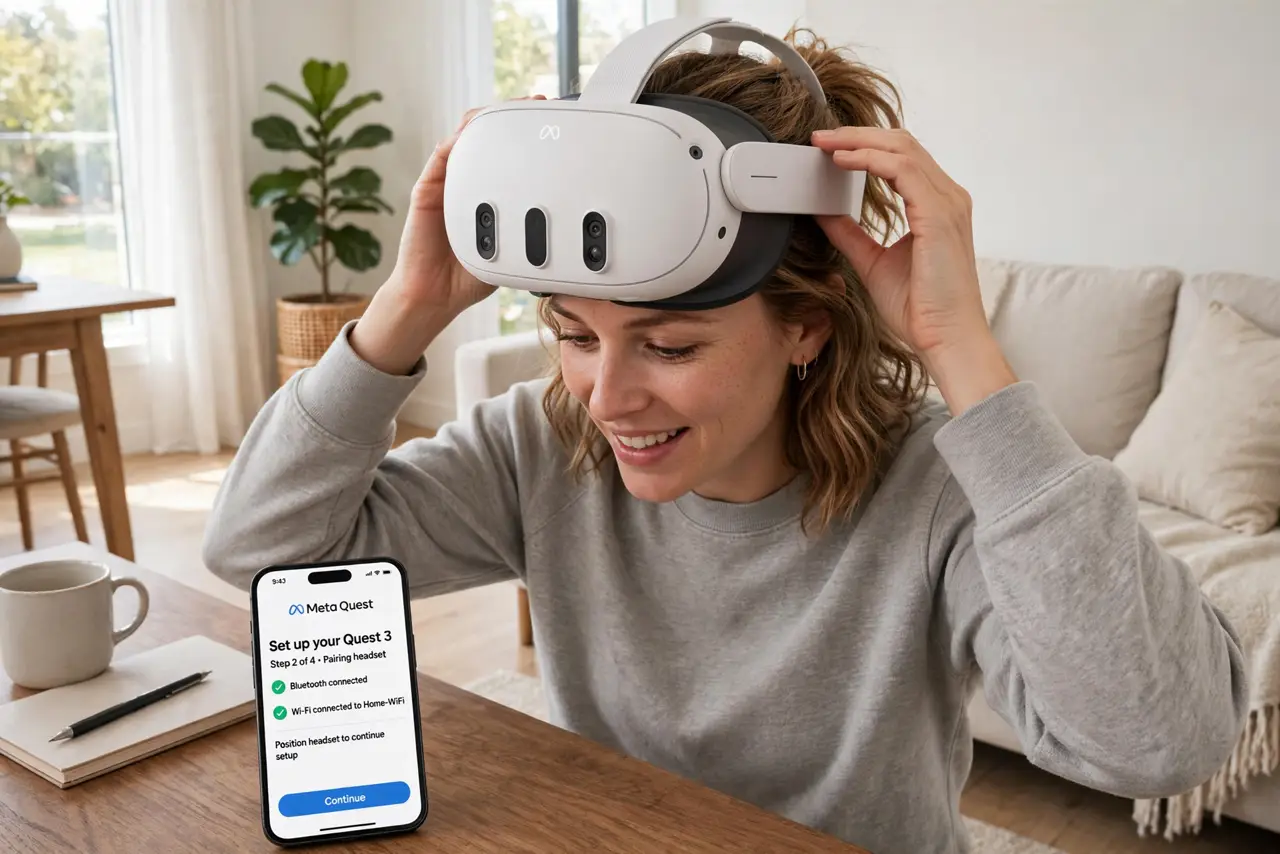
Quick fix: Quest 3 setup takes about 20 minutes — charge it, connect to Wi-Fi, draw your Guardian boundary, and adjust straps and lens spacing until the image is sharp. Start with short sessions to build VR legs, and keep the play area clear of furniture.
Follow these steps
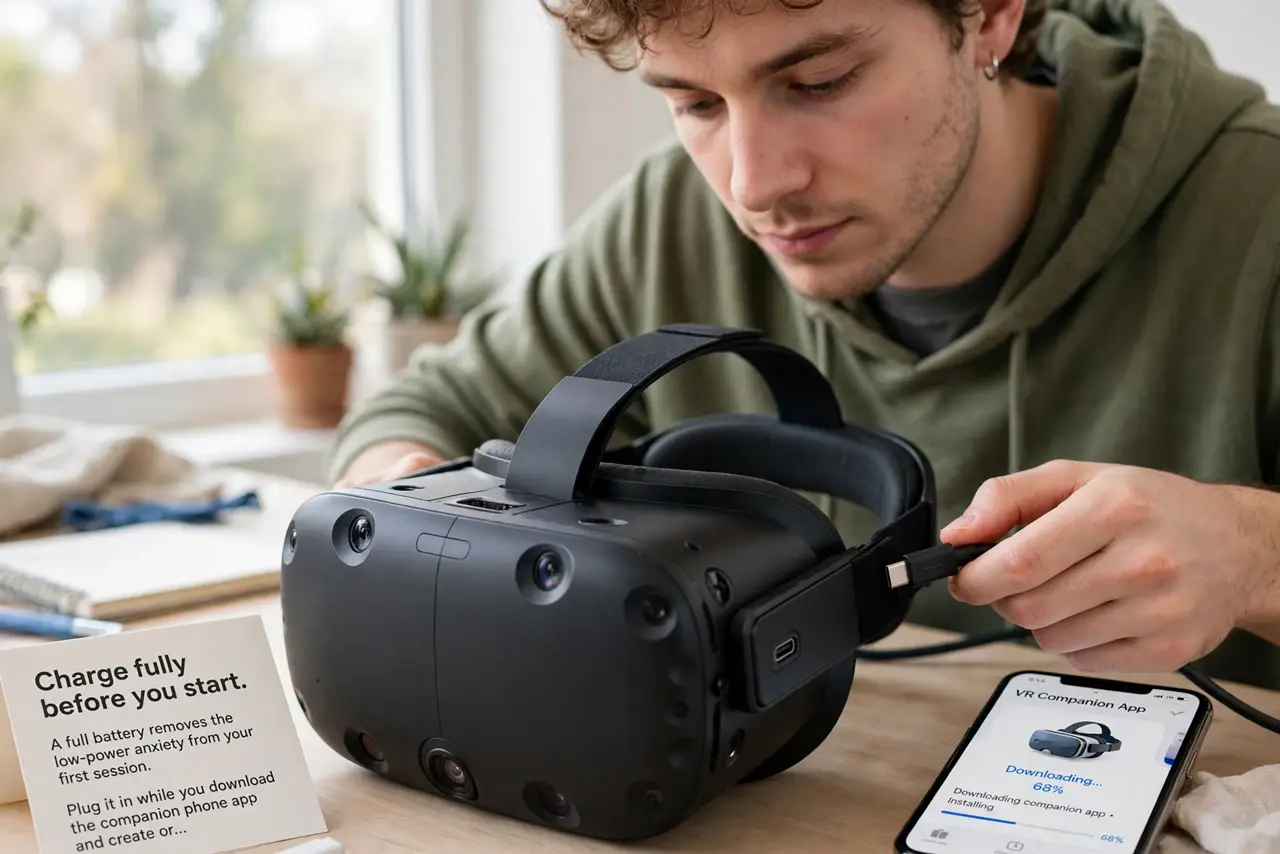
- Charge fully before you start. A full battery removes the low-power anxiety from your first session. Plug it in while you download the companion phone app and create or sign into your account.
- Connect to Wi-Fi and update. The headset will likely want a software update on first boot. Let it finish — updates fix tracking, add features, and patch the exact bugs that frustrate new users.
- Draw your Guardian boundary. The Quest asks you to trace your play area. Clear the space first, then draw honestly — the Guardian is the virtual wall that stops you punching the TV. Redraw it whenever you move furniture.
- Adjust straps and lens spacing. Tighten the straps so the weight sits balanced, then adjust the lens spacing (IPD) until text looks sharp. Blurriness in a Quest 3 is a fit problem nine times out of ten, not a defect — and choosing the right headset matters less than fitting the one you have.
- Start with short sessions. Fifteen to twenty minutes at first, then break. VR legs — your tolerance for virtual motion — build over days. Pushing through nausea on day one just teaches your brain to dread the headset.
- Try the free first experiences. Before buying games, explore the free demos and first-party experiences. They teach the controls better than any manual and reveal which genres you actually enjoy in VR.
What NOT to do
- Do not skip the Guardian setup. Playing without a boundary is how controllers meet televisions — the two minutes it takes are the cheapest insurance in VR.
- Do not start with intense motion games. Roller coasters and fast shooters on day one are a nausea recipe; build up from stationary experiences.
- Do not play in a cluttered room. The Guardian warns you, but low coffee tables and pets still ambush — clear the area properly.
- Do not share without hygiene. Wipe the facial interface between users, especially with kids — sweat and makeup degrade the foam fast.
Frequently asked questions
Why is everything blurry?
Almost always fit: reseat the headset, adjust the straps, and tune the lens spacing while looking at text. If one eye is sharp and the other is not, the spacing is off.
Can I wear glasses with it?
Yes, with the included glasses spacer — or buy prescription lens inserts for the best experience. Do not let bare glasses lenses scratch the headset lenses.
How long does the battery last?
Around two hours of active play. For longer sessions, a battery strap or a USB power bank in your pocket extends it — the headset charges while you play.