Your Recovery Phone Number Is Old and Lost
Account recovery texts go to a number you changed years ago — which now belongs to a stranger. An outdated recovery number can lock you out, or worse, hand your resets to whoever has the number now.
TL;DR / Quick Fix
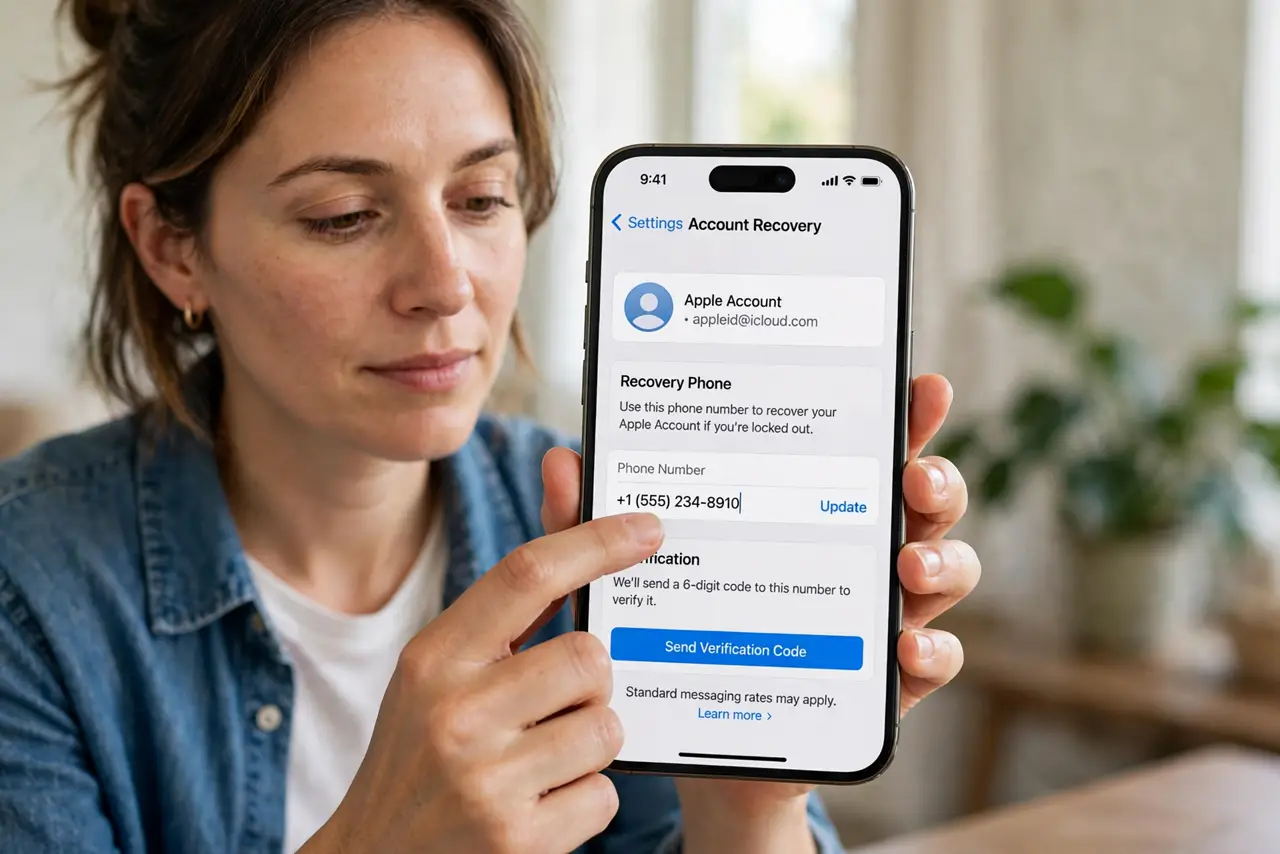
Quick fix: open the security settings of your email and banking accounts, replace the old recovery number with your current one, and verify it with the code they send. Then check your other important accounts, and remove numbers you no longer control.
Follow these steps
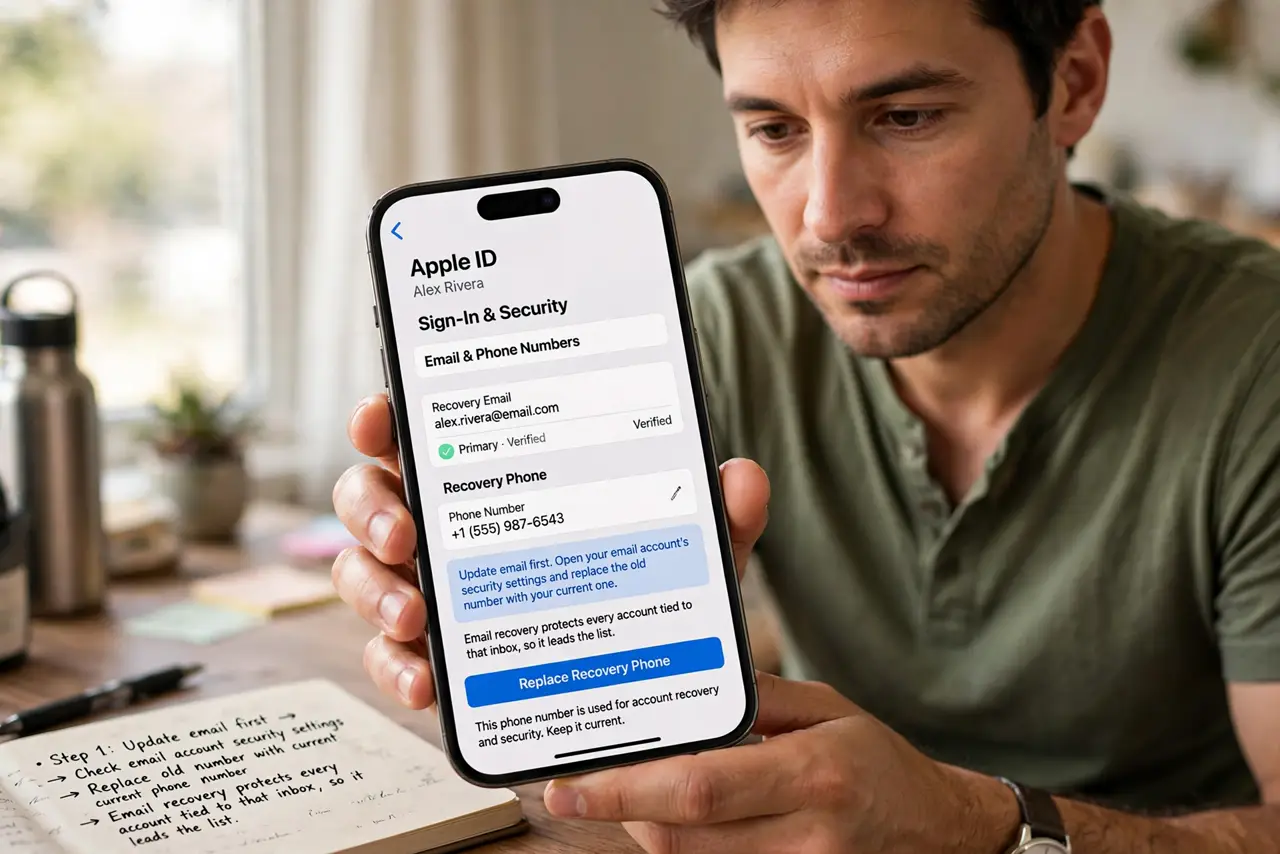
- Update email first. Open your email account's security settings and replace the old number with your current one. Email recovery protects every account tied to that inbox, so it leads the list.
- Update banking and payments next. Do the same for bank, payment, and shopping accounts. Money accounts with a stranger's recovery number are the highest-stakes version of this problem.
- Verify the new number with the code. Complete the verification step the service sends to the new number. An unverified number may not work for recovery when you actually need it.
- Remove numbers you no longer control. Delete old numbers from every account rather than leaving them as backups. A backup you cannot receive is not a backup; it is a vulnerability.
- Check who has your old number now. If the old number was reassigned, assume its new owner could receive your reset codes. That is why removing it everywhere matters more than just adding the new one.
- Pair the fix with fresh backup codes. While in security settings, store your two-factor backup codes safely too. Recovery number and backup codes are the two lifelines, so fix both together.
What NOT to do
- Do not leave the old number as a backup option. A number you cannot receive on helps attackers more than it helps you.
- Do not update only one account. Recovery numbers repeat across services, so check every important account in one session.
- Do not skip the verification code step. An unconfirmed number can silently fail exactly when recovery is urgent.
- Do not reuse the old number for new accounts. Retired numbers stay retired, since someone else may answer them now.
Frequently asked questions
Can someone else really get my old number?
Yes. Carriers reassign inactive numbers, and the new owner can receive your recovery texts if you never removed the number.
What if I cannot log in to update it?
Use the account's alternate recovery options, like backup codes or a recovery email, then update the number once inside.
How often should I check recovery numbers?
Whenever you change numbers, and once a year as part of a security review.
What to read next
- Where to Store Two-Factor Backup Codes Safely
- Security Question Answers Anyone Can Guess