Recurring Meeting on a Holiday? Skip It
A weekly meeting that lands on a holiday wastes everyone's morning unless someone cancels that one occurrence. Deleting the whole series is the classic mistake; the right move is to delete or reschedule just that instance, exactly like editing one exception to a recurring event. This guide shows how to skip holidays without breaking the series.
TL;DR / Quick Fix
Open the holiday occurrence and delete only that instance, not the whole series, then tell attendees clearly. If the meeting still matters that week, move the single occurrence to another day. Check the next few holidays now so no one shows up to an empty call.
Follow these steps
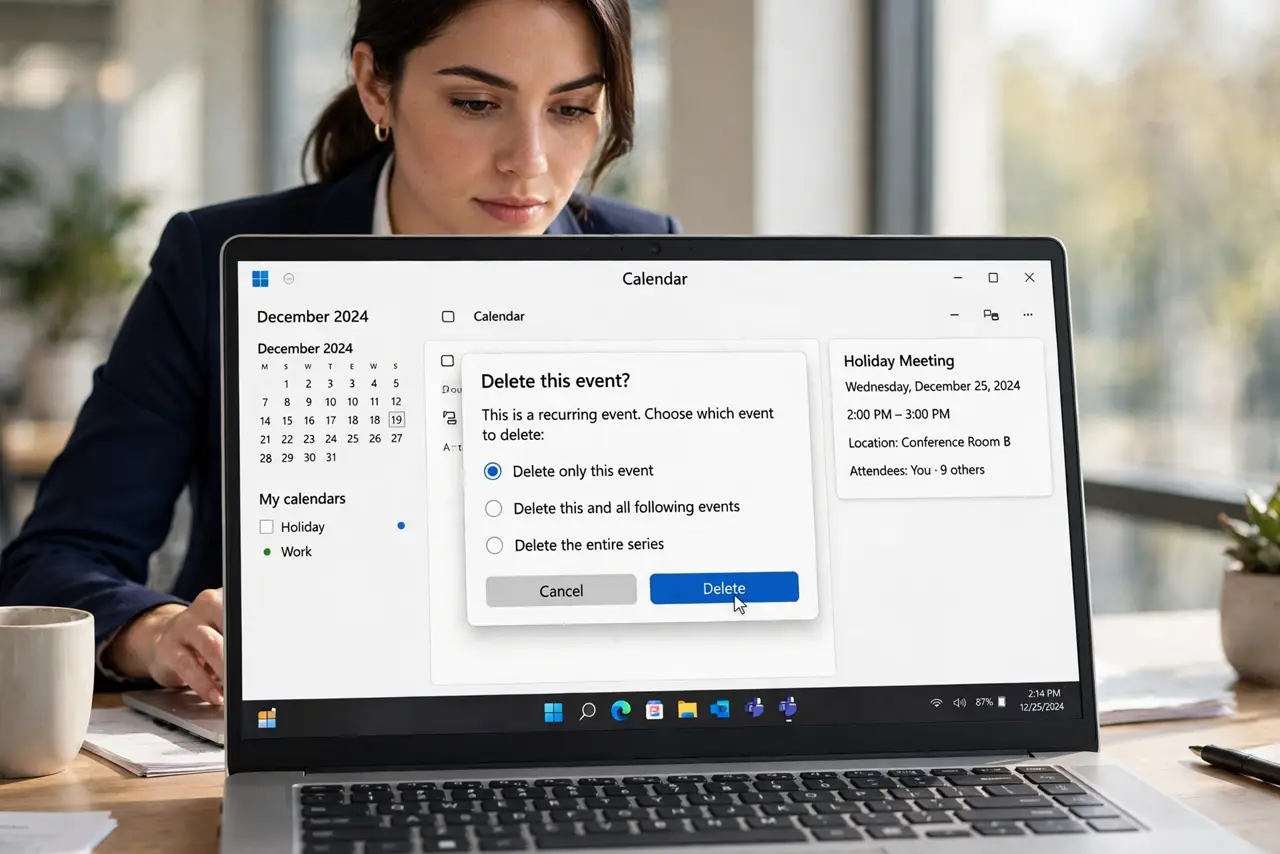
- Find the holiday occurrence. Open the series and navigate to the date of the holiday. You want that single occurrence selected, not the whole series — the same selection skill as editing one exception.
- Delete only this instance. Choose Delete this event, not the series. The rest of the meetings stay exactly where they are.
- Or move the single occurrence. If the meeting still needs to happen that week, drag or edit just that instance to another day. Moving one occurrence never affects the others.
- Tell attendees in plain words. Send a short note: no meeting on [holiday], back next week. People skim, so put the skip in the first sentence.
- Update any agenda or notes doc. If the meeting has a shared notes document, mark that week's section as skipped. Otherwise someone will open the doc and wonder.
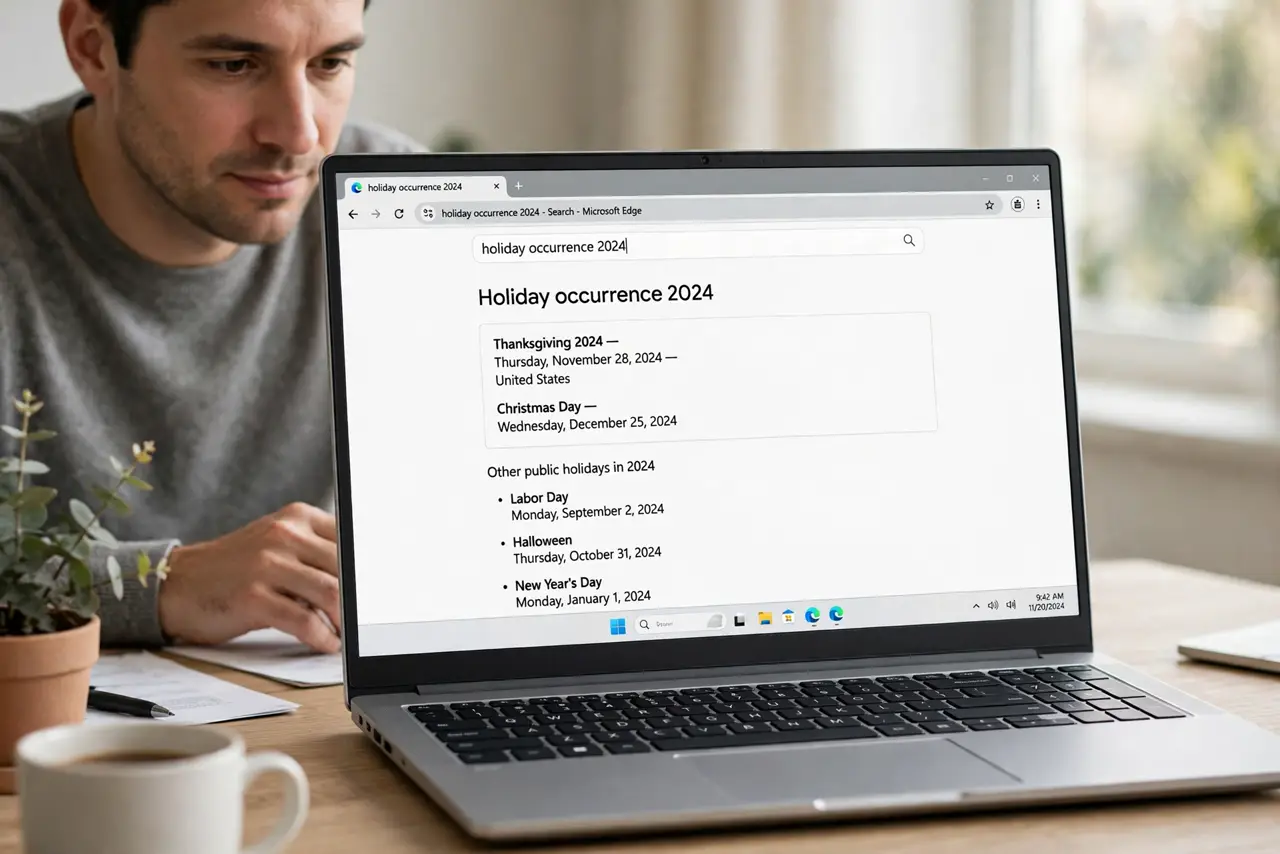
- Scan the next few holidays now. Look ahead three months for holidays and handle each one while you are thinking about it. Future you will not remember.
What NOT to do
- Do not delete the whole series to skip one week. Recreating a series loses history, links, and the room booking.
- Do not silently delete the holiday occurrence. Attendees who miss the memo will join an empty call and blame the organizer.
- Do not assume everyone shares your holidays. Check the team's actual days off before cancelling.
- Do not move the occurrence without telling people. A moved meeting that nobody notices is worse than a cancelled one.
Frequently asked questions
How do I delete one meeting without deleting the series?
Open that occurrence and choose the delete-this-event option. Calendar apps always ask whether you mean one instance or the whole series.
Should the meeting move or just skip?
Skip it if the holiday truly pauses work; move it if deadlines do not pause. Decide once and tell everyone.
What about holidays in other countries?
Ask the team which holidays the meeting observes, then handle only those occurrences.