ReMarkable Tablet Explained
The reMarkable looks like a tablet, but calling it one misses the point — it deliberately does almost nothing a tablet does. No apps, no browser, no notifications: just a paper-like e-ink screen you write on. That focus is either exactly what you want or a dealbreaker. Here is how to decide.
TL;DR / Quick Fix
Quick fix: the reMarkable is an e-ink tablet built for one thing — writing and reading like paper, with no apps or browser. Battery lasts weeks. Buy it as a focused notebook replacement; skip it if you need a general tablet, since basic tablets do far more.
Follow these steps
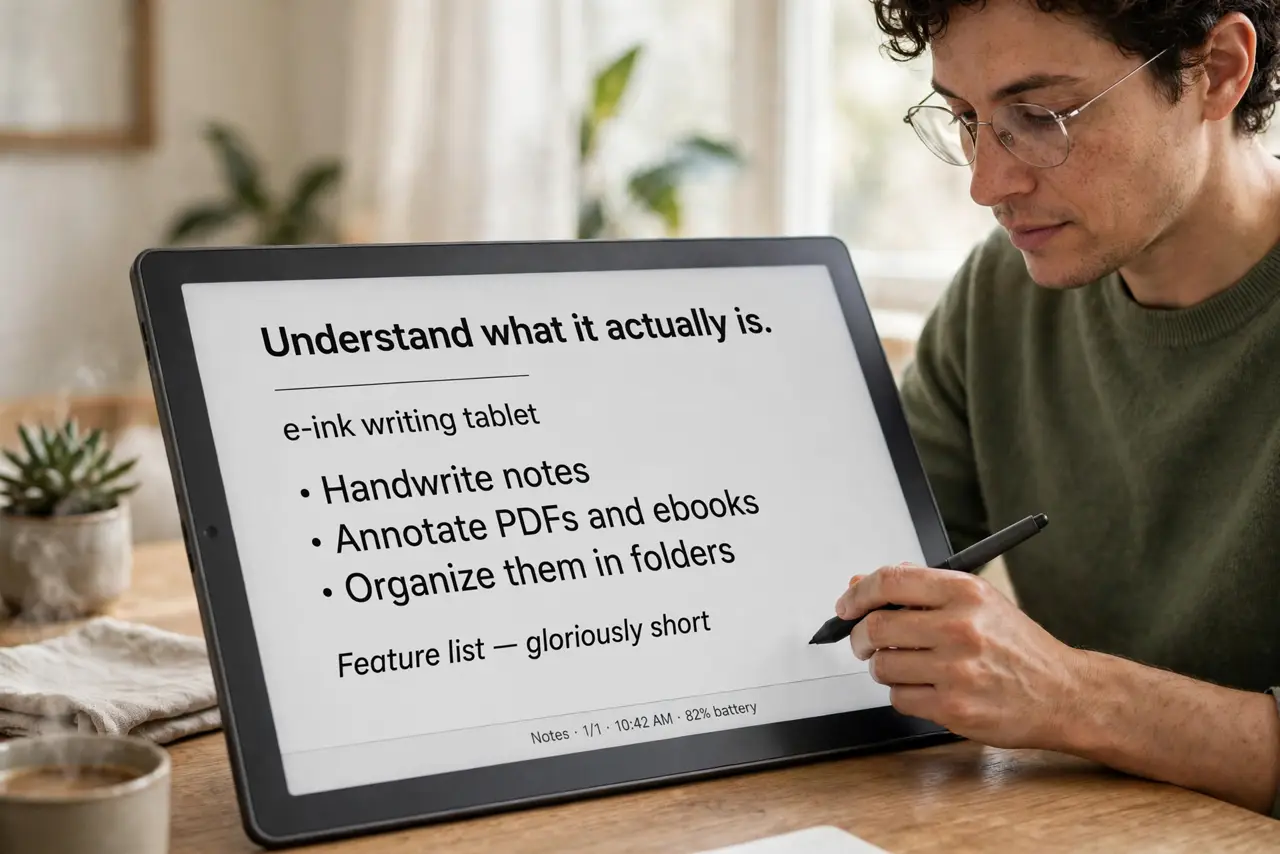
- Understand what it actually is. An e-ink writing tablet: you handwrite notes, annotate PDFs and ebooks, and organize them in folders. That is the feature list — gloriously short on purpose.
- Know what it cannot do. No web browser, no email app, no color, no video. If your workflow needs any of those on the device, stop here — this is not your device.
- Weigh the writing feel honestly. The textured screen feels remarkably paper-like, and that is the product's entire reason to exist. If you take lots of handwritten notes, nothing else matches it.
- Check the subscription question. Core writing works without extras, but some cloud features have historically sat behind a plan. Check the current terms before buying so the price is the real price.
- Compare with the real alternatives. A basic tablet with a stylus does notes plus everything else, for similar money. The reMarkable wins only if you specifically want distraction-free writing.
- Decide by your note volume. Daily handwritten notes, meeting sketches, PDF markup: strong candidate. Occasional notes: your phone or a cheap notebook wins on value.
What NOT to do
- Do not buy it as a general tablet. It will not browse, stream, or run apps — disappointment is guaranteed if that is the expectation.
- Do not expect color or backlight tricks. E-ink is black and white with front light; it is easy on eyes, not vivid.
- Do not skip checking the total cost. Accessories and any subscription add up — price the whole setup, not just the tablet.
- Do not assume handwriting converts perfectly. Text conversion works but needs clean writing; treat it as a bonus, not the core feature.
Frequently asked questions
Is the reMarkable worth it for students?
For heavy handwritten note-takers, yes — it replaces stacks of notebooks. For typed notes and research, a regular tablet or laptop serves better.
Can I read ebooks on it?
Yes — it handles PDFs and epubs well, and annotating them is a highlight. It is not a casual-reader replacement, though.
How long does the battery last?
Weeks of typical note-taking, since e-ink sips power. Heavy use and the front light shorten that, but it is still far beyond any LCD tablet.