Retro Handhelds Explained
Tiny handhelds that play thousands of classic games are everywhere — cheap plastic ones, premium metal ones, and everything between. They promise your childhood in your pocket, but quality, legality, and actual playability vary wildly. Here is what these devices are, what to check before buying, and where the legal lines sit.
TL;DR / Quick Fix
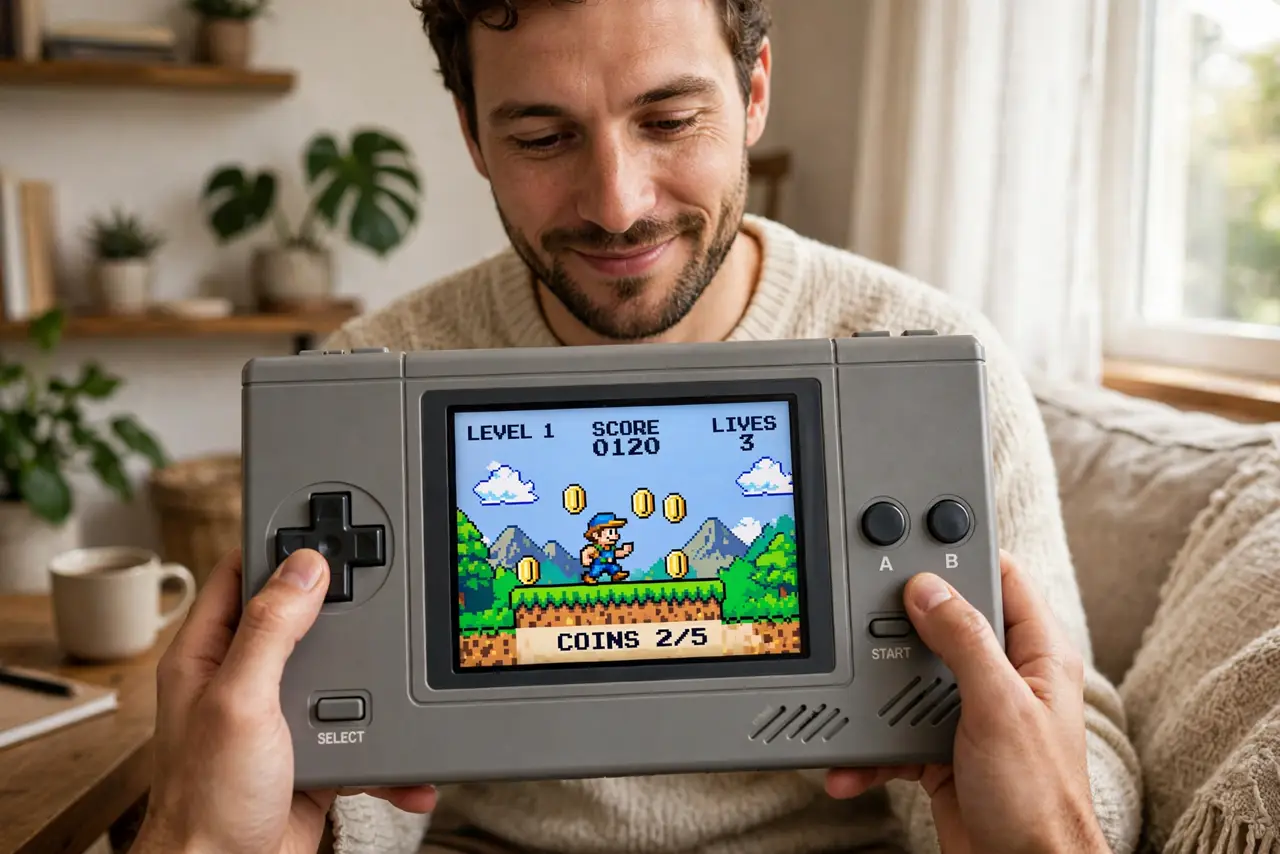
Quick fix: a retro handheld is a pocket device preloaded or loadable with classic games — great for reliving old favorites portably. Buy from reputable sellers, expect quirks in build quality, and know the legal line: you should own the games you play. Check reviews before buying.
Follow these steps
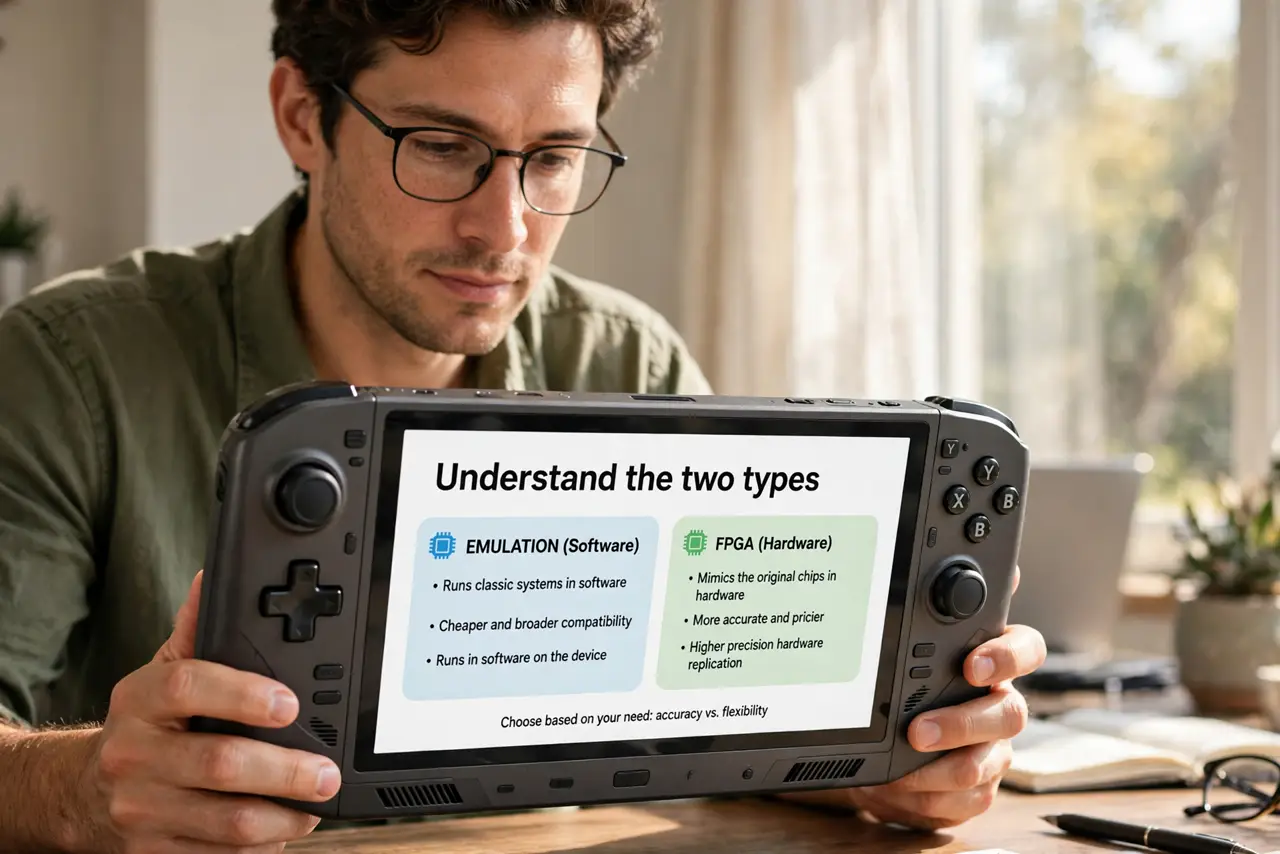
- Understand the two types. Some handhelds emulate classic systems in software; others use FPGA hardware to mimic the original chips. Emulation is cheaper and broader; FPGA is more accurate and pricier.
- Check what systems it actually runs well. Sellers advertise long system lists, but performance varies — a device may 'support' a system it runs poorly. Reviewers test real gameplay; trust them over the box.
- Know the legal basics. Emulators themselves are legal; downloading game ROMs you don't own generally isn't. The safe rule: play backups of games you physically own, and buy devices that don't ship stuffed with pirated ROMs.
- Inspect build quality expectations. Budget handhelds have mushy buttons, dim screens, and creaky shells — charming or infuriating depending on expectations. Mid-range devices are the sweet spot for most buyers.
- Check battery and screen specs. Battery life and screen quality make or break a handheld. A great emulator with a washed-out screen and 2-hour battery gathers dust.
- Buy where returns are easy. Stick drift, dead pixels, and dud batteries are common in this market. A seller with real returns beats a slightly cheaper no-name listing every time.
What NOT to do
- Do not buy the cheapest no-name handheld expecting quality. The bottom of this market is genuinely bad — controls and screens matter more than the game count.
- Do not assume preloaded games are legal. Thousands of preinstalled ROMs usually means piracy bundled in; it is a red flag, not a feature.
- Do not expect modern performance. These play classics brilliantly and modern games not at all — match the device to the era you actually want.
- Do not skip the community. Each popular handheld has forums and setup guides; ten minutes of reading saves hours of fiddling.
Frequently asked questions
Are retro handhelds legal?
The devices are. The gray area is game files: emulators are legal software, but downloading ROMs of games you don't own generally violates copyright in most places.
Which is better: emulation or FPGA?
FPGA mimics original hardware more accurately — better for purists. Software emulation is cheaper, supports more systems, and is plenty accurate for casual play.
Can I add my own games?
Usually yes — most handhelds accept ROM files via SD card or USB. That's the intended path: your backups, your device.