Fix Robot Vacuum Mapping
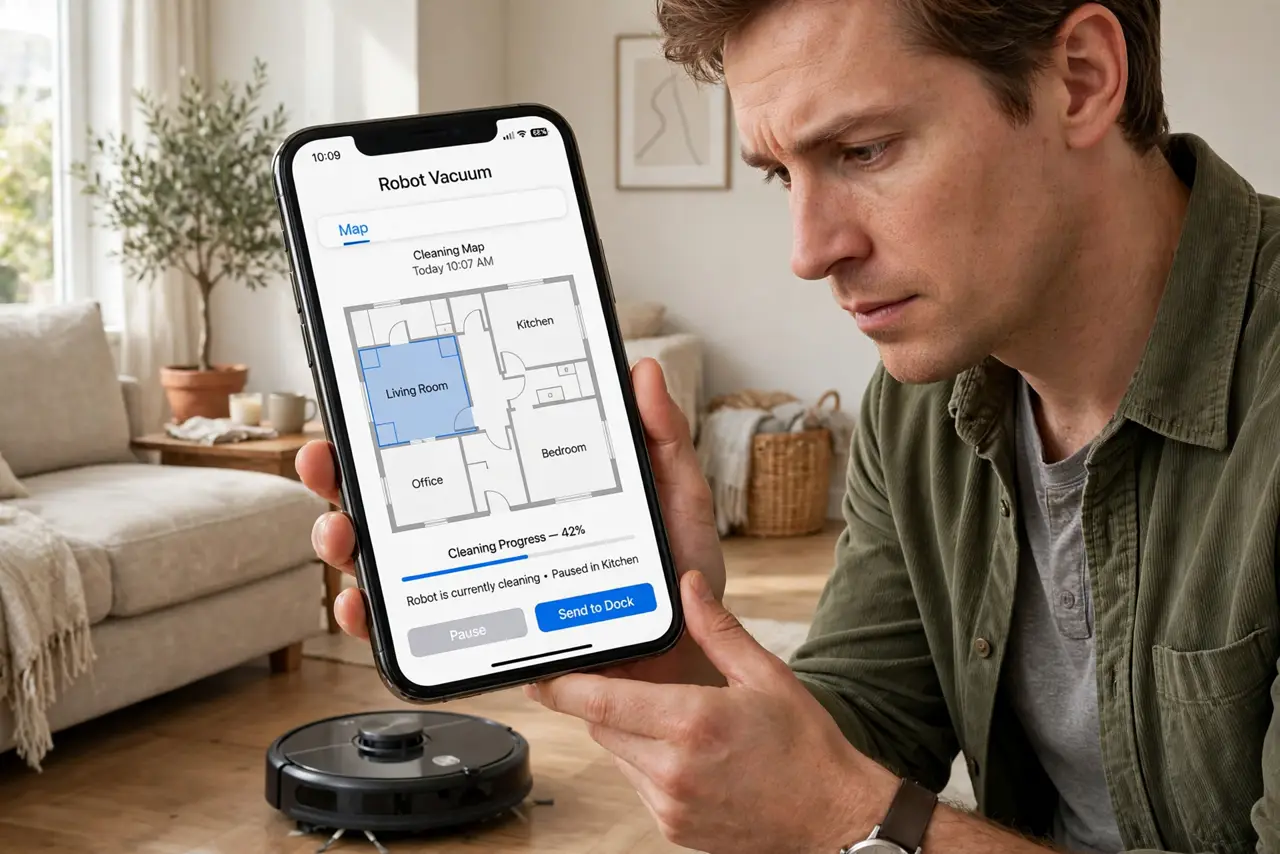
Your robot vacuum used to clean in neat rows; now it wanders like it is lost, misses rooms, or redraws the map every run. Mapping glitches are usually environmental — moved furniture, dark floors, confused sensors — not a dying robot. Here is how to get the map back.
TL;DR / Quick Fix
Quick fix: reset the map and let the vacuum remap from its dock with good lighting and cleared floors. Keep the dock in the same spot — moving it confuses the robot. If one room always fails, check for dark rugs or mirrors confusing its sensors.
Follow these steps
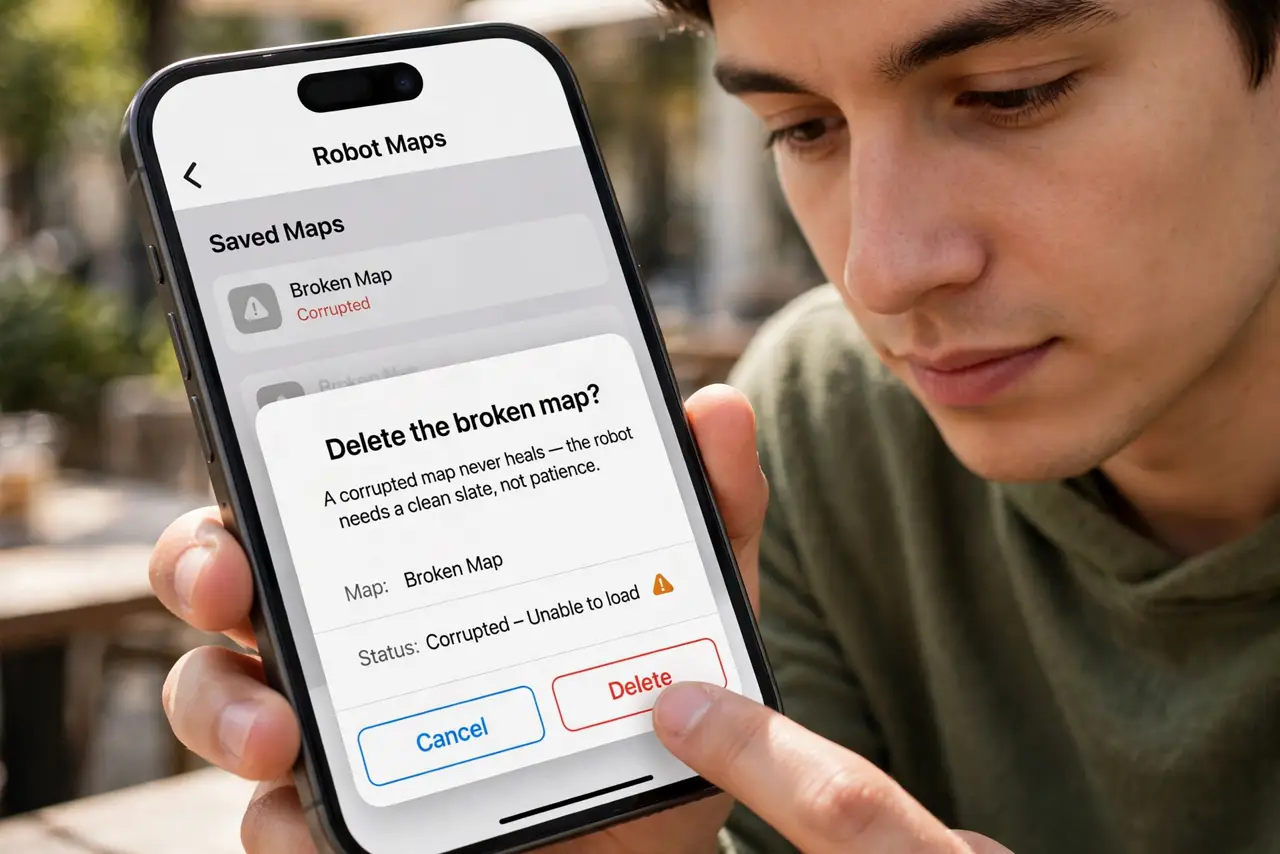
- Delete the broken map. In the app, remove the current map. A corrupted map never heals — the robot needs a clean slate, not patience.
- Prepare the house. Pick up clutter, open interior doors, and turn the lights on. The first mapping run defines everything; give it ideal conditions.
- Start mapping from the dock. Place the robot on its dock and start a mapping run. Do not move the dock mid-run — or ever, ideally.
- Keep the dock put permanently. The dock is the robot's north star. Moving it even slightly can invalidate the whole map — a charging dock problem with a moved dock causes the same confusion.
- Fix sensor-confusing obstacles. Dark rugs absorb cliff sensors; mirrors and glass confuse lasers. See the dark carpet sensor fixes if one room always fails.
- Remap after furniture moves. Rearranged the living room? Run a fresh mapping. Robots handle gradual change but not a redesigned floor plan.
What NOT to do
- Do not remap in the dark. Cameras and sensors need light — night mapping produces garbage maps.
- Do not move the dock between runs. Consistency of the dock position is the foundation of a stable map.
- Do not expect perfection around mirrors. Reflective surfaces are a known hard problem for robot navigation.
- Do not factory-reset the whole robot first. Deleting just the map is the targeted fix; full resets are the sledgehammer.
Frequently asked questions
Why does my vacuum keep losing its map?
Usually the dock moved, the environment changed significantly, or the map corrupted. A clean remap from a fixed dock solves most cases.
How often should I remap?
Only when something changes — new furniture layout, moved dock, or persistent navigation weirdness. Not routinely.
Can it map multiple floors?
Many models store several maps. Carry the robot (not the dock) upstairs and map each floor separately.