Roku Privacy Settings? Review Them
Roku is convenient and quietly data-hungry — it logs what you watch to target ads, and the defaults favor Roku, not you. A five-minute pass through its privacy menus trims most of it. Here is every toggle worth touching, in order.
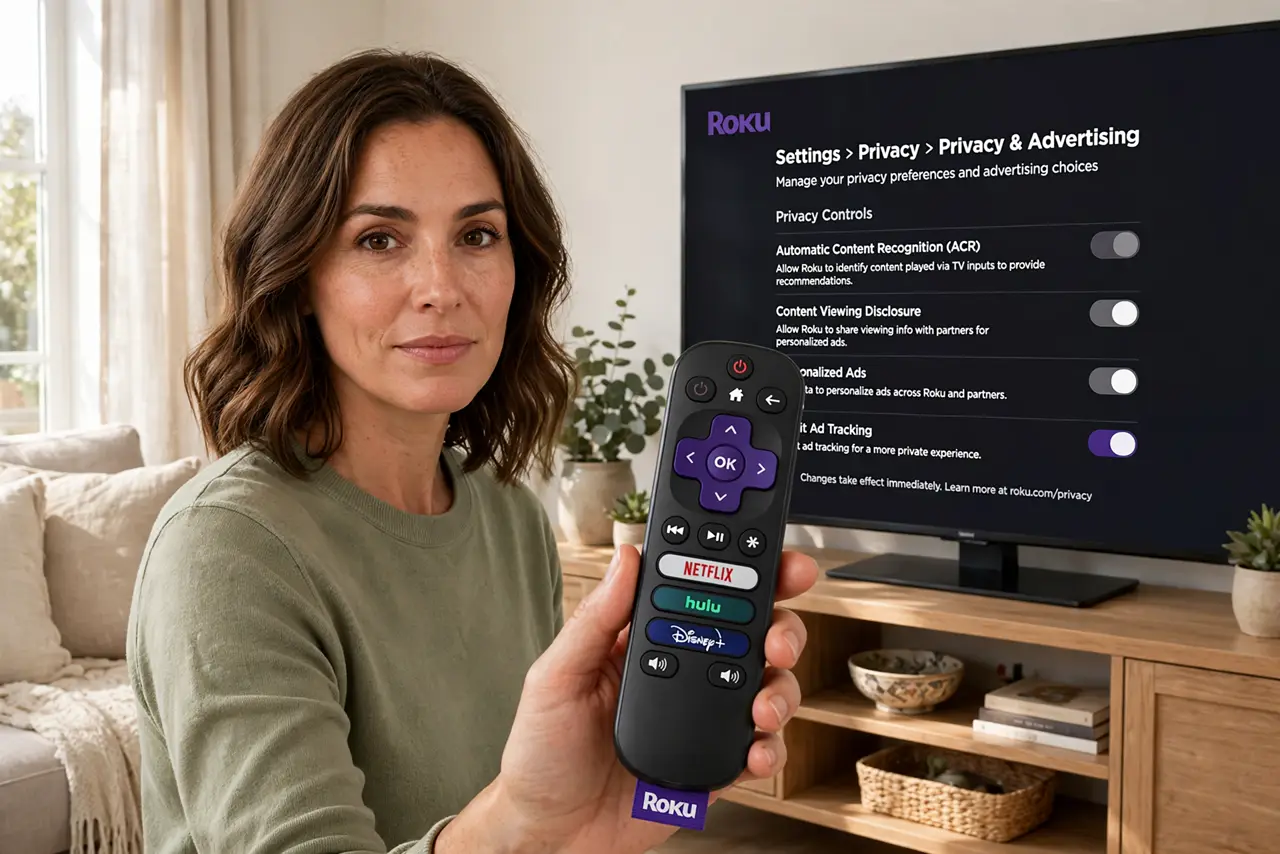
TL;DR / Quick Fix
Roku logs viewing for ad targeting unless you trim its privacy settings. Open Settings > Privacy > Advertising, limit ad tracking, reset the advertising identifier, and opt out of voice data use. Also review the Roku mobile app's permissions and your account's privacy choices online. The interface stays the same.
Follow these steps
- Open Settings > Privacy > Advertising. Find 'limit ad tracking' or 'personalized ads' and switch it off. This is the single most effective toggle.
- Reset the advertising identifier. A fresh ad ID breaks the link to your accumulated profile. Do this right after limiting tracking.
- Opt out of voice data use. Voice searches may be stored and used for improvement. Find the voice or microphone privacy option and decline.
- Review the Roku mobile app's permissions. The phone app can access location, contacts, and more. Trim it with a permissions audit.
- Check your Roku account privacy online. Sign in on the web and review the account's privacy and marketing choices — some live only there.
- Revisit after major updates. Roku updates occasionally reset or add toggles. A yearly check keeps your choices intact.
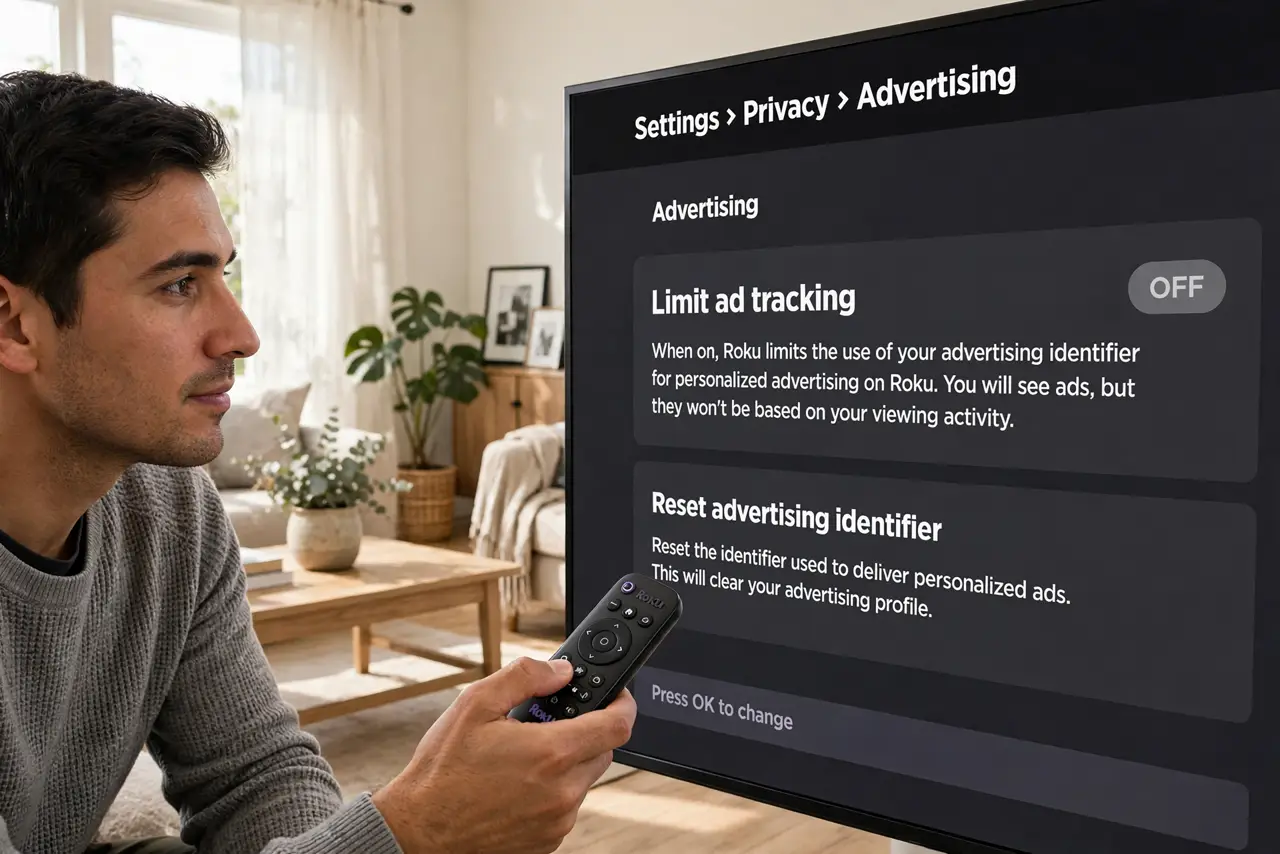
What NOT to do
- Do not expect ad-free viewing. You will still see ads — just less targeted ones.
- Do not delete your Roku account to 'stop tracking' while still using the device. Channels, purchases, and logins break.
- Do not ignore the mobile app. Its permissions are a separate data flow from the TV box.
- Do not forget the TV layer on Roku TVs. A Roku TV has Roku's tracking plus the TV brand's own — check the TV privacy settings too.
Frequently asked questions
Does limiting ads remove them?
No — it only stops the personalization. Expect the same number of ads, minus the creepy relevance.
What does resetting the ad ID do?
It gives you a fresh anonymous identifier, severing the link to the behavioral profile built under the old one.
Why does Roku need an account at all?
For the channel store, subscriptions, and billing. The account is also where the web-side privacy choices live.