Fix an Unresponsive Roku Remote
Your Roku remote stopped responding — or never paired in the first place — and the TV is stuck mocking you. Roku remotes pair over Wi-Fi Direct (voice remotes) or infrared (simple remotes), and each type has its own fix. Identify your remote type first, then work the list: batteries, re-pair, restart, replace.
TL;DR / Quick Fix
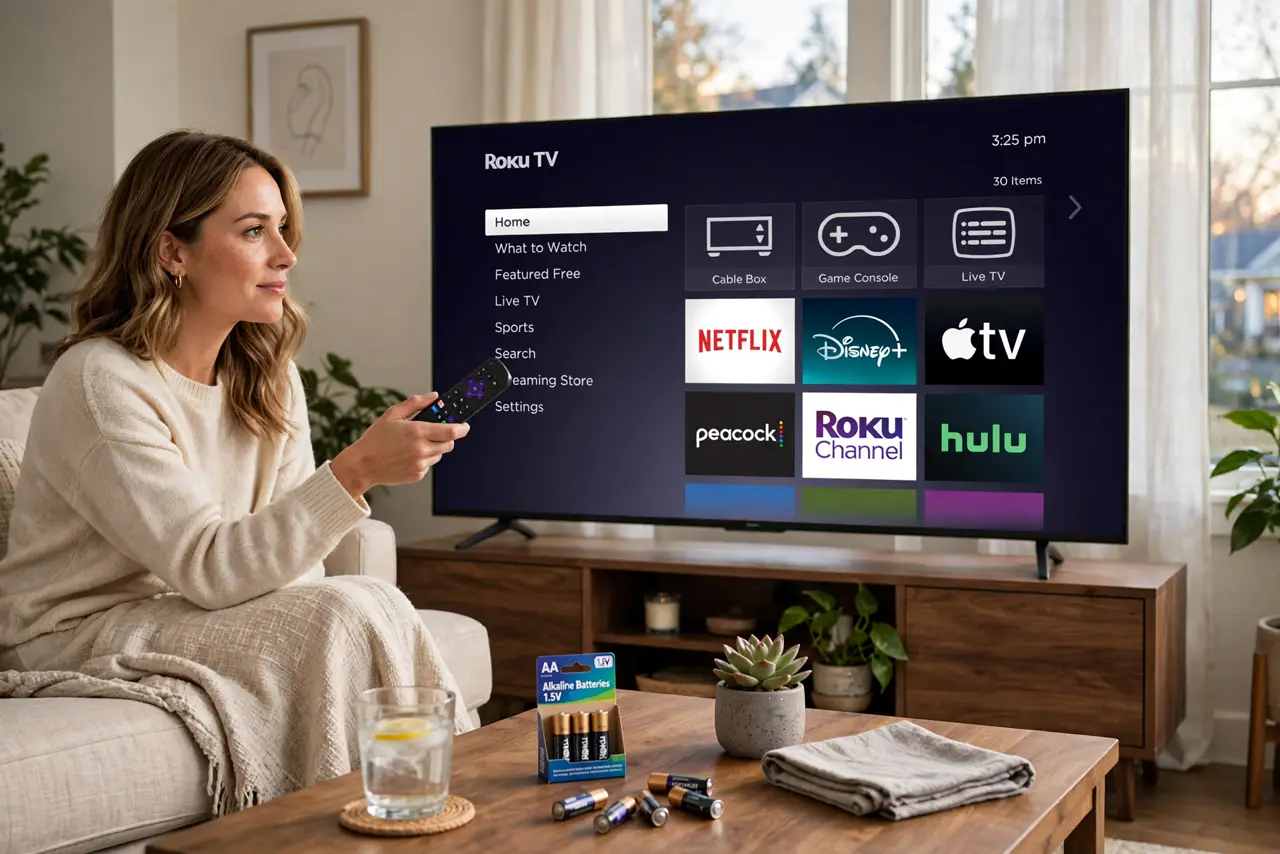
A dead Roku remote usually means dead batteries, a lost pairing, or the wrong remote type. Replace the batteries first, re-pair: open the battery compartment and hold the pairing button until the light flashes. If nothing responds, restart the Roku by unplugging it for ten seconds. Check Roku privacy settings.
Follow these steps
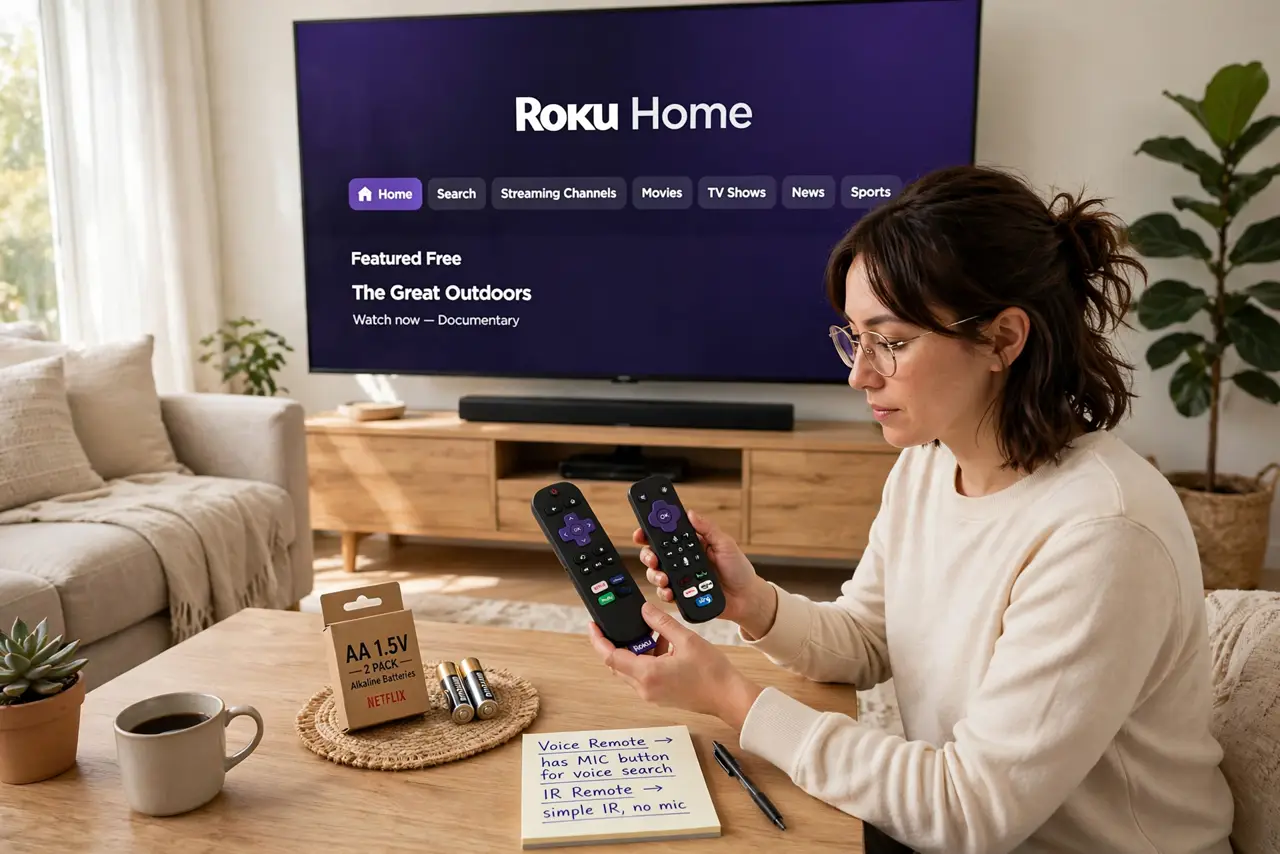
- Identify your remote type. Voice remotes (with a microphone button) pair over Wi-Fi Direct and have a pairing button in the battery compartment. Simple infrared remotes have no pairing button and just need line-of-sight — knowing which you hold decides the next steps.
- Replace the batteries with fresh ones. Weak batteries cause most 'sudden death' cases. Use fresh alkaline batteries, not the half-used ones from the drawer — remotes are picky about voltage.
- Re-pair a voice remote. Open the battery compartment, press and hold the pairing button until the status light flashes, then wait near the Roku. Pairing can take up to 30 seconds — give it the full time.
- Restart the Roku itself. Unplug the Roku's power for ten seconds, then plug it back in. A confused Roku rejects pairings that a fresh boot accepts immediately.
- Use the phone app as a backup remote. Install the Roku mobile app on your phone — it works as a full remote over Wi-Fi. This gets you navigating while you sort the physical remote.
- Check for interference or buy a replacement. Move other wireless gadgets away from the Roku, and confirm the remote is not blocked. If it never pairs, a replacement voice remote is inexpensive and pairs the same way.
What NOT to do
- Do not throw the remote before trying fresh batteries. The number one cause of remote death is the number one simplest fix.
- Do not hold the pairing button for one second and give up. It needs a sustained hold until the light flashes — impatience aborts the pairing.
- Do not point an infrared remote from behind the couch. IR needs line-of-sight; voice remotes do not — match your expectations to your remote type.
- Do not factory-reset the Roku as a first step. Resetting wipes all your apps and logins; batteries, pairing, and a restart fix nearly every remote issue.
Frequently asked questions
How do I know if my remote is IR or Wi-Fi?
Voice remotes with a mic button are Wi-Fi Direct and pairable; plain remotes without one are usually infrared. The pairing button inside the battery compartment is the giveaway.
Can I use my phone as the remote permanently?
Yes — the Roku app is a full remote. It is a fine permanent solution if you prefer it, though physical remotes are faster for channel surfing.
Why does pairing keep failing?
Distance, interference, or a Roku that needs restarting. Bring the remote close, restart the Roku, and try once more before declaring it dead.