Roomba Won't Charge?
Your Roomba sits on its dock, the battery light blinks or stays dark, and the thing will not clean. Nine times out of ten this is dirty charging contacts or a dock problem — not a dead robot. Work through the simple checks before buying a new battery.
TL;DR / Quick Fix
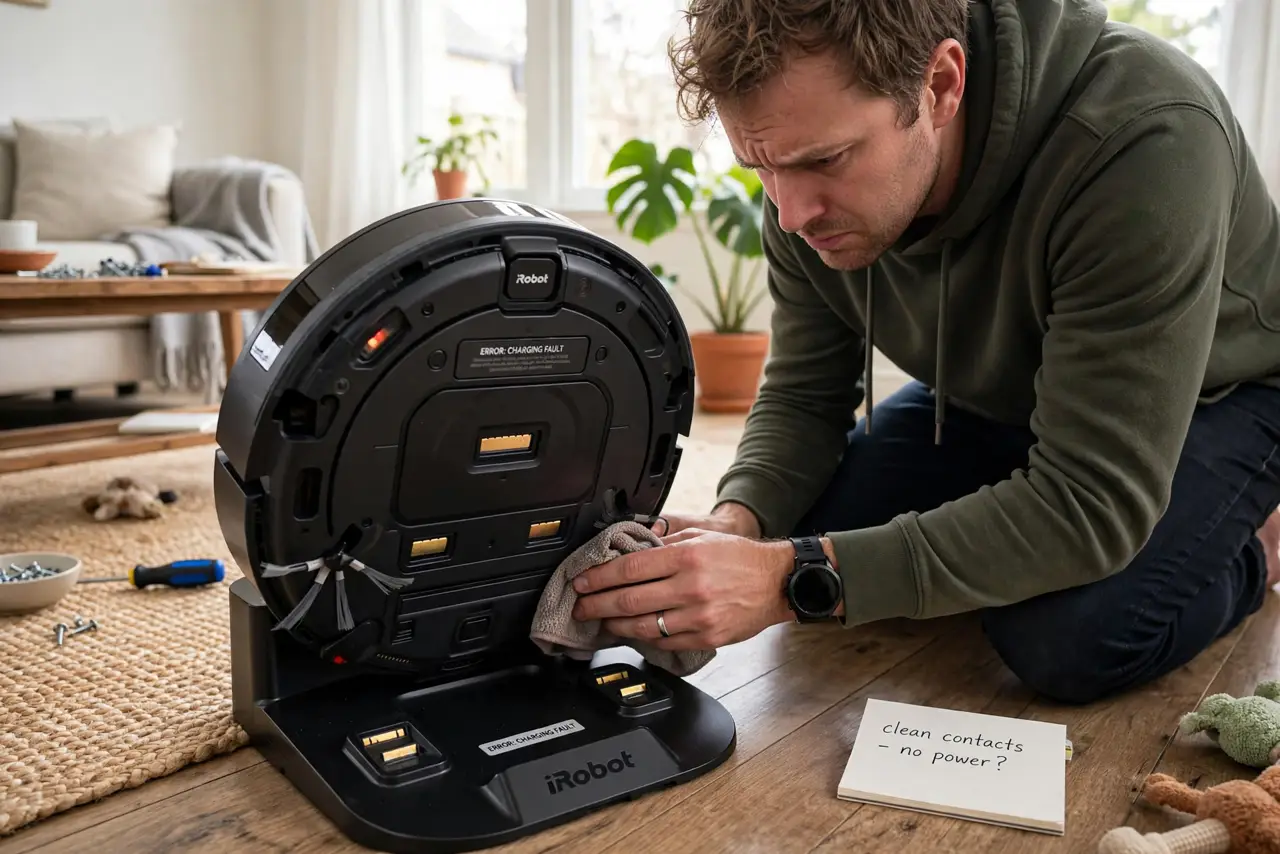
Quick fix: unplug the dock, wipe the metal charging contacts on both the Roomba and the dock with a dry cloth, and reseat the robot firmly. Check the dock's power light. Most charging failures are dirty contacts, not dead batteries.
Follow these steps
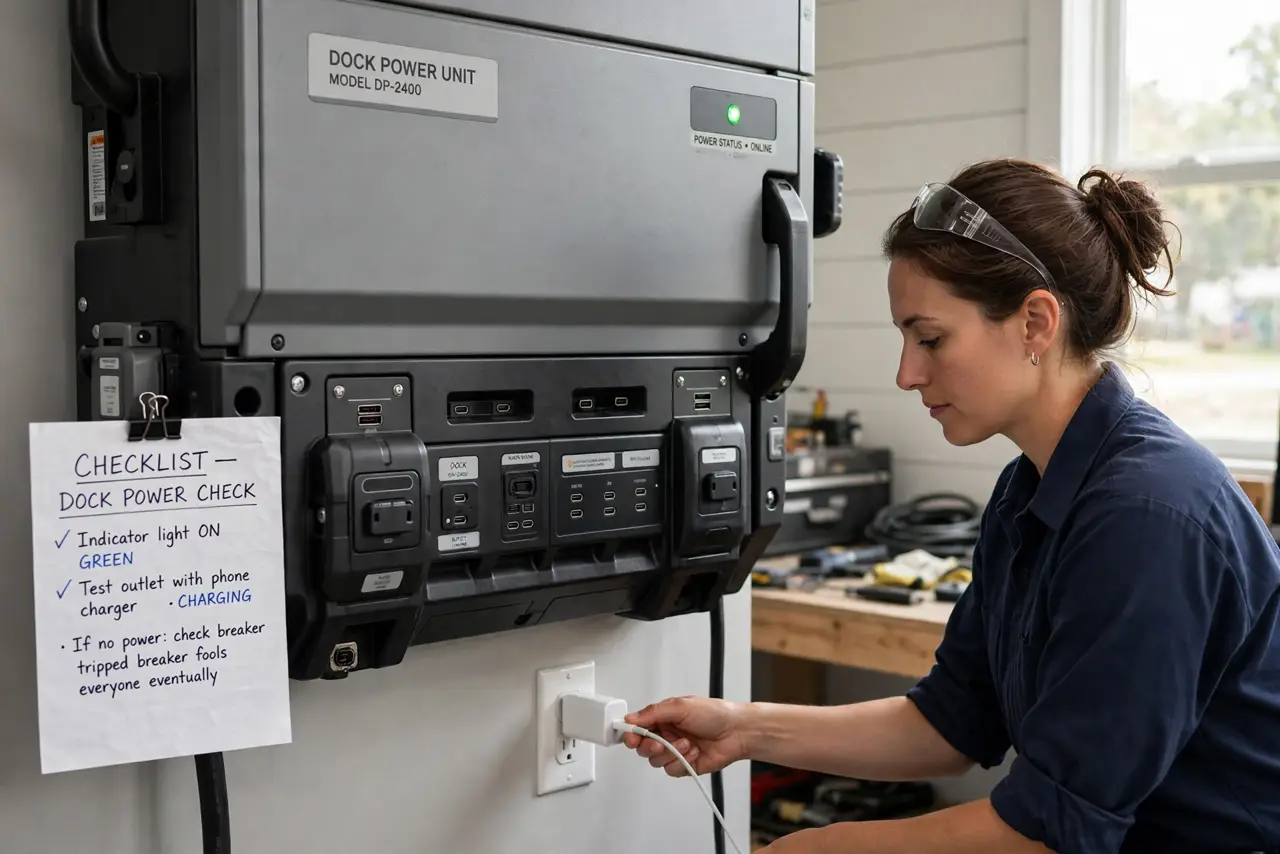
- Check the dock has power. Look for the dock's indicator light and confirm the outlet works — plug in a phone charger to test. A tripped breaker fools everyone eventually.
- Clean the charging contacts. Unplug the dock, then wipe the metal contacts on both the robot and the dock with a dry cloth. Dust and pet hair insulate them silently.
- Reseat the Roomba firmly. Place it on the dock and press gently until it sits squarely. A crooked robot misses the contacts entirely.
- Inspect for damage. Look for bent contact pins, damaged dock plastic, or a frayed power cord. Physical damage needs parts, not cleaning.
- Try a different outlet. Move the dock to a known-good outlet for a full charge cycle. This isolates house wiring from robot problems.
- Consider battery age. Batteries fade after a few years of service. If cleaning and outlets check out and it still will not hold a charge, a replacement battery is the likely fix — and while it is docked, check its mapping health too.
What NOT to do
- Do not use water or solvents on the contacts. A dry cloth is enough — liquids corrode the metal.
- Do not force a warped robot onto the dock. If it will not sit flat, something is bent or swollen — investigate, don't shove.
- Do not buy a battery first. Contacts and power cause most failures; batteries are the last suspect, not the first.
- Do not ignore a swollen battery. If the battery bulges, stop using it — swollen lithium batteries are a fire risk.
Frequently asked questions
Why does my Roomba say charging error?
Usually dirty contacts or a robot that is not seated properly. Clean, reseat, and retry before anything else.
How long should the battery last?
A few years of regular use is typical. Declining runtime — shorter cleans — signals age before total failure does.
Can I leave it on the dock always?
Yes — modern Roombas manage their own charging. The dock is its home, not a hazard.