Router Admin Page Won't Open? Fix It
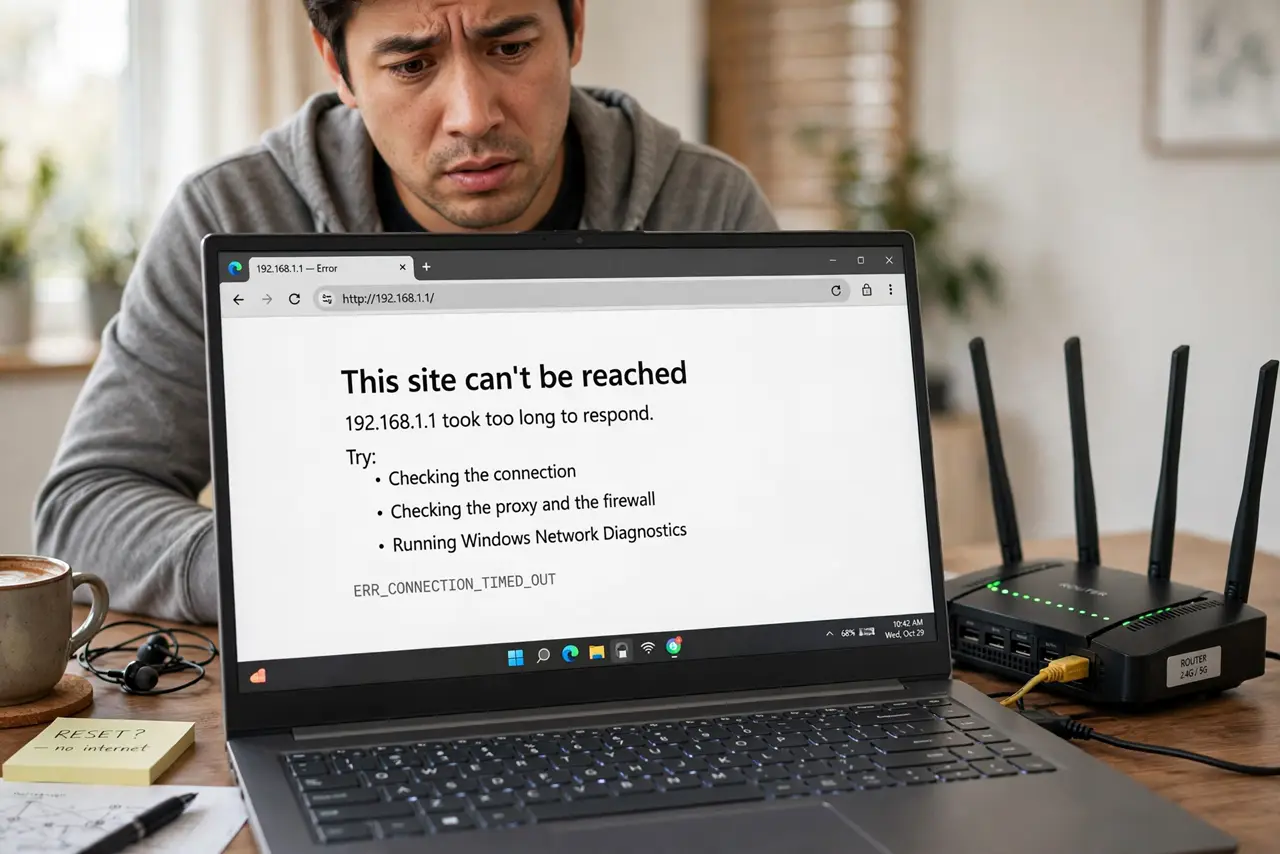
You type 192.168.1.1, hit enter — and the browser spins into nothing. The router's admin page is the front door to every setting, and when it will not open, the cause is usually which network you are on or a changed address. Here is the ladder.
TL;DR / Quick Fix
Quick fix: join the router's own Wi-Fi or plug in — the admin page never opens over mobile data or VPN. Try 192.168.1.1 and 192.168.0.1, and check the router's label for its real address. A page that loads but rejects the password is a separate login issue.
Follow these steps
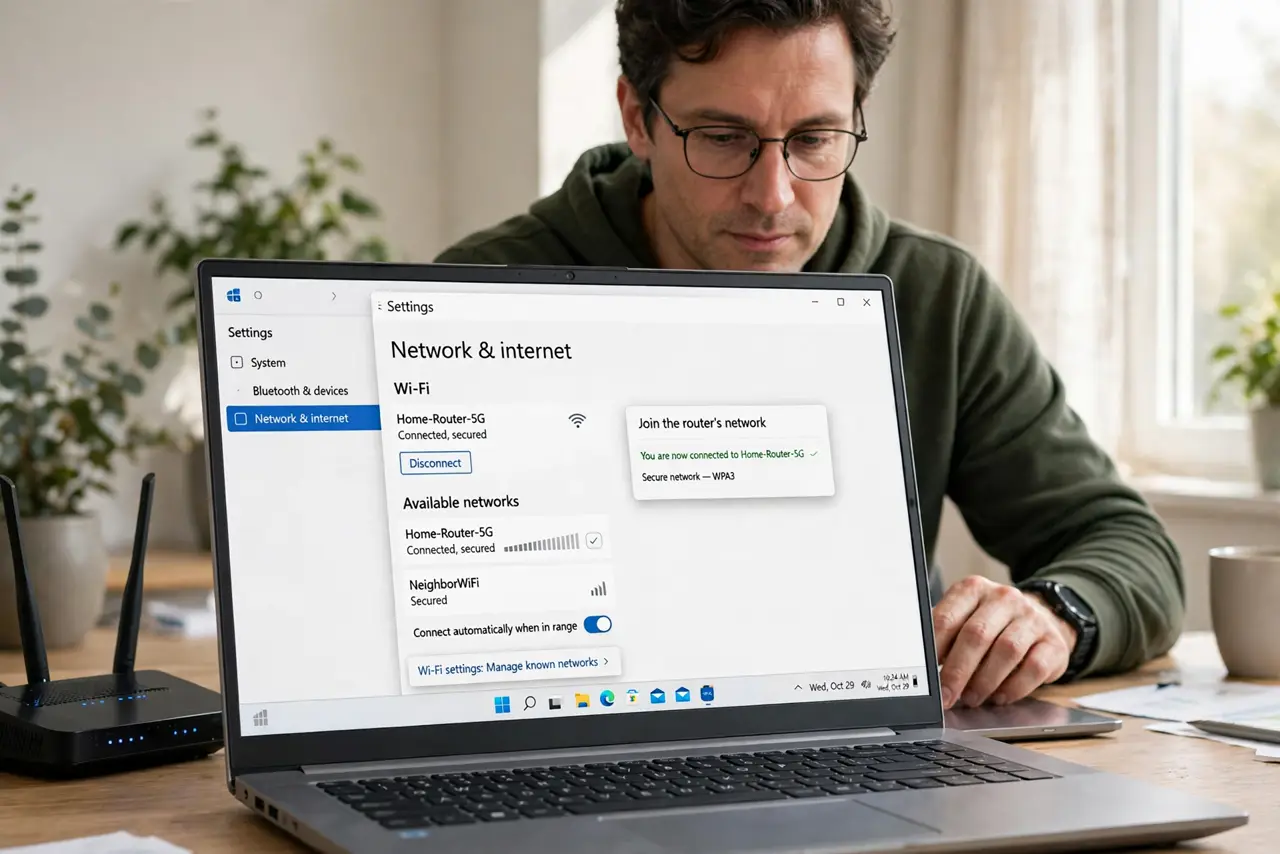
- Join the router's network. Wi-Fi or Ethernet to that exact router. Mobile data, neighbor Wi-Fi, or VPN will never reach the admin page.
- Turn off the VPN. VPNs route you away from the local network. Off, then retry the address.
- Try the common addresses. 192.168.1.1 and 192.168.0.1 cover most routers. Try both, with http:// in front.
- Read the router's label. The real address, default login, and Wi-Fi details are printed underneath. Trust the label over memory.
- Find the gateway address. On Windows run ipconfig; on Mac check network settings — the gateway or router entry is the admin address.
- Try a different browser. Overzealous HTTPS upgrades can break old admin pages. Try http:// explicitly, or another browser.
What NOT to do
- Do not factory-reset because the page won't load. Nine times in ten it's the wrong network or address — a reset is overkill.
- Do not try from mobile data. The admin page lives on the local network only, by design.
- Do not ignore the label. The address you remember from the old router is probably wrong for this one.
- Do not confuse admin password with Wi-Fi password. The page loading but rejecting login is the forgotten password issue, not this one.
Frequently asked questions
What is the router admin address?
Usually 192.168.1.1 or 192.168.0.1 — but the label underneath your router states the truth for your model.
Why does the page load on my phone but not my laptop?
The phone is on the router's Wi-Fi; the laptop might be on a VPN or a different network. Match the network.
Is it safe to open the admin page?
On your own network, yes. Never forward the admin page to the internet — that invites the whole world to try logging in.