Router Admin Password Forgotten? Fix It
You cannot open the router settings because the admin password is forgotten, and guessing keeps failing. The admin password is separate from the Wi-Fi password, so the label, your records, or a careful reset are the only safe routes back in.
TL;DR / Quick Fix
Quick fix: check the password on the router label, but only if you never changed it, and check your password manager or notes. If neither works, reset the router only once you know your internet provider details for setup. Test once more after a restart.
Follow these steps
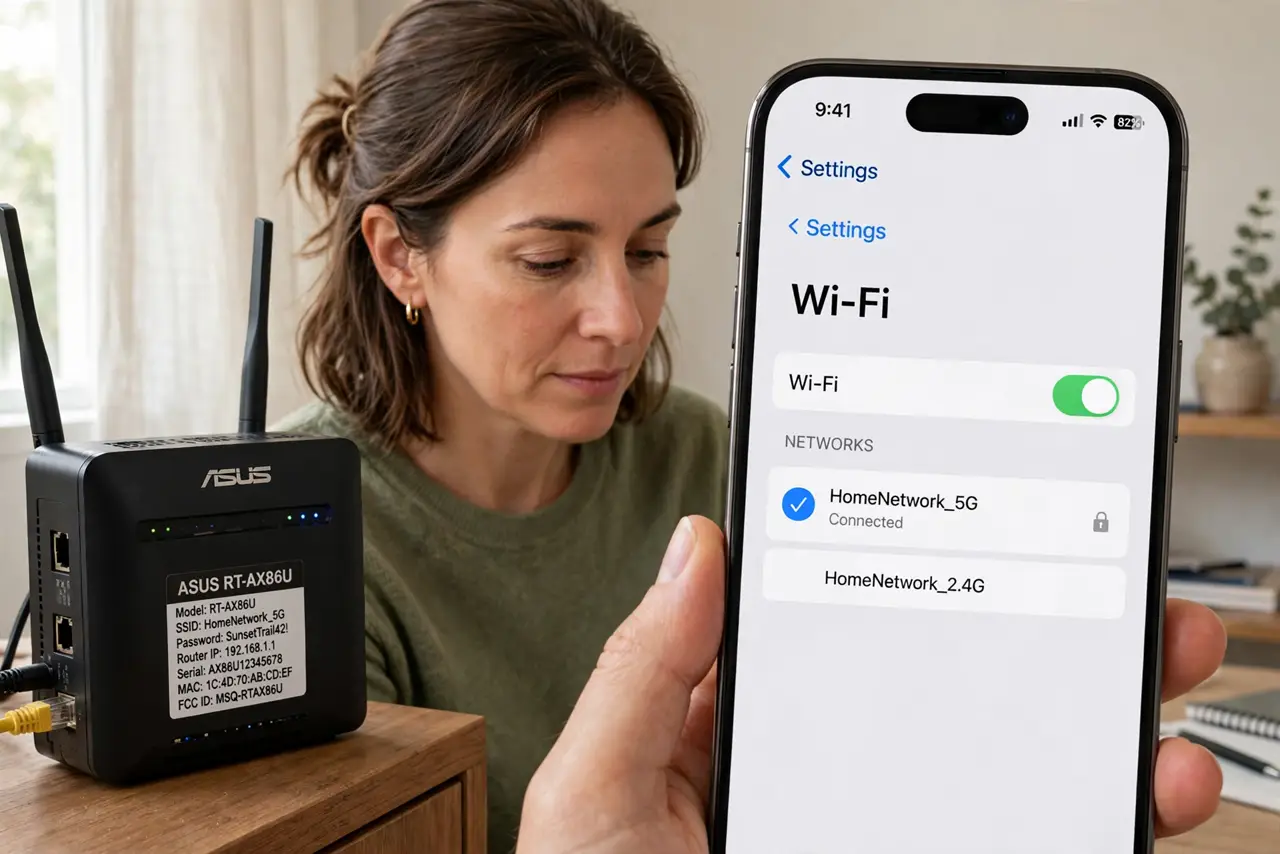
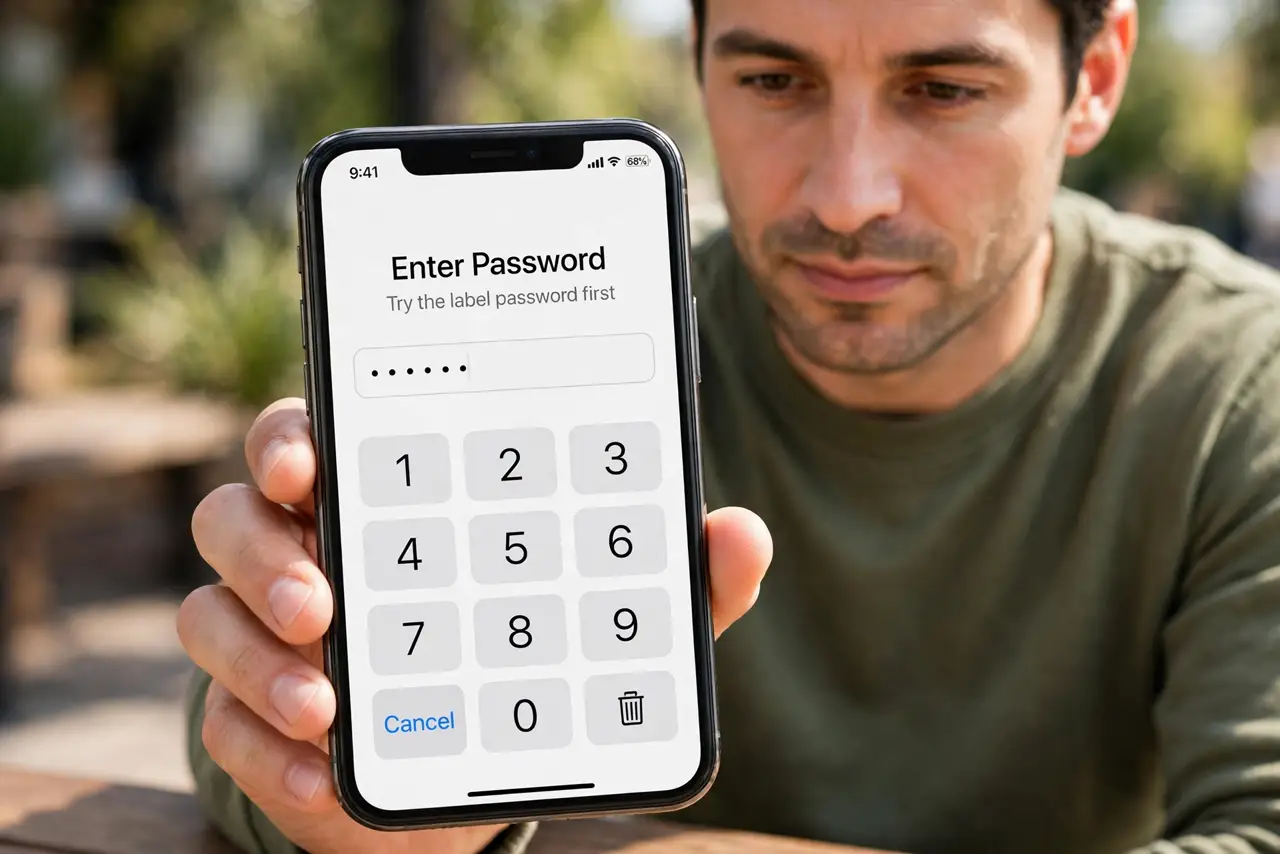
- Try the label password first. If you never changed the admin password, try the default shown on the router label. Labels only help for unchanged passwords, so a changed password needs another route.
- Check your password records. Check your password manager, notebook, or phone notes for the admin password you set. Many forgotten passwords are already recorded somewhere safe.
- Confirm you mean the admin password. Make sure you are not typing the Wi-Fi password into the admin login. The admin password opens settings, while the Wi-Fi password only joins the network.
- Try a careful reset only if you must. If no record exists, press the reset button as the maker directs, but only after noting your provider details. A reset returns the router to label defaults and wipes your settings.
- Set a new strong admin password. After regaining access, set a new admin password that is long and unique, and different from the Wi-Fi password. Write it in your password manager right away.
- Reconfigure Wi-Fi and check every device. After a reset, set the Wi-Fi name and password again, then rejoin every device. A reset changes the network, so old saved entries will fail until updated.
What NOT to do
- Do not guess the admin password dozens of times. Repeated failures can lock the login temporarily and still tell you nothing.
- Do not use the same password for admin and Wi-Fi. If one leaks, the other falls too, so keep them different.
- Do not reset the router before checking the label and your records. A reset wipes settings that a found password would have saved.
- Do not leave the admin password at its label default after a reset. Change it right away, since label defaults are widely known.
Frequently asked questions
What is the difference between admin and Wi-Fi passwords?
The admin password opens router settings, while the Wi-Fi password only lets devices join the network.
Where is the default admin password?
On the router label, but only if you never changed it. A changed password replaces the label value.
Will a reset delete my internet setup?
It returns the router to defaults, so you must set up Wi-Fi and any provider details again.