Router DNS Settings Keep Resetting? Fix It
You set custom DNS in the router, but after a restart the old values return, and sites behave as before. The router may not be saving, a modem may override it, or firmware may restore provider values on every boot.
TL;DR / Quick Fix
Quick fix: set the DNS values in the router, save, and restart the router once to confirm they hold. Then check whether a modem in front of the router also sets DNS, and update the router firmware. Write down what worked for next time.
Follow these steps
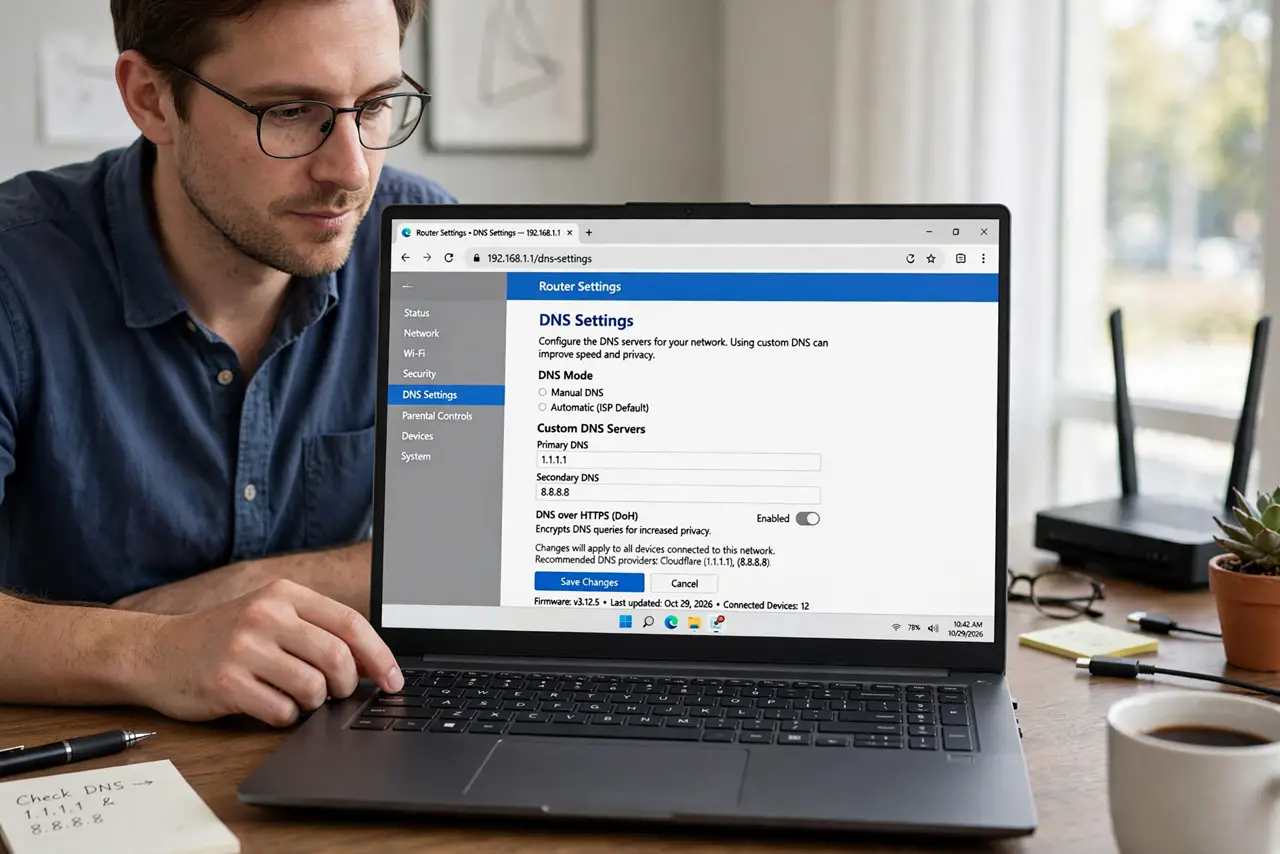
- Set DNS and save properly. In the router settings, enter the DNS values, click Save or Apply, and wait for the router to confirm. Closing the page without saving is the simplest reason settings reset.
- Restart and check they held. Restart the router once, then reopen the DNS settings and confirm the values are still there. A setting that survives one restart is saved, while one that vanishes was never stored.
- Check the modem in front of the router. If a modem also routes, its DNS can override the router for devices behind it. Check the modem settings, or ask your provider about bridge mode.
- Update the router firmware. Check for a firmware update and install it as the maker directs. Old firmware can fail to save settings or restore provider values on every boot.
- Check for a provider override. Some providers push their own DNS on connection. Ask your provider whether custom DNS is allowed, since a forced override cannot be fixed from the router alone.
- Factory reset only as a last step. If settings still reset after saving, firmware, and modem checks, reset the router and set DNS again from scratch. Note all settings first, since a reset wipes them.
What NOT to do
- Do not enter random DNS addresses from a forum. Wrong DNS can send your browsing to untrusted servers, so use only addresses from a provider you trust.
- Do not change DNS on every device to work around the router. Fix the router setting once, so every device benefits without individual changes.
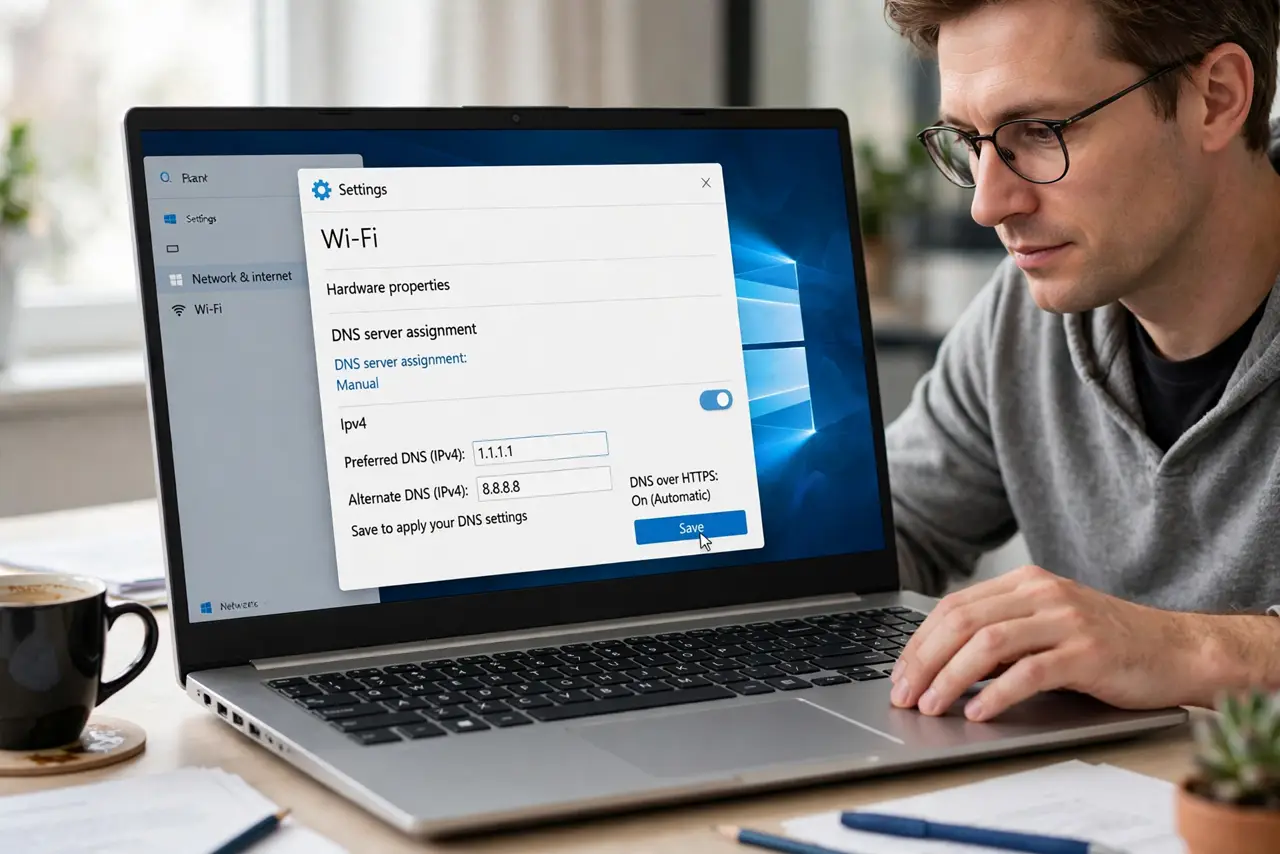
- Do not skip the save button. Many router pages look changed before you save, but nothing is stored until you confirm.
- Do not factory reset before noting your settings. A reset wipes Wi-Fi names, passwords, and custom settings, not just DNS.
Frequently asked questions
Why do my router DNS settings reset?
They may never have been saved, a modem may override them, or firmware may restore provider values on boot.
Can a modem override router DNS?
Yes, if the modem also routes. Its DNS can win for devices behind it, so check the modem settings too.
Is changing DNS safe?
It is safe when you use addresses from a provider you trust. Random addresses from forums are not safe.