What Is Router DMZ?
Deep in your router's settings sits a button labeled DMZ, and forum posts keep suggesting it as the fix for every connection problem — just DMZ your console, they say, and everything works. What they rarely mention: the DMZ strips away your router's firewall protection from that device entirely. It is a powerful tool with exactly one legitimate home use, and a dangerous shortcut everywhere else.
TL;DR / Quick Fix
Quick fix: the DMZ exposes one device directly to the internet, bypassing the router firewall — useful almost never at home. For game consoles with strict NAT, try UPnP or port forwarding first. Only use DMZ for a single-purpose device you can afford to expose, never your main PC.
Follow these steps
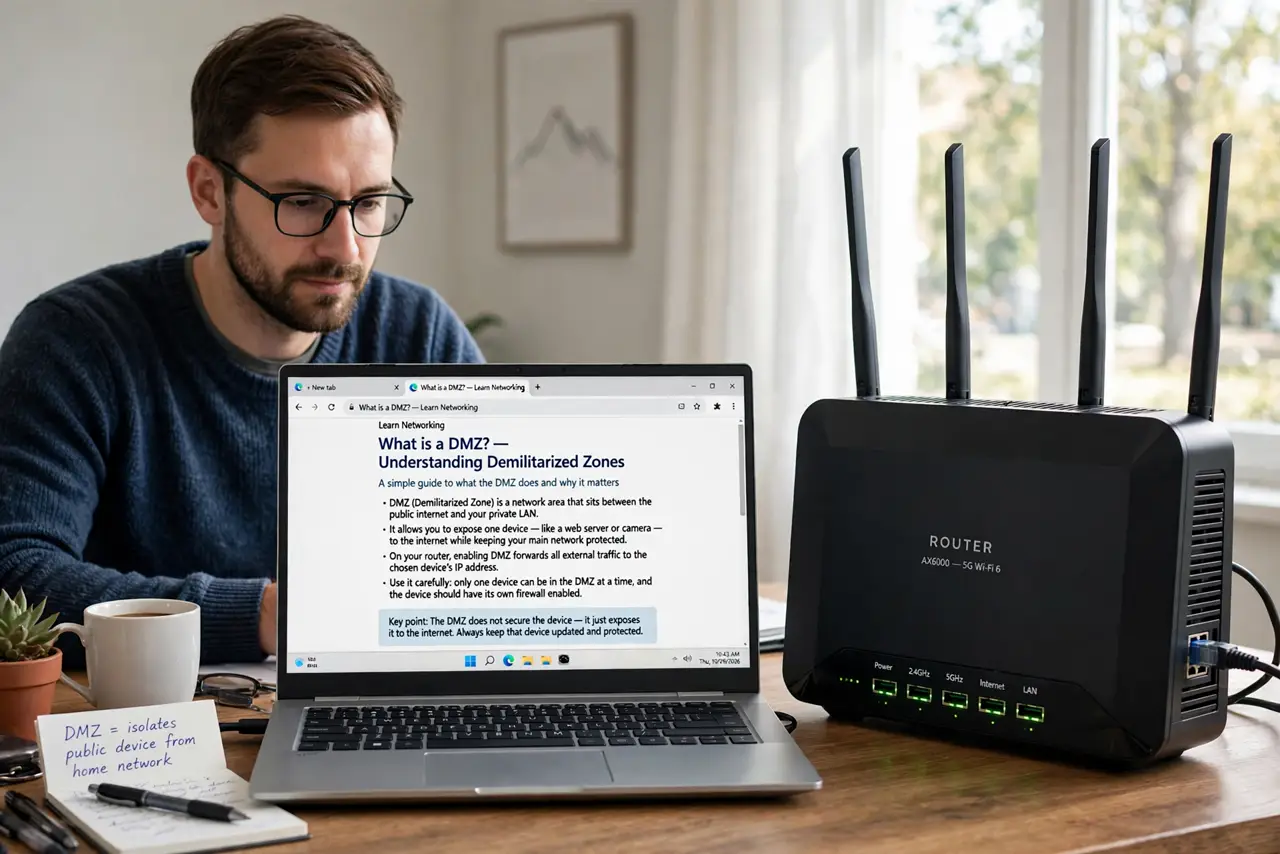
- Understand what DMZ actually does. DMZ (demilitarized zone) forwards all unsolicited inbound traffic to one device, bypassing firewall rules. Every port becomes reachable — the device sits on the internet as if the router were not there.
- Learn why forums recommend it. Because it makes stubborn connection problems vanish — strict NAT, failed game hosting, unreachable cameras. It works by removing the protection that was causing the friction, which is precisely the problem.
- Try everything else first. For consoles: UPnP or manual port forwarding solves strict NAT without exposure. For servers: forward only the needed ports. DMZ is the sledgehammer — see port method choices for the scalpel.
- Know the one valid home use. A dedicated, hardened device — like a standalone game console or a purpose-built server you keep patched — is the acceptable DMZ resident. It has little to steal and you accept the risk knowingly.
- Never DMZ your main computer. Your daily PC holds your email, banking, files, and passwords. Exposing it fully to internet scanning is asking for intrusion — this is the line that must not be crossed.
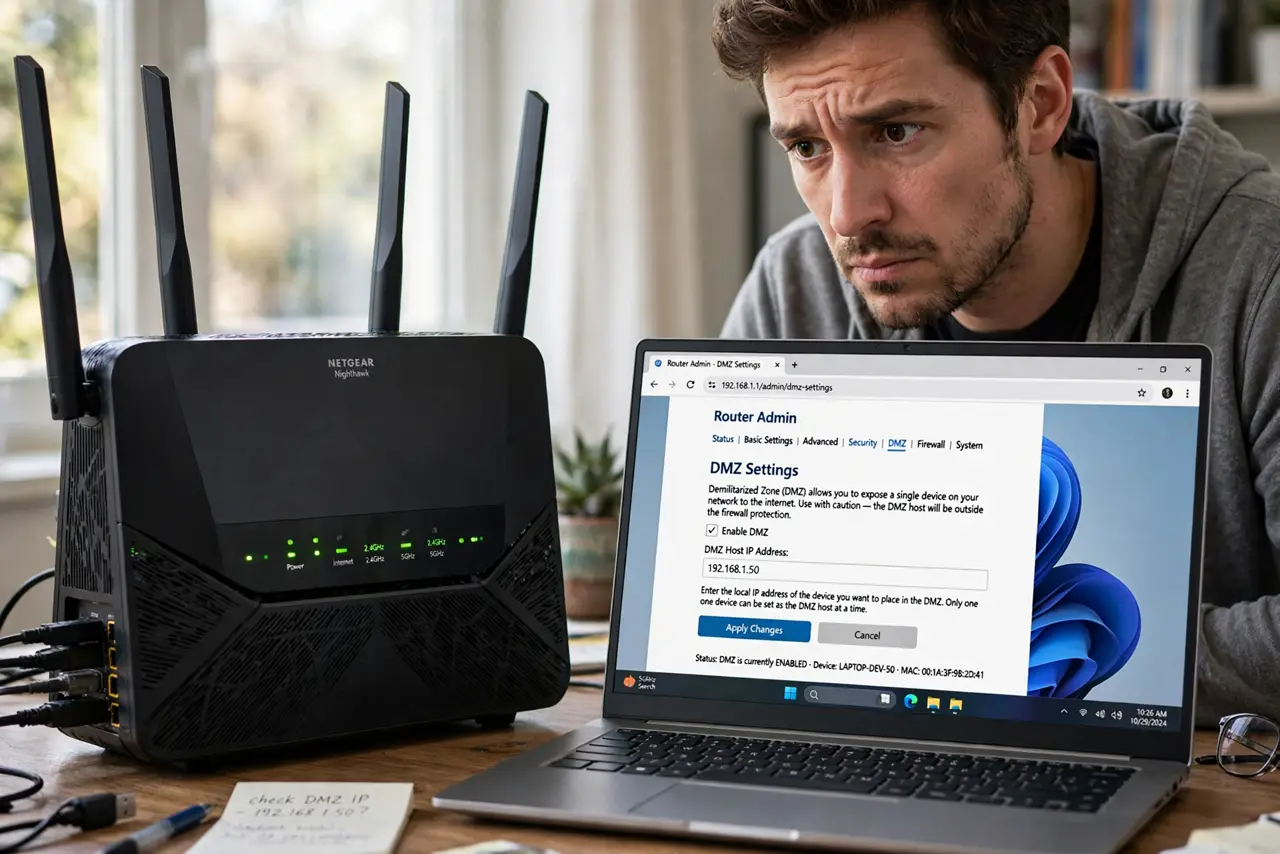
- Check who is in the DMZ today. Log into your router and look at the DMZ page. If a previous troubleshooting session left a device there, remove it now — forgotten DMZ entries are silent exposure.
What NOT to do
- Do not DMZ your main PC to fix a game. The game works, and now so does every scanner on the internet against your files.
- Do not leave DMZ on as a permanent fix. It was a diagnostic step at most — a device that needs permanent DMZ needs a different solution.
- Do not assume the device's own firewall is enough. Host firewalls help, but the router was your outer wall — do not demolish it casually.
- Do not confuse DMZ with a safe zone. The name sounds protective; the function is the opposite — it is the exposed zone.
Frequently asked questions
Is DMZ the same as port forwarding?
No — port forwarding opens specific doors; DMZ removes the wall. Forwarding is precise, DMZ is total.
My console maker suggests DMZ — is it okay?
Consoles are the least-bad DMZ residents since they hold little sensitive data. Still try UPnP first — it usually achieves the same result.
How do I know if I am in a DMZ?
Check your router's DMZ settings page — it names the exposed device's IP. Compare with your device's IP to confirm.