Router Guest Network Has No Internet? Fix It
Guests join the guest network fine, but nothing loads, while the main network works perfectly. The guest network usually has internet access off, a time limit reached, or a stale join, rather than a broken line.
TL;DR / Quick Fix
Quick fix: confirm the main network works, then open the router settings and check the guest network is enabled with internet access allowed. Forget and rejoin the guest network on the guest device, and restart the router once. Write down what worked for next time.
Follow these steps
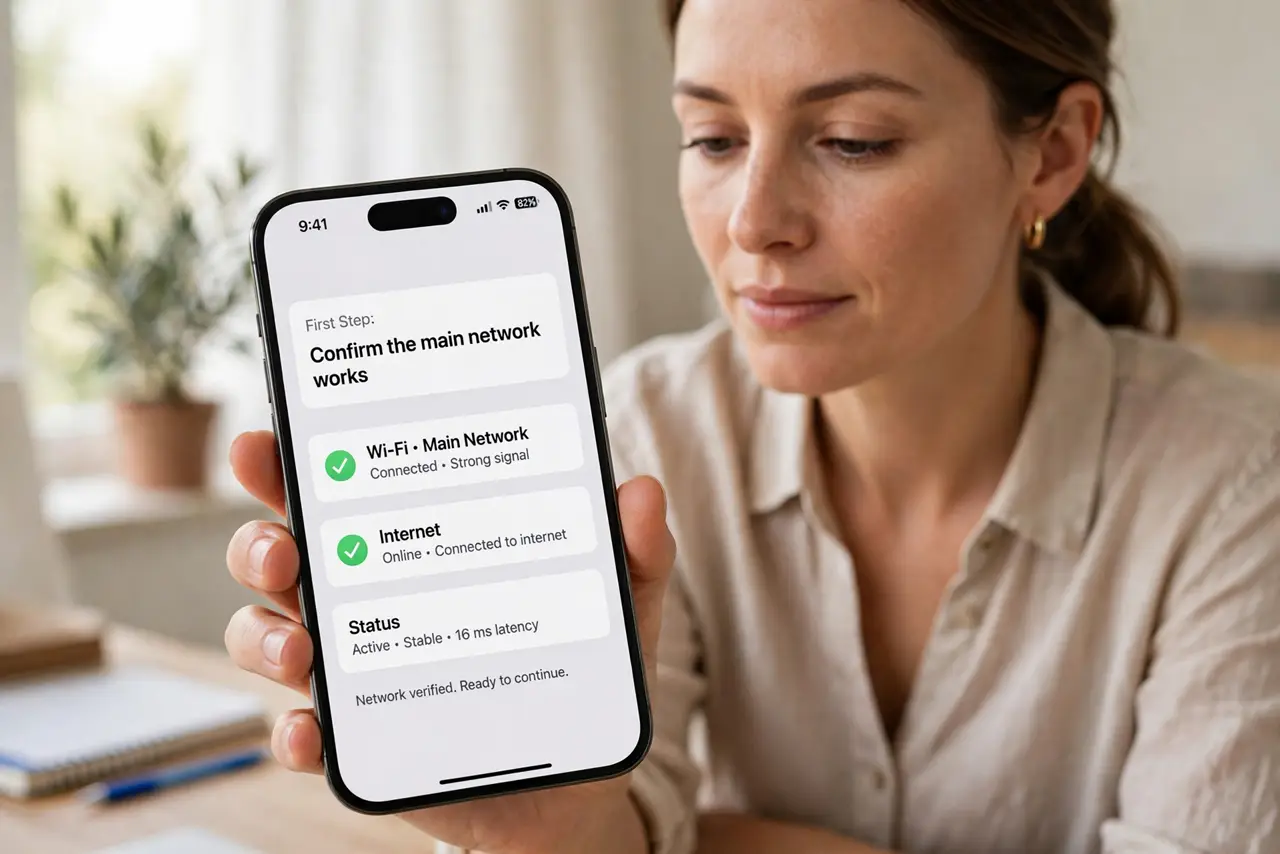
- Confirm the main network works. Test the main network on your own device first. If the main network also fails, the line is the problem, not the guest network settings.
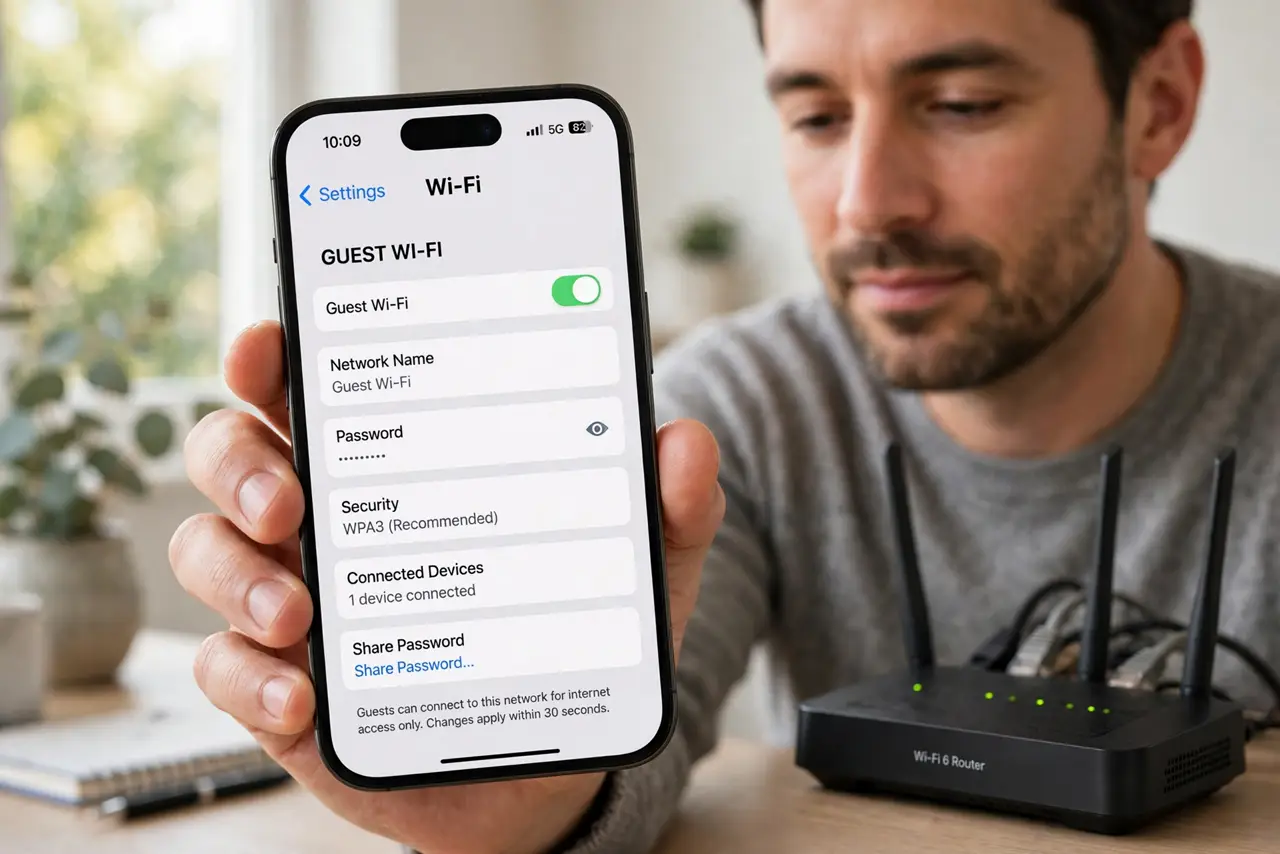
- Check guest internet access in settings. Open the router settings, find the guest network, and confirm it is enabled and allowed to reach the internet. Some routers let a guest network run isolated with no internet at all.
- Check guest time and device limits. Look for a guest schedule, time limit, or device limit that may have been reached. A guest network that worked yesterday may simply have run out of its allowed time.
- Forget and rejoin the guest network. On the guest device, forget the guest network and join it again with the password. A stale guest join can connect without ever completing its internet setup.
- Restart the router once. Unplug the router, wait thirty seconds, and plug it back in, then test the guest network again. A restart clears a stuck guest service that the main network never shows.
- Test with a second guest device. Try a second device on the guest network. If both fail while the main network works, the guest settings are the cause, not the device.
What NOT to do
- Do not give guests the main network password to work around the problem. The guest network exists to keep guests separate from your private devices.
- Do not turn off guest isolation just to get internet. Isolation protects your devices, so fix the internet setting instead of removing the protection.
- Do not leave the guest network open with no password. An open guest network lets anyone nearby use your connection.
- Do not reset the router for a guest-only problem. Guest settings and a restart usually fix it without disturbing the main network.
Frequently asked questions
Why does the guest network connect but give no internet?
Its internet access may be off, its time limit may be reached, or the guest join may be stale. The main network working proves the line is fine.
Should guests use the main network instead?
No. The guest network keeps guest devices separate from your private devices and files.
Does guest isolation block internet?
No. Isolation blocks guests from your devices, not from the internet, unless the router also has internet access off for guests.