Should Your Router Reboot on a Schedule?
Somewhere you read that rebooting the router nightly 'keeps it fast' — and now there's a smart plug doing it at 3 a.m. Scheduled reboots can help ancient, leaky routers, but on a healthy modern one they're a bandage over a problem worth diagnosing. Here's how to tell which camp yours is in.

TL;DR / Quick Fix
Quick fix: if your router needs regular reboots to stay usable, it has a problem — check for firmware updates and overheating first. A weekly scheduled reboot is harmless insurance on old hardware; a nightly one masks a fault. Constant self-restarts need diagnosis, not a schedule.
Follow these steps
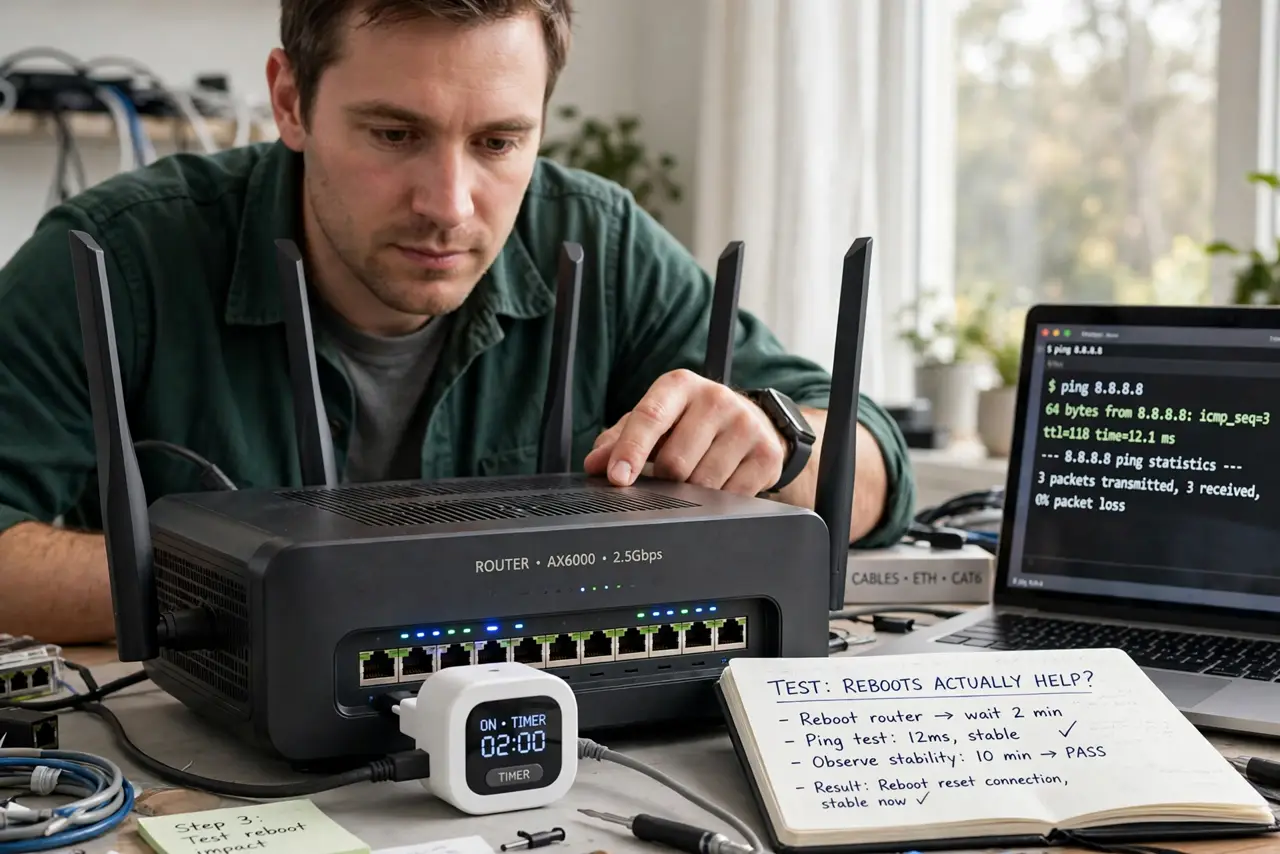
- Test whether reboots actually help. Note the speed before and after a manual reboot. If nothing changes, a schedule buys you nothing.
- Update the firmware first. Manufacturers fix memory leaks in updates. Check the router's admin page for a firmware update before automating reboots.
- Check for overheating. A hot router in a closed cabinet crashes more. Move it into open air — many 'needs rebooting' routers just need airflow.
- Try a weekly schedule, not nightly. If the router genuinely degrades over days, one weekly reboot at 4 a.m. is gentle insurance. Nightly reboots interrupt late-night devices for no gain.
- Use the router's own scheduler. Many routers have a built-in reboot schedule in the admin page — cleaner than a smart plug yanking the power.
- Replace if reboots are constant. A router that needs daily reboots to function is failing. Budget for a replacement instead of ritualizing the workaround.
What NOT to do
- Do not schedule nightly reboots on a healthy router. You gain nothing and briefly kick every device off at 3 a.m.
- Do not use a smart plug to hard-cut power daily. Repeated hard power cuts stress the router's storage more than a clean scheduled reboot.
- Do not treat reboots as a speed upgrade. A reboot clears a hung state; it does not make the internet plan faster.
- Do not ignore a router that reboots itself. Self-restarts signal hardware or firmware faults — investigate instead of scheduling around them.
Frequently asked questions
Does rebooting the router make the internet faster?
Only if the router was in a degraded state — hung processes, full NAT tables. A healthy router reboots to exactly the same speed.
Is it bad to never reboot the router?
No. Well-built routers run for months. Reboot when troubleshooting, not on superstition.
Why does my internet slow down over days until I reboot?
Classic memory-leak or overheating behavior. Update firmware, improve ventilation, and if it persists, the router is telling you it is time for a new one.