Router Restarts Every Hour? Fix It
The router restarts on a regular pattern, dropping every device at once, then coming back minutes later. Regular restarts usually mean heat, a failing power adapter, a scheduled setting, or a firmware problem, not the internet line.

TL;DR / Quick Fix
Quick fix: move the router to open air, check its power adapter and socket, and confirm no scheduled reboot is set. Then update the firmware, note the exact restart times, and test with fewer devices connected. If it fails again, start from step one.
Follow these steps
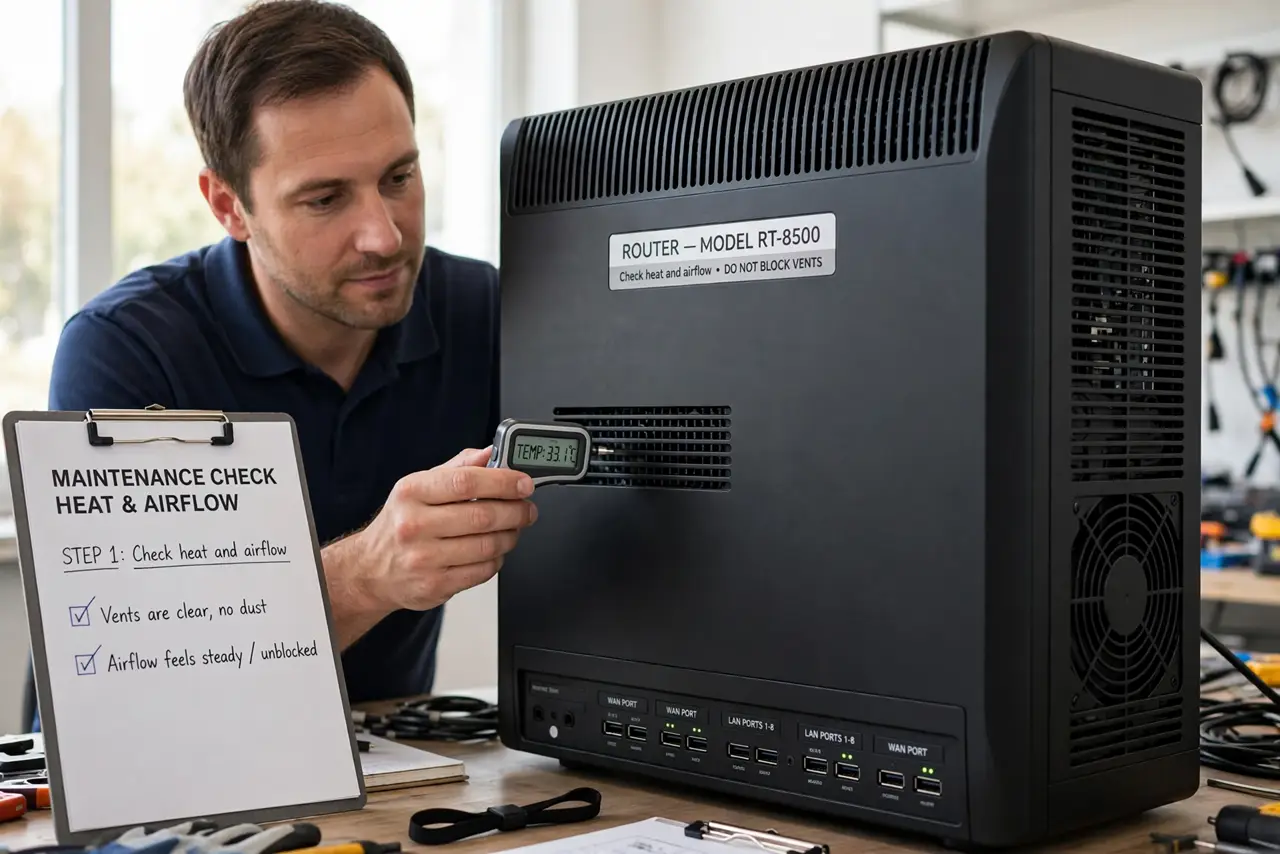
- Check heat and airflow. Move the router out of a cabinet or stack, and make sure its vents are clear. A router that overheats restarts itself to protect its parts, often on a regular pattern.
- Check the power adapter and socket. Confirm the adapter is the one made for the router, firmly plugged in, and on a stable socket. A loose or wrong adapter can cut power briefly and restart the router.
- Check for a scheduled reboot. Open the router settings and look for a scheduled reboot or maintenance restart. A setting that restarts the router hourly explains a perfect hourly pattern.
- Update the firmware. Check for a router firmware update in the settings and install it as the maker directs. Firmware bugs are a common cause of repeated restarts, and updates often fix them.
- Disconnect devices to isolate the trigger. Unplug or disconnect devices in groups and watch whether restarts stop. A single device flooding the router can force restarts that look like a router fault.
- Note times and contact support. Note the exact restart times over a day, then contact the maker or provider with those times. A clear pattern helps support tell a setting problem from a dying router.
What NOT to do
- Do not cover the router with cloth or stack things on it. Trapped heat causes restarts and can damage the router over time.
- Do not swap in a random power adapter. A wrong voltage adapter can damage the router, so use only the adapter made for it.
- Do not factory reset the router as a first step. Check heat, power, and schedule first, since a reset wipes settings without fixing those causes.
- Do not ignore a perfect hourly pattern. A regular pattern points to a setting or heat cycle, not random line trouble, so note the times.
Frequently asked questions
Why does my router restart every hour?
Heat, a failing adapter, a scheduled reboot, or a firmware bug are the usual causes. The regular timing is the clue.
Can heat really restart a router?
Yes. A router in a closed cabinet can overheat and restart to protect itself, then repeat once it heats again.
When should I replace the router?
Only after heat, power, schedule, and firmware checks fail. A router that restarts with nothing connected is likely dying.