When to Upgrade Your Router
Your internet plan is fast but your Wi-Fi feels tired — dead corners, dropped video calls, a router that needs weekly reboots. Routers age: standards move on, devices multiply, and firmware support ends. But a new router is not always the answer. Here is how to tell an aging router from a badly placed one, and what to buy when it is truly time.

TL;DR / Quick Fix
Quick fix: upgrade your router if it is over five years old, cannot cover your home, drops connections, or lacks the Wi-Fi your devices support. Reboot and reposition first — many slowdowns are placement, not age. In larger homes, a mesh system beats one powerful router.
Follow these steps
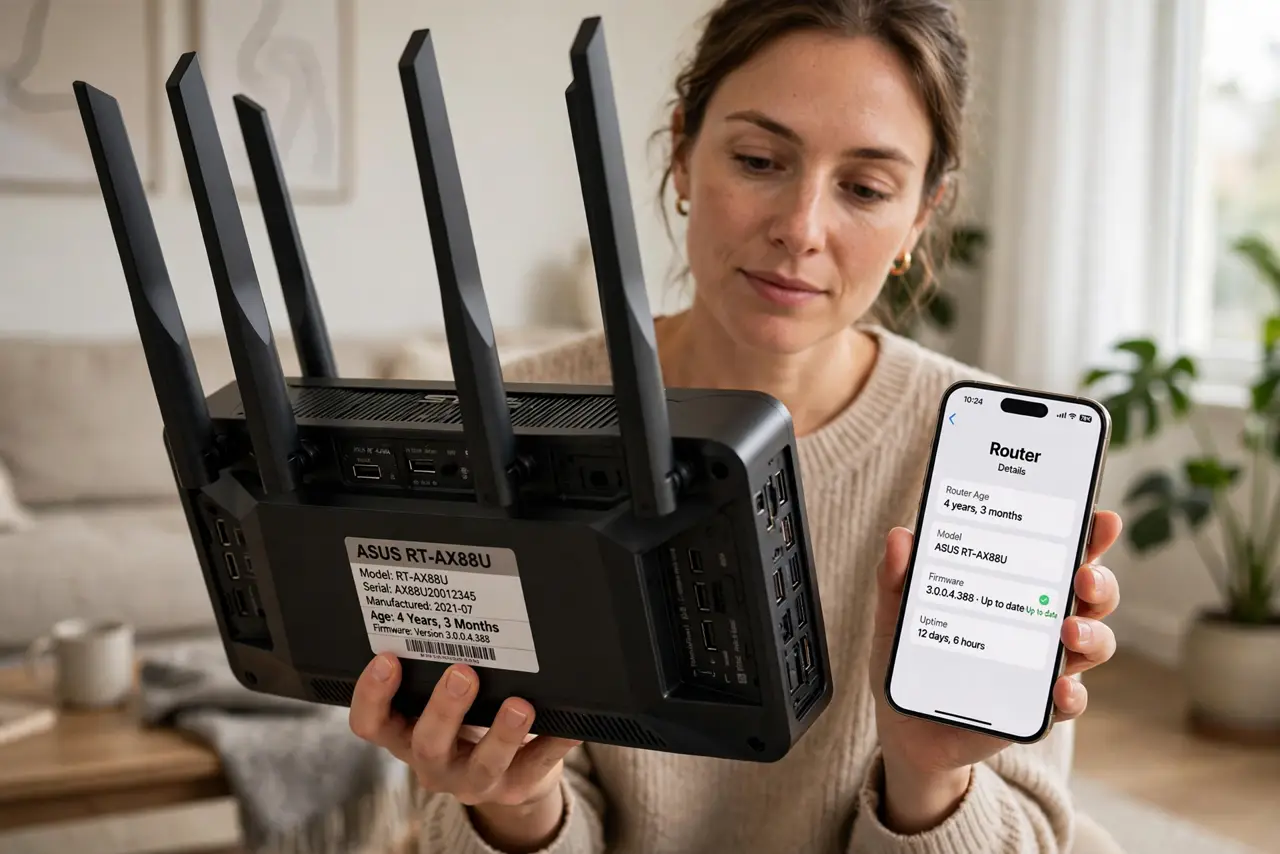
- Check the router's age. Past five years, standards have moved on and security updates may have stopped. An ancient router is also a security risk, not just a slow one — check the maker's support page for your model.
- Try the free fixes first. Reboot it, move it central and elevated, and update its firmware. Many slowdowns vanish here — a new router cannot fix a closet placement.
- Count your devices. A router from the smartphone era chokes on thirty smart-home gadgets. If devices keep dropping, you have outgrown it — modern routers handle far more simultaneous clients.
- Match the Wi-Fi generation. If your phones and laptops support Wi-Fi 6 or newer but the router is Wi-Fi 5 or older, you are leaving speed on the table. Upgrade to at least match your newest devices.
- Consider mesh for bigger homes. One router cannot cover a large or multi-floor home well. A mesh system with two or three nodes beats a single expensive router — learn the extender vs mesh tradeoff first.
- Buy for your plan, not the fantasy. A gigabit-capable router on a 100 Mbps plan wastes money. Match the router's WAN speed to your actual plan, then spend the rest on coverage.
What NOT to do
- Do not buy the most expensive router hoping it fixes everything. Placement and plan speed matter more than flagship specs.
- Do not toss a working router without trying a reboot and reposition. Half of upgrade urges die at this step.
- Do not ignore security updates. A router past end-of-support is a permanent hole in your network — that alone justifies replacement.
- Do not expect a new router to raise your plan speed. It can only deliver what your provider sends to your home.
Frequently asked questions
How often should I replace my router?
Roughly every four to five years, or when it stops getting firmware updates — whichever comes first.
Is a mesh system better than one powerful router?
For medium and large homes, yes — multiple nodes beat one loud router for even coverage. Small apartments do fine with a single good router.
Can I just add an extender instead?
Extenders are a bandage: they halve speed and complicate roaming. Mesh is the cleaner fix for real coverage gaps.