What Is Wi-Fi 6E?
Wi-Fi 6E showed up on router boxes and phone specs, and it sounds like a whole new generation — but it is really Wi-Fi 6 with an extra lane added. That extra lane is the 6 GHz band: fresh, empty spectrum with room to breathe. Whether it helps you depends entirely on whether your devices can use that lane. Here is the plain version.
TL;DR / Quick Fix
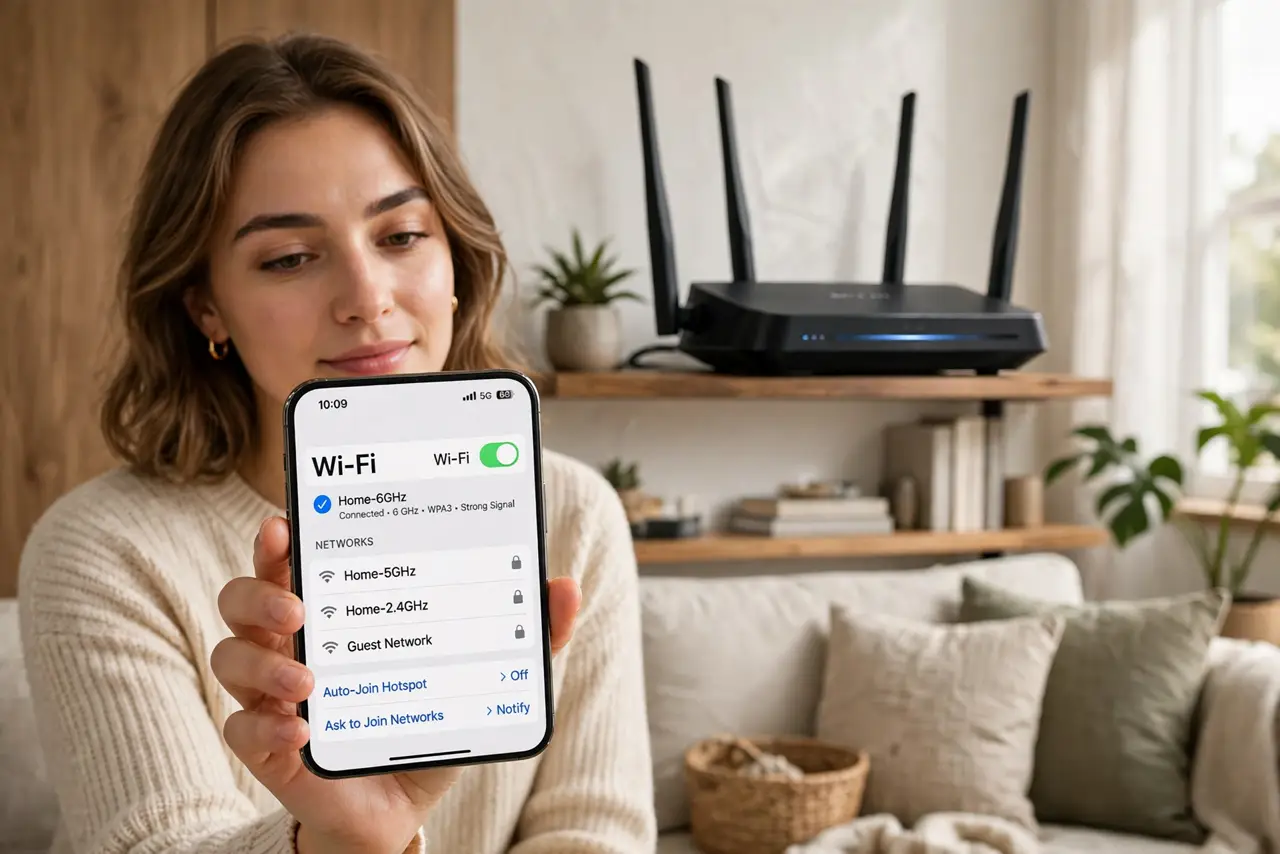
Quick fix: Wi-Fi 6E is Wi-Fi 6 plus access to the 6 GHz band — extra, less-crowded airwaves for faster, cleaner connections. Both your router and your device must support 6E to use it. It shines in crowded apartments; its shorter range means it is weakest through walls.
Follow these steps
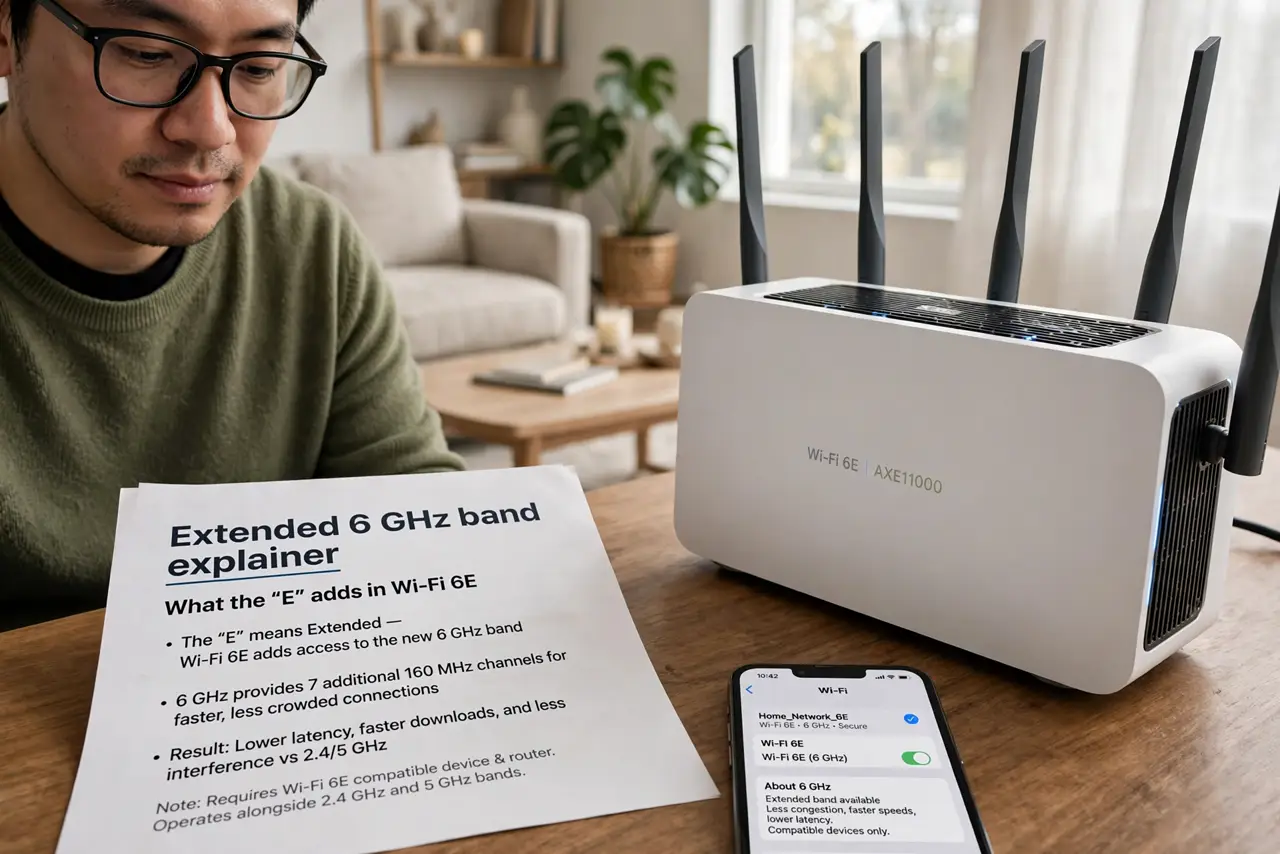
- Learn what the E adds. The E stands for Extended — Wi-Fi 6E extends Wi-Fi 6 into the 6 GHz band. Same technology, new spectrum. Think of it as opening an extra highway lane rather than inventing a faster car.
- Understand the 6 GHz advantage. The 6 GHz band is new and empty — no old devices, no neighbors' networks crowding it. That means less interference and more consistent speed, which is why 6 GHz basics matter in apartment buildings.
- Know the range tradeoff. 6 GHz signals do not travel as far or punch through walls as well as 5 GHz or 2.4 GHz. One room away it is glorious; two walls away your device quietly drops back to 5 GHz.
- Check both ends support it. Your router AND your phone or laptop must both be 6E-capable. A 6E router with a non-6E phone gives you exactly zero benefit — check device specs before paying extra.
- Do not confuse it with Wi-Fi 6. Wi-Fi 6 improved efficiency on the old bands; 6E adds the new band on top. A Wi-Fi 6 router is still fine for most homes — 6E is the upgrade for congested airspace.
- Compare before buying. Read the generation comparison to see where 6E sits between Wi-Fi 6 and Wi-Fi 7, then decide whether your devices and your walls justify the premium.
What NOT to do
- Do not buy a 6E router for devices that lack 6E. Check your phone and laptop specs first — the benefit needs both ends.
- Do not expect miracles through walls. 6 GHz is the first band to fade behind plaster and concrete.
- Do not assume 6E means faster internet. It improves your Wi-Fi link, not the speed your provider delivers to your home.
- Do not confuse Wi-Fi 6E with 6 GHz-only operation. 6E routers still broadcast 2.4 and 5 GHz for older devices.
Frequently asked questions
Is Wi-Fi 6E worth upgrading to?
In a crowded apartment with 6E-capable devices, yes — the empty 6 GHz band is noticeably cleaner. In a house with few neighbors, plain Wi-Fi 6 is usually plenty.
Do I need a new phone for Wi-Fi 6E?
Yes, the device itself must support 6E. A new router alone will not give an old phone access to 6 GHz.
What is the difference between Wi-Fi 6E and Wi-Fi 7?
Wi-Fi 7 is the next generation with wider channels and smarter multi-band use. 6E is Wi-Fi 6 plus 6 GHz; 7 rebuilds on top of that with more speed tricks.