Scan to PDF With Your Phone, Straight
Phone photos of documents come out crooked, shadowy, and unreadable — but your phone also has a proper scanner hiding in its notes or drive app. A real scan looks like a flatbed produced it. This guide shows how to scan straight every time.
TL;DR / Quick Fix
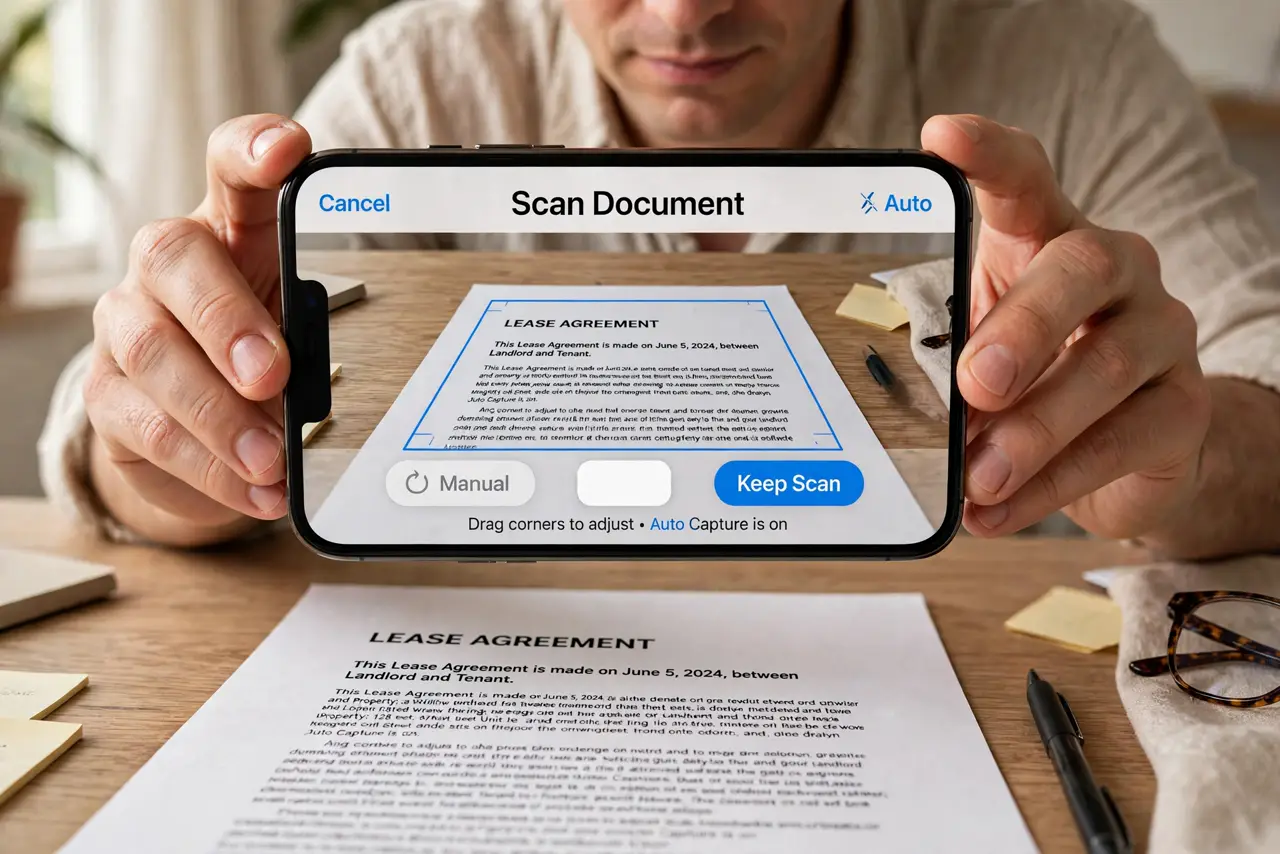
Use your phone's built-in document scanner, not the regular camera. Lay the page flat in good light, hold the phone parallel above it, and let the app detect the edges. Review each page before saving the PDF. Retake any page with shadows or blur immediately.
Follow these steps
- Open the scanner, not the camera. Use the document scan mode in your notes app, drive app, or a dedicated scanner app. Scanner modes detect edges and flatten perspective; the regular camera does neither.
- Lay the page flat. Put the document on a flat surface and smooth it out. Curled pages and book spines defeat even the best scanner — the same prep as digitizing paper notes.
- Light it evenly. Stand where your body does not cast a shadow on the page, near a window or under a bright lamp. Shadows are the top reason phone scans look amateur.
- Hold the phone parallel. Hold the phone flat and parallel above the page, filling the frame. Tilted phones produce the trapezoid distortion scanner modes then have to fix.
- Let the app find the edges. Wait for the app to detect the page edges and snap the capture. Adjust the corner handles if it grabs the table instead of the page.
- Review before saving the PDF. Flip through every scanned page at full size. Retake blurry or shadowed pages now, then save the batch as one PDF.
What NOT to do
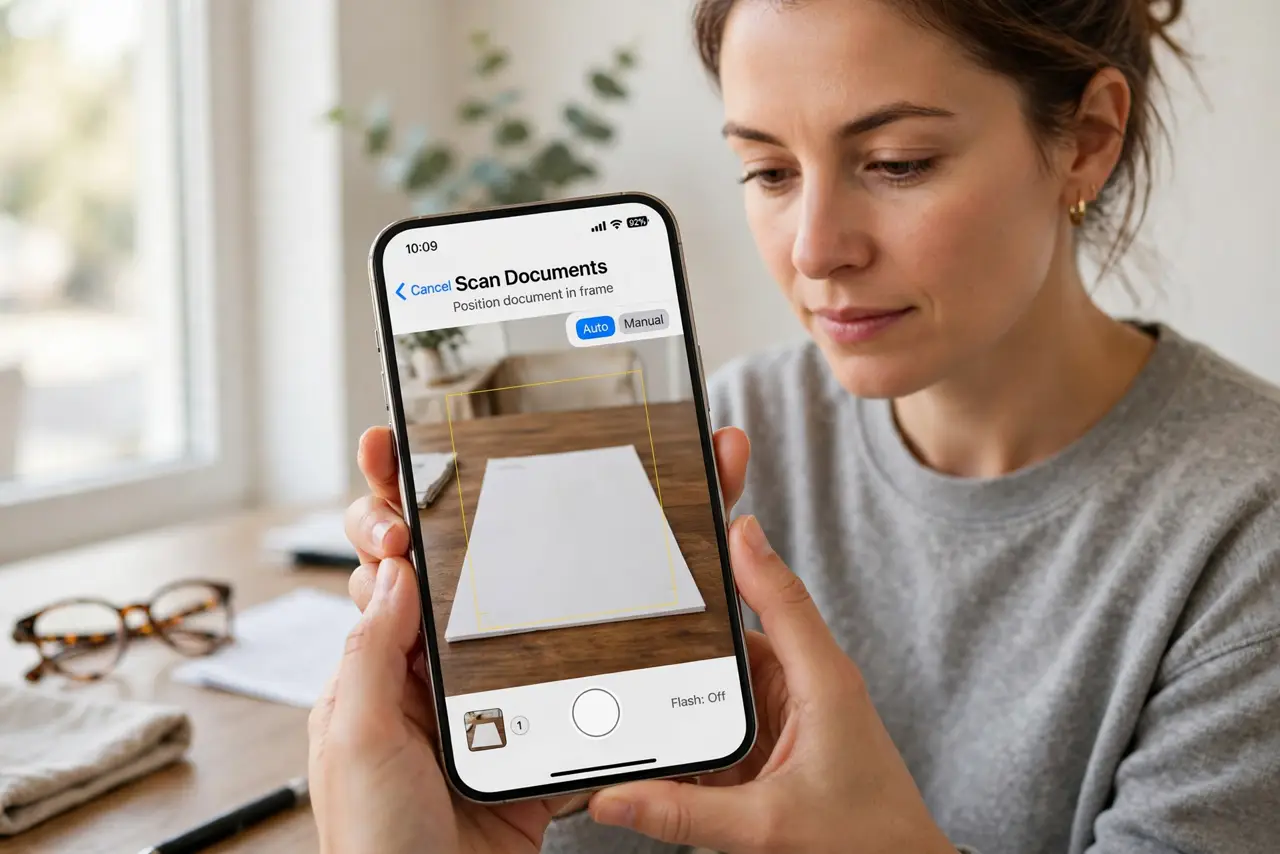
- Do not photograph documents with the regular camera app. No edge detection and no perspective correction means crooked results.
- Do not scan in dim yellow light. Poor light produces grain and shadows that OCR cannot read later.
- Do not include your fingers in the frame. Reposition the page instead of holding it down.
- Do not save without reviewing. One blurry page ruins an otherwise perfect scan batch.
Frequently asked questions
How do I scan a document with my phone?
Use the document scanner in your notes or drive app: lay the page flat, light it well, hold the phone parallel, and save as PDF.
Why are my phone scans crooked?
You used the regular camera. Scanner mode detects edges and straightens perspective automatically.
Are phone scans good enough for official forms?
Usually yes for applications and records. Some institutions still want flatbed scans, so check their requirements.