Screen Sharing Shows a Private Window by Mistake
You share your screen in a meeting and a private message, tab, or photo flashes before everyone. Sharing the whole screen instead of one window is how most of these accidents happen — and the fix is a habit, not a tool.
TL;DR / Quick Fix
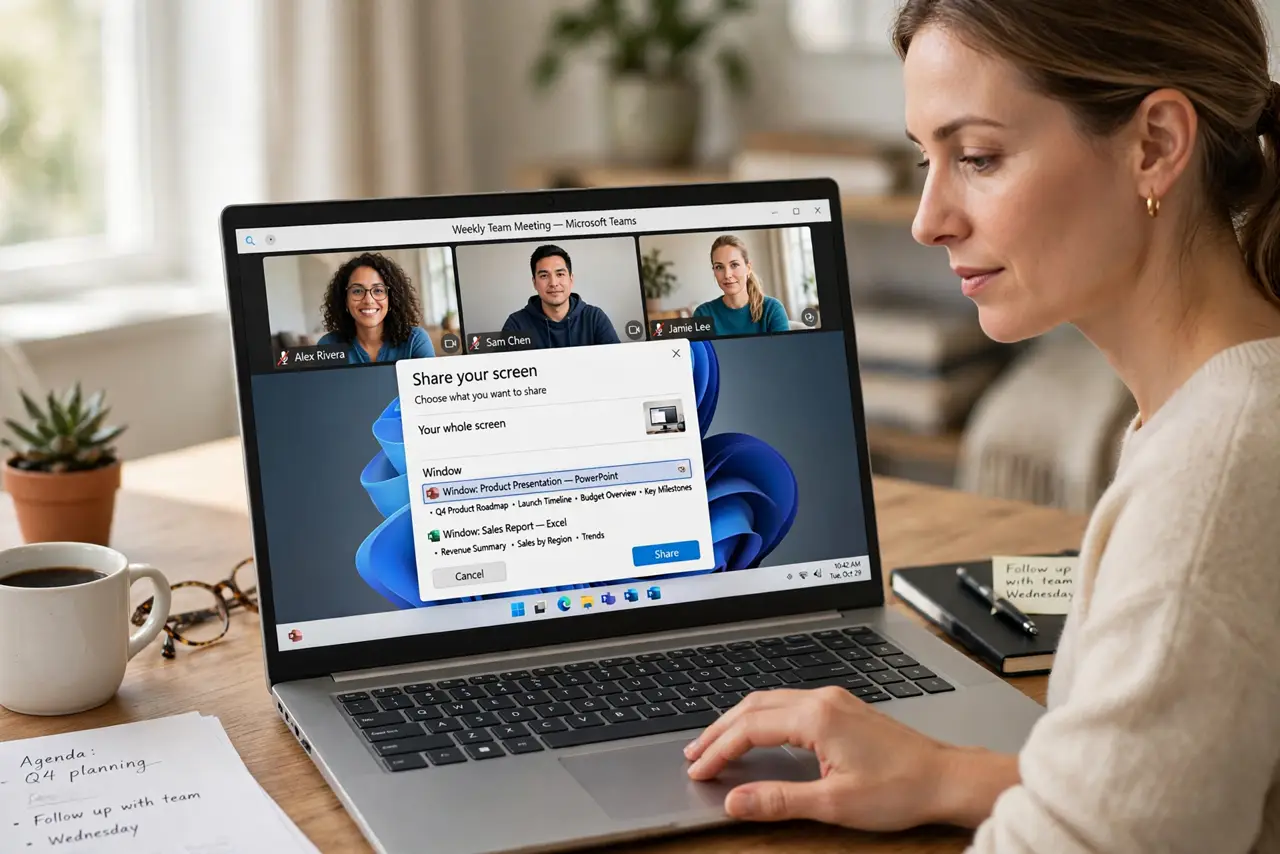
Quick fix: always share only a single window or tab, never ever share your entire screen. Then close all private tabs and silence notifications before sharing, do a quick preview glance first, and stop sharing the very moment you are done.
Follow these steps
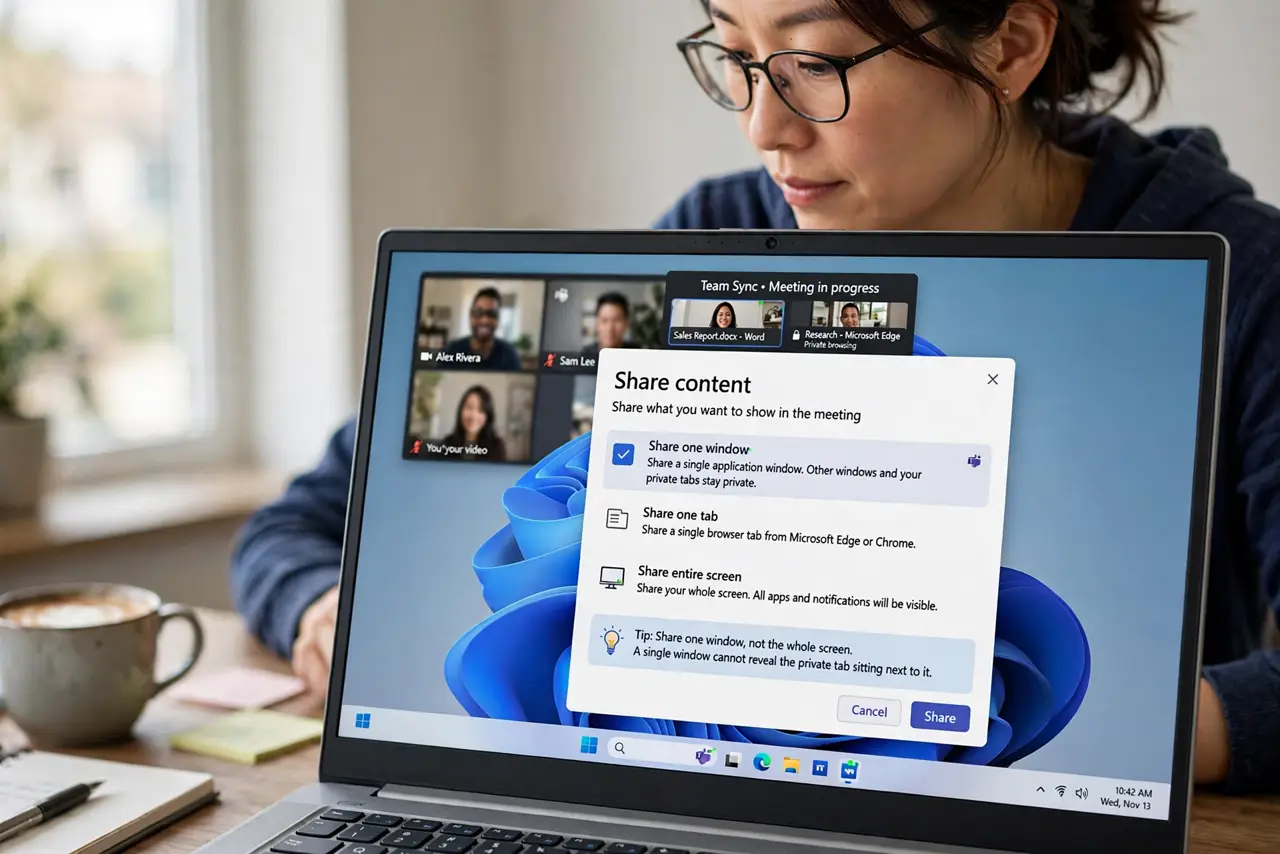
- Share one window, not the whole screen. Choose the share-one-window or share-one-tab option in the meeting app. A single window cannot reveal the private tab sitting next to it.
- Close private tabs and apps first. Before sharing, close messaging apps, personal email, and unrelated tabs. What is not open cannot pop up mid-presentation.
- Silence notifications during the share. Turn on do-not-disturb before you share. A message preview sliding in over your shared window is the classic accident this prevents.
- Glance at what the audience sees. Check the meeting's preview or ask a colleague what they see. Ten seconds of checking beats ten minutes of explaining a leaked message.
- Mind your video background too. While setting up the share, confirm your video background hides private details. Screen accidents and background accidents come from the same rushed setup.
- Stop sharing the moment you finish. End the share as soon as your part is done. Lingering shares catch the unguarded moment right after the presentation ends.
What NOT to do
- Do not share your entire screen by default. The full-screen option is the one that exposes everything, so make single-window your habit.
- Do not trust yourself to remember what is open. Close private things before sharing instead of relying on memory under pressure.
- Do not ignore the notification previews. One preview can show a private message to the whole meeting, so silence them first.
- Do not keep sharing while you check something else. Pause or stop the share before switching to any other task.
Frequently asked questions
What is the safest thing to share?
A single browser tab or app window. It shows exactly one thing, with nothing beside it to leak.
Can the audience see my notifications?
Yes, if you share the full screen with notifications on. Single-window sharing plus do-not-disturb prevents it.
What if something private already showed?
Acknowledge it briefly, stop sharing, and change anything exposed, like a visible password or private message thread.