Screenshotted Boarding Pass? The Risk
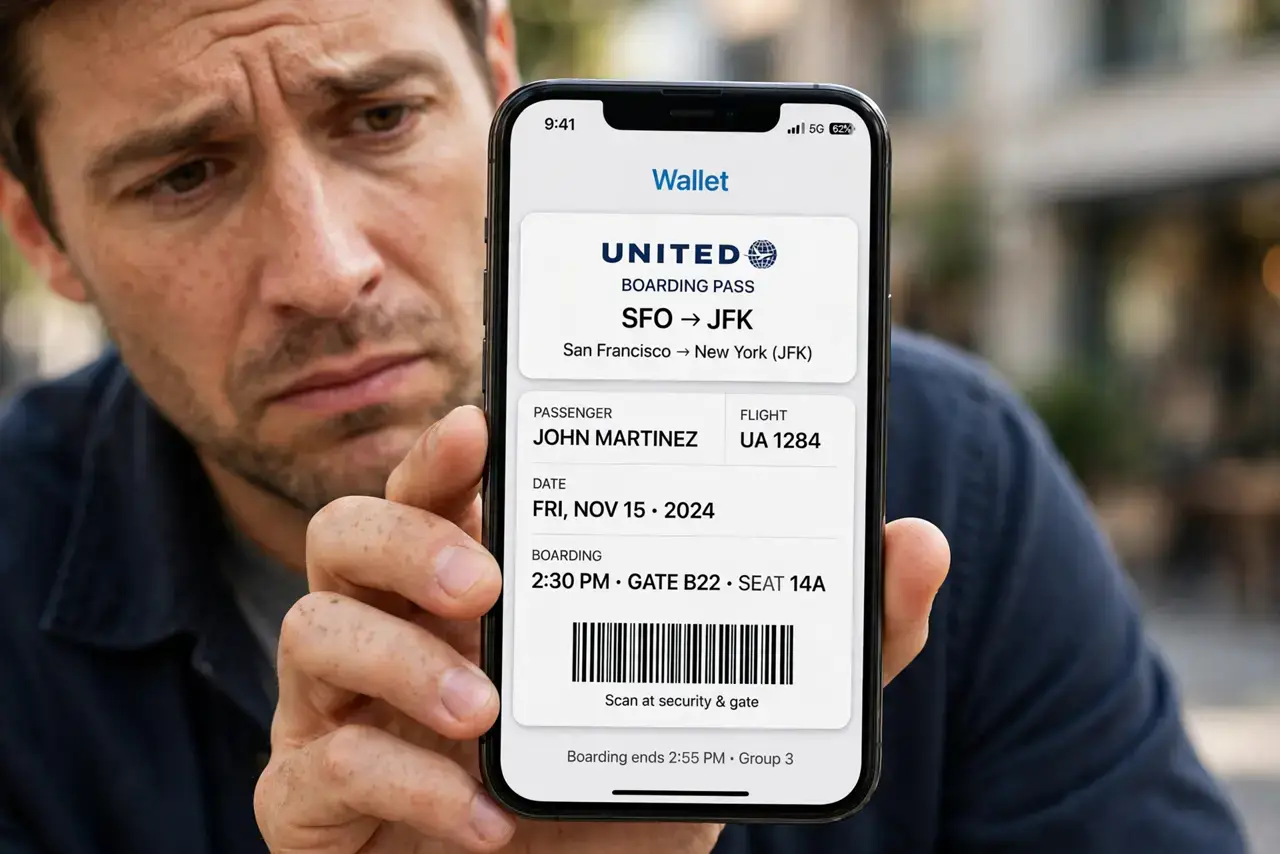
That boarding pass screenshot in your camera roll is more than a convenience — its barcode encodes your full name, booking reference, and frequent-flyer number. Anyone who sees it can pull up or change your booking. This guide explains the risk and the safer habits that replace the screenshot.
TL;DR / Quick Fix
Quick fix: stop screenshotting boarding passes — add them to your phone's wallet app instead, which keeps the barcode behind your lock screen. Delete old boarding pass screenshots from your camera roll and your cloud photo backup. Never post a boarding pass photo online, even with the barcode covered.
Follow these steps
- Understand what the barcode holds. Airline barcodes encode your name, booking code, and loyalty number — everything a stranger needs to look up your trip or steal your miles.
- Use the wallet app instead. Add the boarding pass to Apple Wallet or Google Wallet. It works offline at the gate and keeps the barcode behind your phone's lock screen.
- Delete old screenshots now. Search your camera roll for 'boarding pass' and delete every screenshot. They are dead weight with live data inside.
- Empty the trash too. Deleted photos sit in the trash folder for 30 days on most phones. Empty it so the screenshots are actually gone.
- Never post them online. A boarding pass photo on social media is a gift to scammers — even a covered barcode can leak data through the visible text. Treat it like a suspicious share and keep it offline.
- Check your cloud backup. Screenshots sync to cloud photo libraries like everything else. Deleting the local copy is not enough if the cloud still holds one.
What NOT to do
- Do not cover the barcode with an emoji and post it anyway. The name, flight number, and booking reference visible around it are enough for mischief.
- Do not email boarding passes to yourself unprotected. An old email with a barcode is a permanent copy sitting in your inbox.
- Do not leave printed boarding passes in seat pockets or hotel bins. Shred them — the barcode works just as well on paper.
- Do not assume the risk ends at landing. Old barcodes can still expose your loyalty account, so delete them after every trip.
Frequently asked questions
Can someone really steal my flight with a screenshot?
They can view and sometimes change your booking with the name and booking reference from the barcode. Miles theft from screenshots is a documented scam.
Is the wallet app safer than a screenshot?
Yes. The pass lives behind your lock screen, works offline, and updates itself if the gate changes — with none of the screenshot's copies floating around.
What if the airline only offers a PDF?
Save the PDF in a secure notes app or your wallet if supported, and delete it after the trip instead of leaving it in downloads.