Screenshots Carry Metadata Too
Screenshots feel anonymous — no camera, no GPS, nothing to leak. Mostly true, but screenshots still carry metadata: timestamps, device info, and sometimes more than you would expect. Here is what is actually inside a screenshot file, and when it matters.
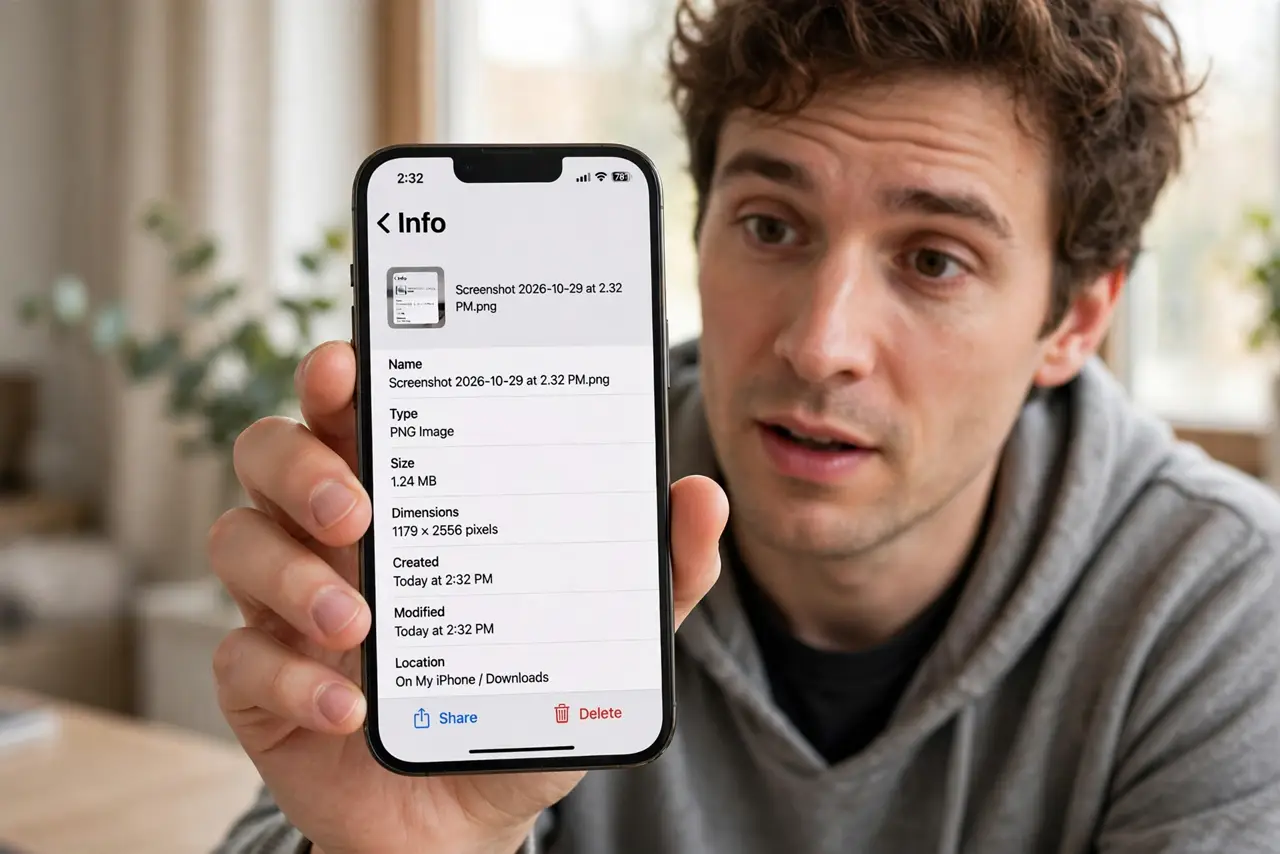
TL;DR / Quick Fix
Screenshots contain less metadata than camera photos — usually no GPS — but they still record timestamps, device model, and software version. That's enough to fingerprint a device across leaks. Strip metadata before sharing sensitive screenshots, and never assume a screenshot is anonymous just because no camera was involved.
Follow these steps
- Check a screenshot's info. Open the file details the same way you would a photo. What you see is what travels with the file.
- Know what is typically inside. Timestamp, device model, and OS version. Usually no GPS — but verify rather than assume.
- Understand the fingerprinting risk. Identical device metadata across several leaked screenshots can identify a single source. One screenshot is trivia; five are a pattern.
- Strip before sharing sensitive shots. Use the share sheet's options or a scrub tool before the file leaves your device — the same habit as with photo metadata.
- Crop for content, scrub for metadata. Cropping removes visible content but leaves metadata untouched. Do both when sensitivity matters.
- Use a clean capture for high sensitivity. A fresh device profile and a scrubbed file minimize what a screenshot can betray.
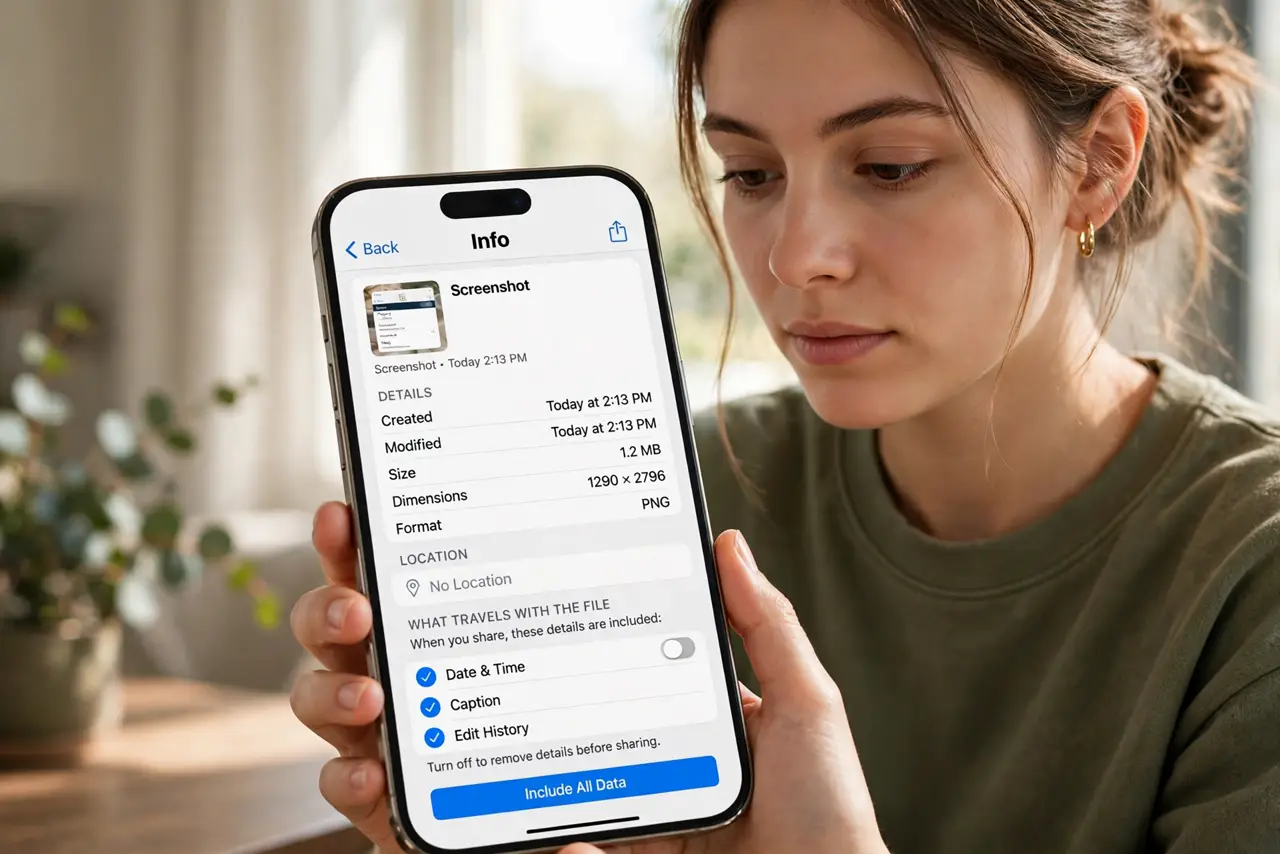
What NOT to do
- Do not assume 'no GPS' means 'no metadata.' Timestamps and device fingerprints are metadata too.
- Do not crop and call it anonymized. Metadata survives cropping untouched.
- Do not share screenshots of private chats with metadata intact if the source must stay hidden.
- Do not forget the filename. Names like 'Screenshot 2024-05-01 at 9.41 PM' leak dates and times.
Frequently asked questions
Do screenshots contain location data?
Usually not, since no camera or GPS is involved — but verify on your device rather than trusting the rule.
Can metadata identify who took a screenshot?
Device and software fingerprints can narrow it down significantly, especially across multiple files.
What is the fastest way to strip it?
Check the share sheet's options before sending — many phones offer removal right there.