Secure Your Baby Monitor
News stories keep surfacing of strangers talking through baby monitors — and nearly every case traces to the same failures: default passwords, missing updates, open remote access. A baby monitor is a camera in the most private room of the house; it deserves better than factory defaults. The same discipline secures video doorbells too.
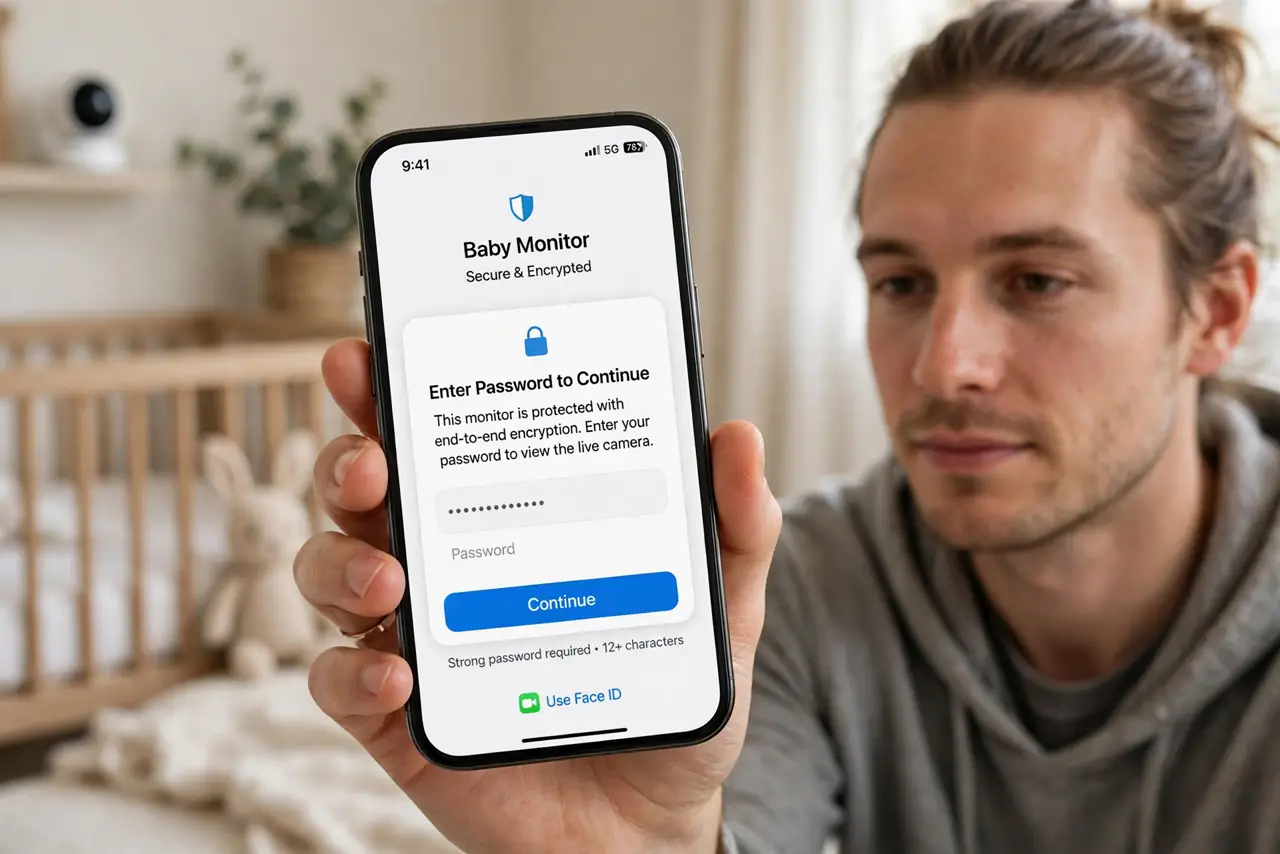
TL;DR / Quick Fix
Quick fix: change your baby monitor's default password immediately, enable two-factor authentication, and install any firmware updates — most exposed feeds come from unchanged defaults. Turn off remote internet viewing if you only watch at home. A monitor should comfort you, not broadcast to strangers.
Follow these steps
- Change the default password now. admin/admin is not a password — it is an invitation. Set a strong unique password on the monitor and on its app account before anything else.
- Enable two-factor authentication. If the app offers 2FA, turn it on. A password alone is one guess away from a stranger in the nursery.
- Install firmware updates. Makers patch real vulnerabilities in these devices. Check for updates in the app and enable auto-update if offered.
- Disable remote viewing if you do not need it. If you only watch the monitor on home Wi-Fi, turn off internet remote access entirely. No remote access means no remote attacker.
- Check who is connected. Many apps show active viewers or sessions. An unfamiliar device in that list is an emergency — change the password immediately.
- Consider non-WiFi options. Dedicated FHSS radio monitors never touch the internet at all — zero hackable feed. Less convenient, maximally private.
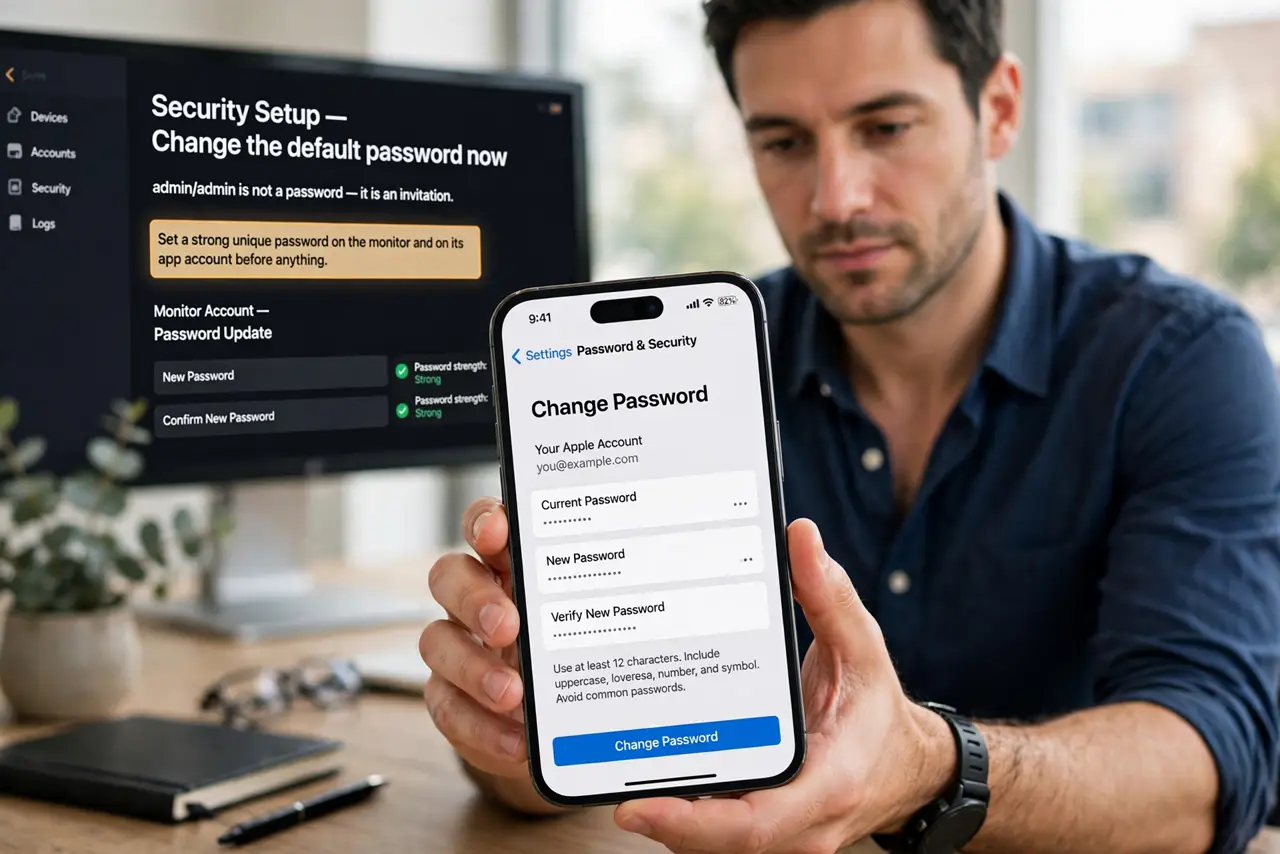
What NOT to do
- Do not keep the factory password for “one more day.” Attackers scan for default credentials constantly — change it during setup.
- Do not port-forward the monitor to the internet. Exposing the camera directly is the classic route to a public feed.
- Do not buy no-name cameras with no update history. A brand that never patches is a brand that never will.
- Do not share the login casually. Every shared credential is a copy you cannot take back — use guest features if offered.
Frequently asked questions
Can someone really watch my monitor?
With default passwords or unpatched firmware, yes — documented cases exist. With strong credentials and updates, realistically no.
Are audio-only monitors safer?
Somewhat — no video to leak. But radio monitors can be intercepted nearby; WiFi audio models need the same hardening.
What about the cloud clips?
If the monitor stores clips in the cloud, those need the same account security — and consider whether you need cloud storage at all.