Secure Smart Home Privacy
Your smart speaker sits there silently, and the creepy question never quite leaves: is it listening to everything? Here is the honest answer — it listens locally for its wake word, but recordings, transcripts, and settings decide how much of your life leaves the house. A few toggles plus one habit put you back in control. Start by deleting stored voice recordings.
TL;DR / Quick Fix
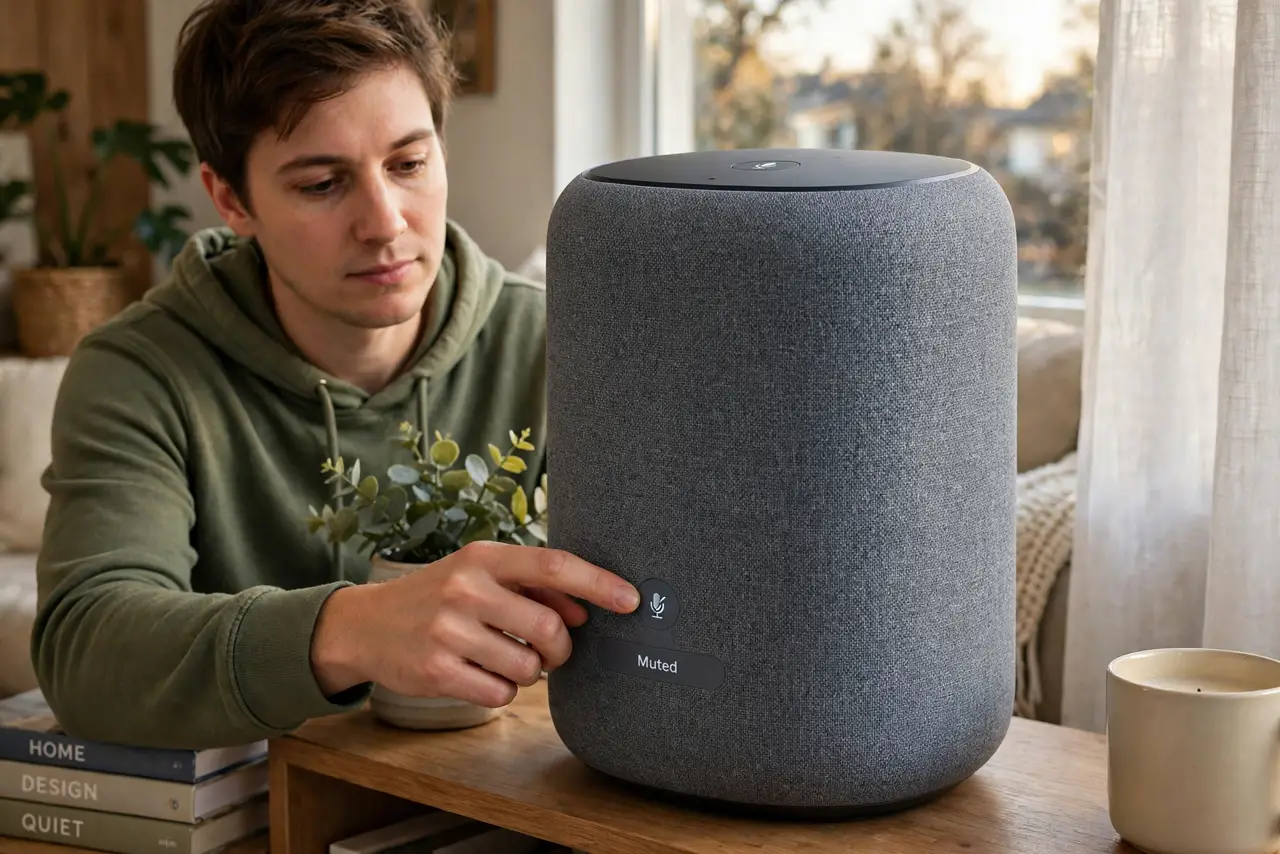
Quick fix: press the physical mute button when you're not using the speaker, and delete stored voice recordings in the app's privacy settings. Turn on two-factor authentication for the account and disable voice purchasing without a PIN. The device only needs to listen for its wake word.
Follow these steps
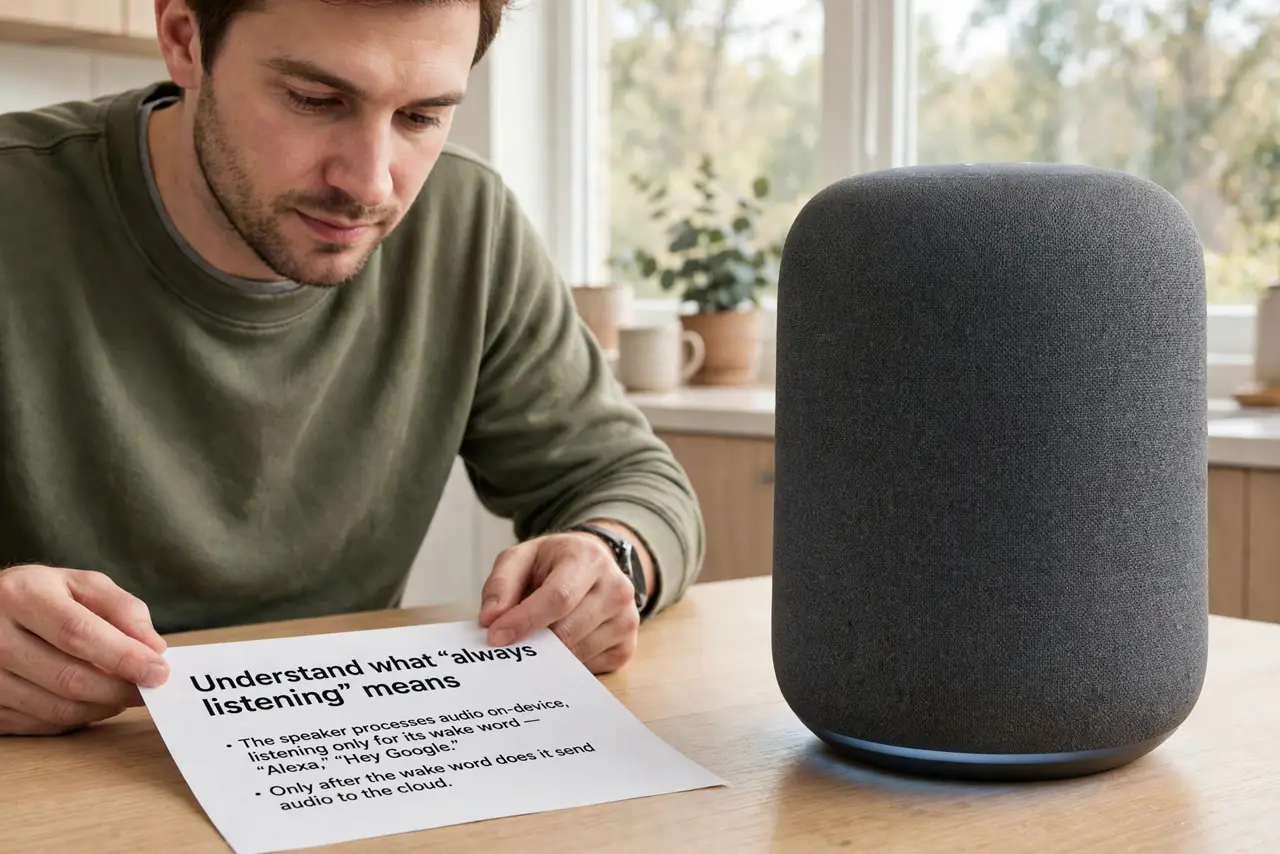
- Understand what “always listening” means. The speaker processes audio on-device listening only for its wake word — “Alexa,” “Hey Google.” Only after the wake word does it record and send audio to the cloud. It is not streaming your dinner conversation.
- Use the physical mute button. Every major speaker has a mic-off button that electrically disconnects the microphones. Press it when you are done for the day — the red light means it truly cannot hear you.
- Delete your voice recordings. Open the companion app's privacy settings and delete stored voice history, then turn on auto-delete. Old clips sitting on a server are the real privacy risk, not the wake-word listening.
- Turn off human review and ad personalization. Buried in privacy settings are toggles for human review of recordings and using voice data for ads. Switch both off — the speaker works fine without them.
- Secure the account behind the speaker. Enable two-factor authentication on the Amazon or Google account. A compromised account turns every smart device in the house into someone else's toy.
- Limit skills, drop-ins, and purchasing. Review third-party skills and disable ones you do not use. Turn off Drop In from outside contacts, and require a PIN for voice purchases so a TV commercial cannot order for you.
What NOT to do
- Do not place the speaker where sensitive conversations happen. Bedrooms and home offices deserve the mute button or no speaker at all.
- Do not ignore software updates. Speaker firmware patches fix real vulnerabilities — let auto-update stay on.
- Do not enable voice purchasing without a PIN. Without one, anyone within earshot — including a TV ad — can buy things.
- Do not assume mute equals unplugged. The button disconnects the mics, but the device is still networked — unplug for total certainty.
Frequently asked questions
Is it recording everything I say?
No — it buffers locally for the wake word and only uploads after hearing it. False triggers happen, which is why deleting history matters.
Does the mute button really work?
Yes. It physically cuts power to the microphones on all major models — that is why the indicator turns red.
Does my smart TV listen too?
Many do, via voice remotes and built-in assistants — check the smart TV privacy guide for those settings.