Browser Sync? Basics
Browser sync keeps your bookmarks, passwords, history, and tabs identical across your phone, laptop, and tablet -- sign in once and everything follows you. It is wonderfully convenient and quietly powerful: your entire browsing life, encrypted, on someone's servers. Understanding what syncs, how it is protected, and when to limit it keeps the convenience without the exposure.
TL;DR / Quick Fix
Quick fix: browser sync mirrors bookmarks, passwords, and history across your devices -- sign in with your browser account on each device. Review what syncs in Settings and disable unneeded categories. Use a sync passphrase for extra encryption, and sign out on shared computers.
Follow these steps
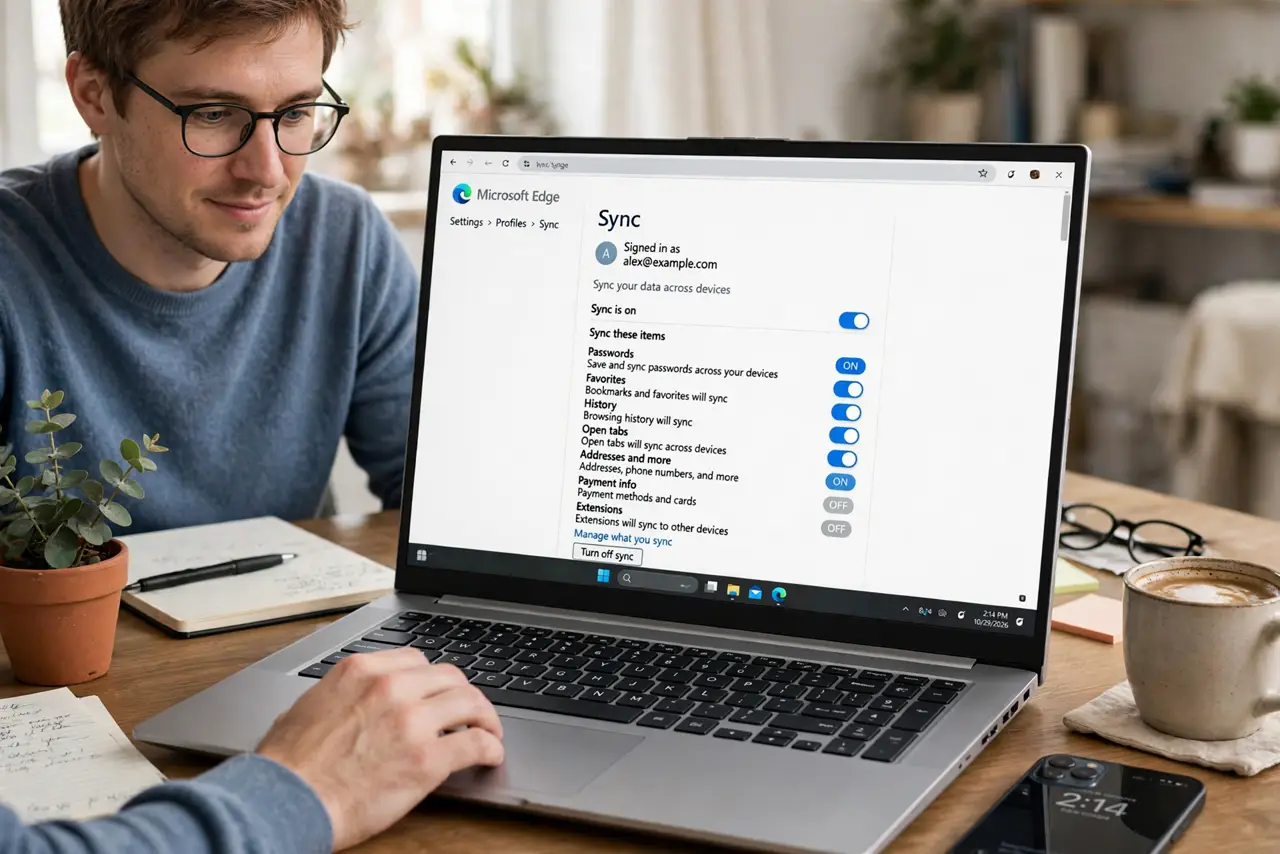
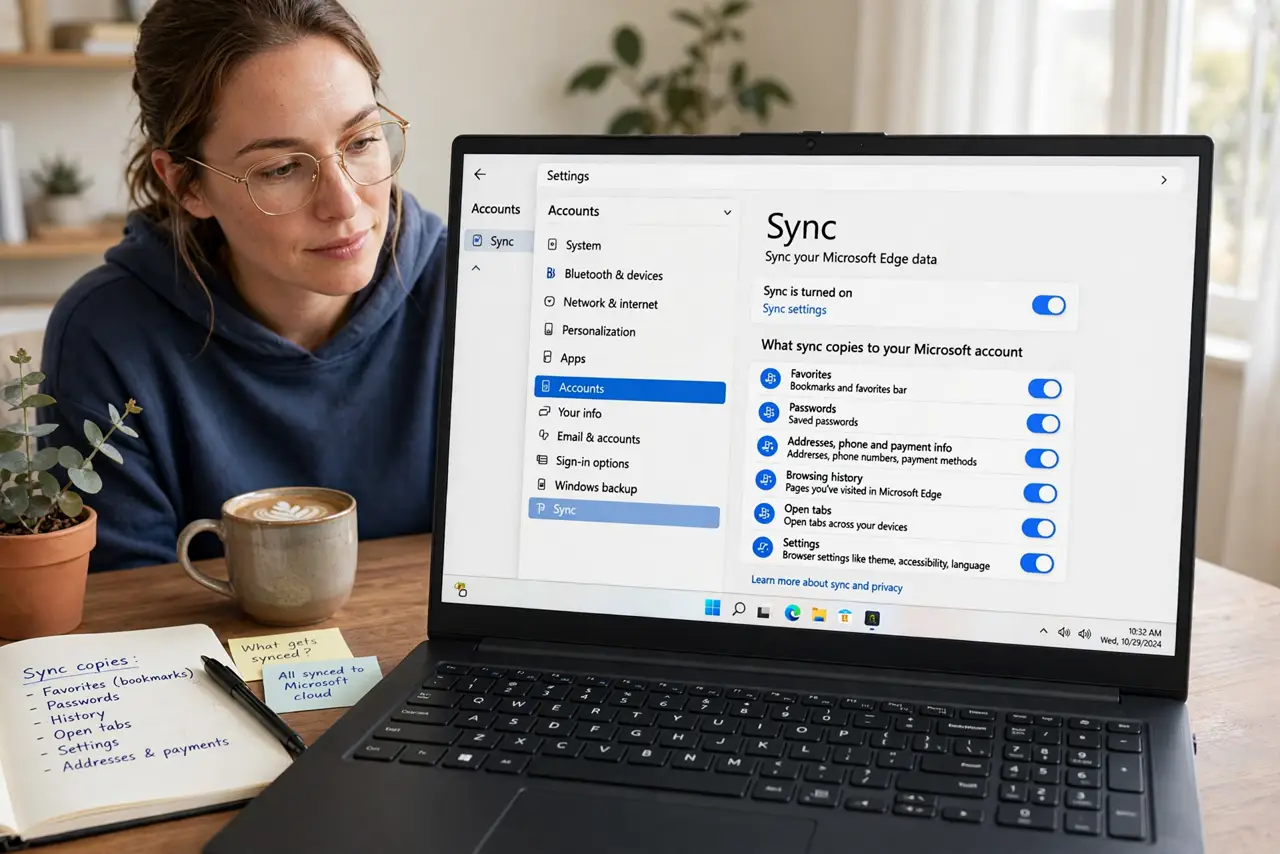
- Understand what sync copies. Bookmarks, passwords, history, open tabs, settings, extensions -- sync mirrors your browsing life across devices. It is why a bookmark saved on the laptop appears on the phone instantly.
- Turn it on deliberately. Sign into your browser account (Google, Apple, Firefox, Microsoft) in the browser's settings on each device. Sync is opt-in -- nothing uploads until you sign in.
- Choose what syncs. The sync settings let you toggle categories -- maybe passwords everywhere, but not open tabs. Disable what you do not need synced; less data in the cloud is less exposure.
- Add a sync passphrase. Browsers encrypt synced data, but a custom sync passphrase means even the browser maker cannot read it. Set one in the sync settings -- just do not lose it, or your synced data becomes unreadable.
- Never sync on shared computers. Library, hotel, borrowed laptop -- do not sign into browser sync there. Your passwords and history would follow you onto a machine you do not control.
- Watch for the profile-merge surprise. Signing into sync on a browser with existing local data merges the two -- the merge guide explains the sometimes messy result. Check what is there before you connect.
What NOT to do
- Do not sync without a device lock. Synced passwords on an unlocked phone or laptop are available to anyone holding it.
- Do not ignore the passphrase option. Default encryption is good; a passphrase makes it yours alone -- the upgrade is free.
- Do not stay signed in on borrowed devices. Sign out of the browser entirely when done -- 'just closing the tab' is not enough.
- Do not sync everything by default. Review the categories; syncing open tabs and history everywhere is rarely necessary.
Frequently asked questions
Is browser sync safe?
Yes, for most people -- data is encrypted in transit and at rest. A sync passphrase raises it to the level where even the provider cannot read it.
What happens if I lose my sync passphrase?
The provider cannot recover it -- that is the point. You may need to reset sync, which wipes the cloud copy and re-uploads from a signed-in device.
Does sync work across different browsers?
No -- Chrome syncs with Chrome, Firefox with Firefox. Password managers are the cross-browser answer for logins.