Cancel Is a Maze? Know Your Options
You signed up in two clicks and now canceling takes a chat agent, three retention screens, and a special offer. That asymmetry is deliberate — it is called a dark pattern, and regulators have started fining companies for it. You still have options, from the direct cancel URL to chargebacks, and this guide lays them out in order of escalation.
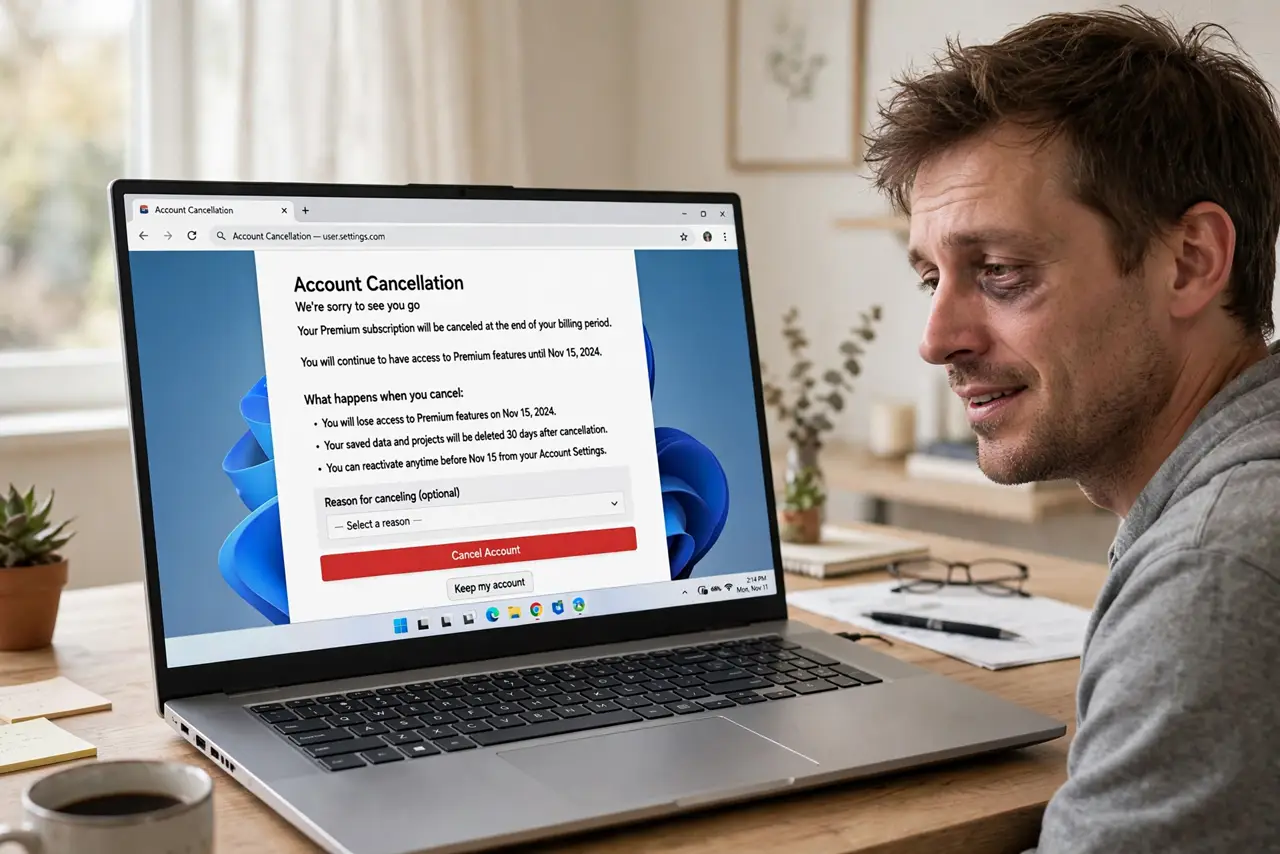
TL;DR / Quick Fix
Quick fix: the maze is deliberate — sign-up is two clicks, canceling takes ten screens. Start by searching for the direct cancel link or your account's subscription page, never the app store delete button. Document every step with screenshots, and if the company stonewalls, dispute the charge with your bank.
Follow these steps
- Find the real cancel page. Search '[service name] cancel subscription' — the help article's direct link beats navigating the app. Account settings, then Subscription or Billing, is the usual home of the cancel button on the web.
- Screenshot everything. Capture the cancel button, each confirmation screen, and the final confirmation number or email. If the company later claims you never canceled, dated screenshots are your proof — banks ask for them.
- Say no to retention offers firmly. The maze's last rooms are discounts and pauses. Repeating 'no, cancel it please' works; engaging with offers resets the process. You can always resubscribe later if you miss it.
- Confirm by email, not just on screen. After the final click, look for a confirmation email within minutes. No email means no cancellation — go back in and check the subscription status page shows canceled or an end date.
- Cancel at the source, not in the app. Deleting the app never cancels billing. Cancel in the web account, the App Store subscriptions page, or Google Play subscriptions — wherever the charge actually originates. Free trials work the same way.
- Escalate to your bank if blocked. If the company ignores you or keeps billing, file a chargeback: recurring charges after cancellation are one of the clearest disputes banks see. A frozen card stops future attempts while the dispute runs.
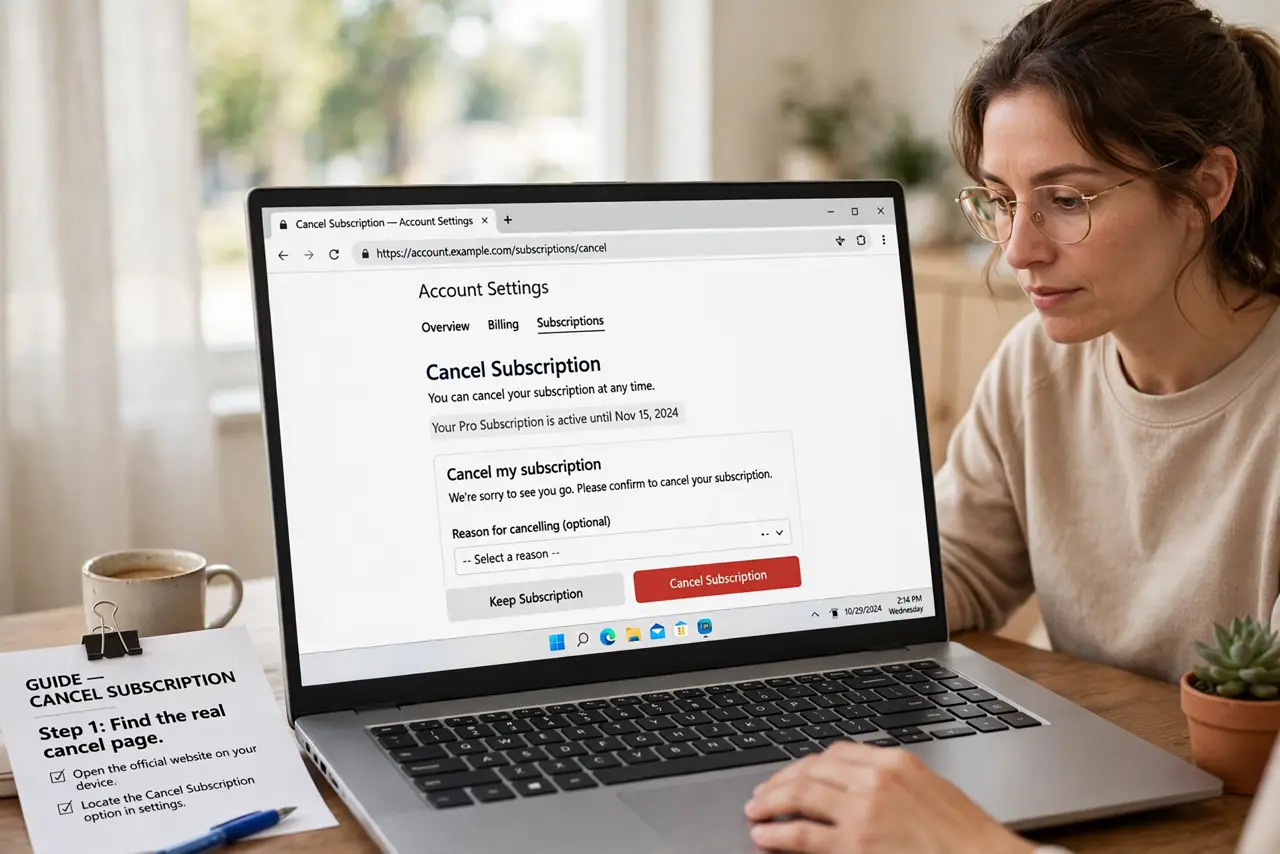
What NOT to do
- Do not just delete the app or the account. Billing and apps are separate systems — the charges continue silently.
- Do not accept a pause when you want a cancel. Pauses resume billing automatically, which is exactly what the company hopes.
- Do not cancel by chat without a transcript. Save or email yourself the chat log — 'the agent said it was canceled' is worthless without proof.
- Do not wait until the billing date. Cancel at least a few days early; some systems need a full cycle to process the change.
Frequently asked questions
Is it legal for canceling to be this hard?
In many places, no — regulators now require canceling to be as easy as signing up, and several companies have been fined. The law is catching up, but slowly, so document everything meanwhile.
Can my bank stop a subscription for me?
Yes, effectively: banks can block future charges from a merchant and reverse recent ones after a documented cancellation. It is your strongest card against a stonewalling company.
What if I signed up through Apple or Google?
Cancel in the App Store or Play Store subscription list — the app itself cannot cancel it. This is also why deleting the app never stops the billing.