Email Aliases? Hide Your Address
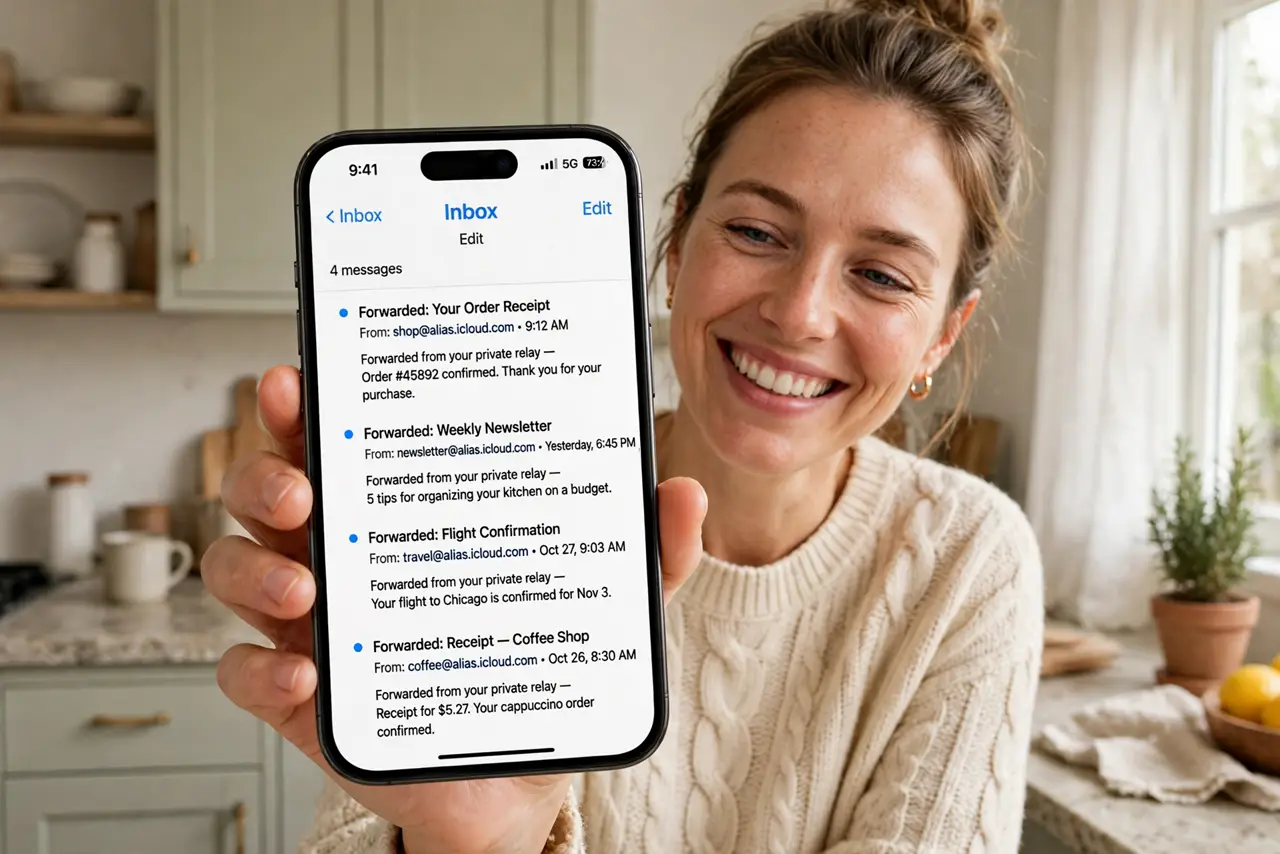
Every site you give your real email address to is a future spam source and a future breach notification. Email aliases give each service a different address that all forward to your real inbox — so when one leaks or spams you, you know exactly who sold you out, and you can burn that alias without touching your real address.
TL;DR / Quick Fix
Quick fix: an email alias is a disposable forwarding address — give each site a unique alias and mail still lands in your real inbox. When an alias starts getting spam, disable it and the spam stops while your real address stays clean.
Follow these steps
- Understand the trick. An alias like shopname-xyz@relay looks like a normal address to the site, but it just forwards to your real inbox. The site never learns your actual address.
- Use the built-in generators. Apple's Hide My Email and Firefox Relay create aliases in a tap during sign-up. No new app to learn — the option appears where you already type your email.
- Give every service its own alias. One alias per site is the whole strategy. When spam arrives on the shopping-site alias, you know exactly which site leaked — and which alias to kill.
- Burn abused aliases instantly. Spam on an alias? Disable or delete it in the relay dashboard. The spam dies with the alias; your real inbox never sees it again.
- Keep your real address for humans. Real address for family, work, and banking; aliases for everything else. This split means your most important address appears in the fewest breach databases.
- Label aliases as you create them. Name each alias after the service. A year later, 'netflix-2024@relay' tells you exactly what it is — random strings do not.
What NOT to do
- Do not use aliases for password recovery on critical accounts. If the relay service ever has issues, you could lose access to your bank or primary email.
- Do not reuse one alias everywhere. A single shared alias defeats the entire purpose — one leak, and you cannot tell who leaked.
- Do not reply from the alias expecting privacy. Replies route through the relay fine, but some relays reveal headers — check your provider's behavior.
- Do not forget which alias goes where. Without labels, you will lock yourself out of accounts when you cannot remember the sign-up address.
Frequently asked questions
Is this the same as a second email account?
Similar idea, better execution. Aliases need no separate login and forward to one inbox — you manage one mailbox, not five.
What happens if the relay service shuts down?
You would lose the forwarding, so keep aliases for low-stakes sign-ups and your real address for anything critical. Major providers' relays are stable, but nothing is forever.
Can aliases receive verification codes?
Yes — codes and confirmations forward like any mail. They behave as normal addresses for everything except revealing your real one.