Freeze Your Debit Card? How To
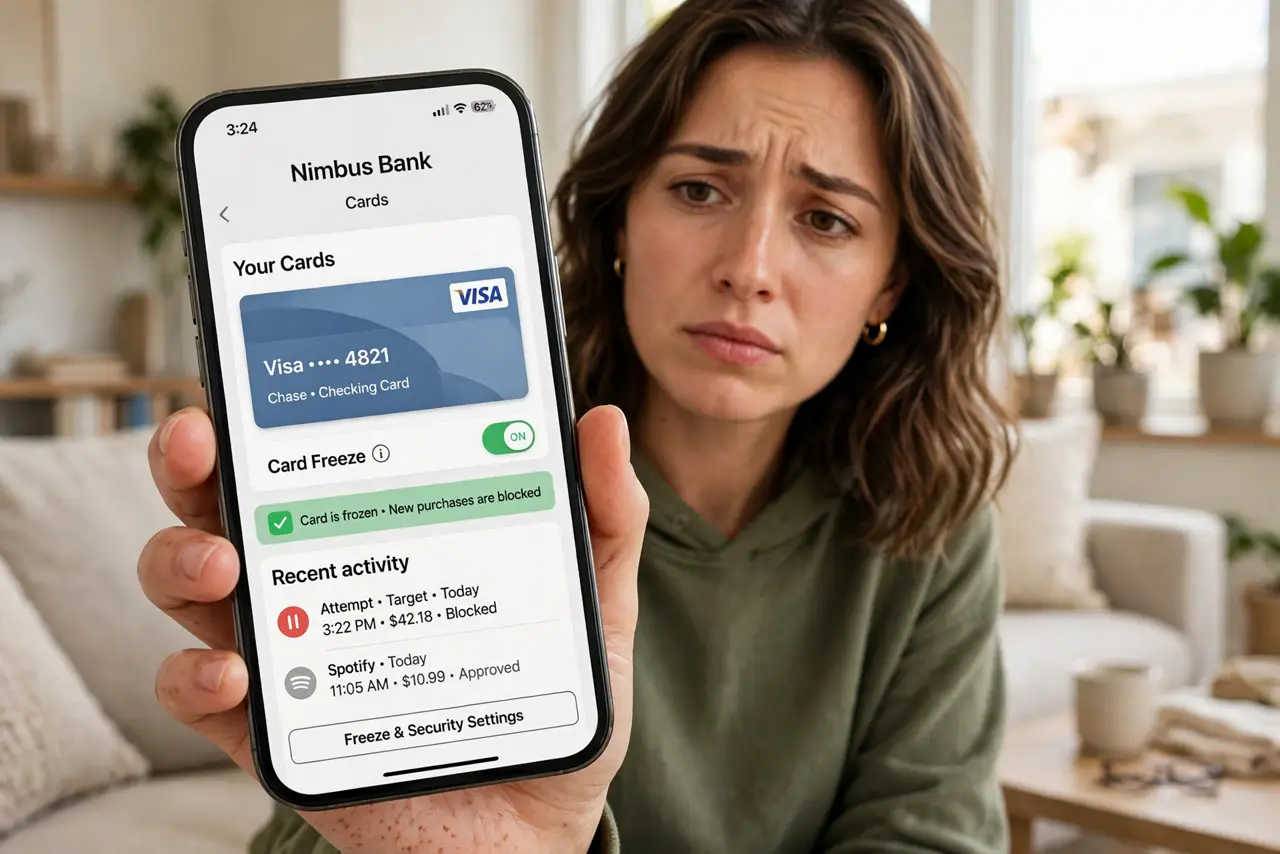
Your card is missing, or a charge you do not recognize just appeared — and the bank's phone line has a twenty-minute hold. Every major banking app now has a freeze or lock button that instantly blocks new charges on your debit card. It takes seconds, it is reversible, and it is the first thing to do in any card scare.
TL;DR / Quick Fix
Quick fix: open your banking app and tap the freeze or lock button on the card — new purchases and ATM withdrawals stop immediately, and you can unfreeze just as fast. Freeze first, investigate second. It costs nothing and does not cancel the card.
Follow these steps
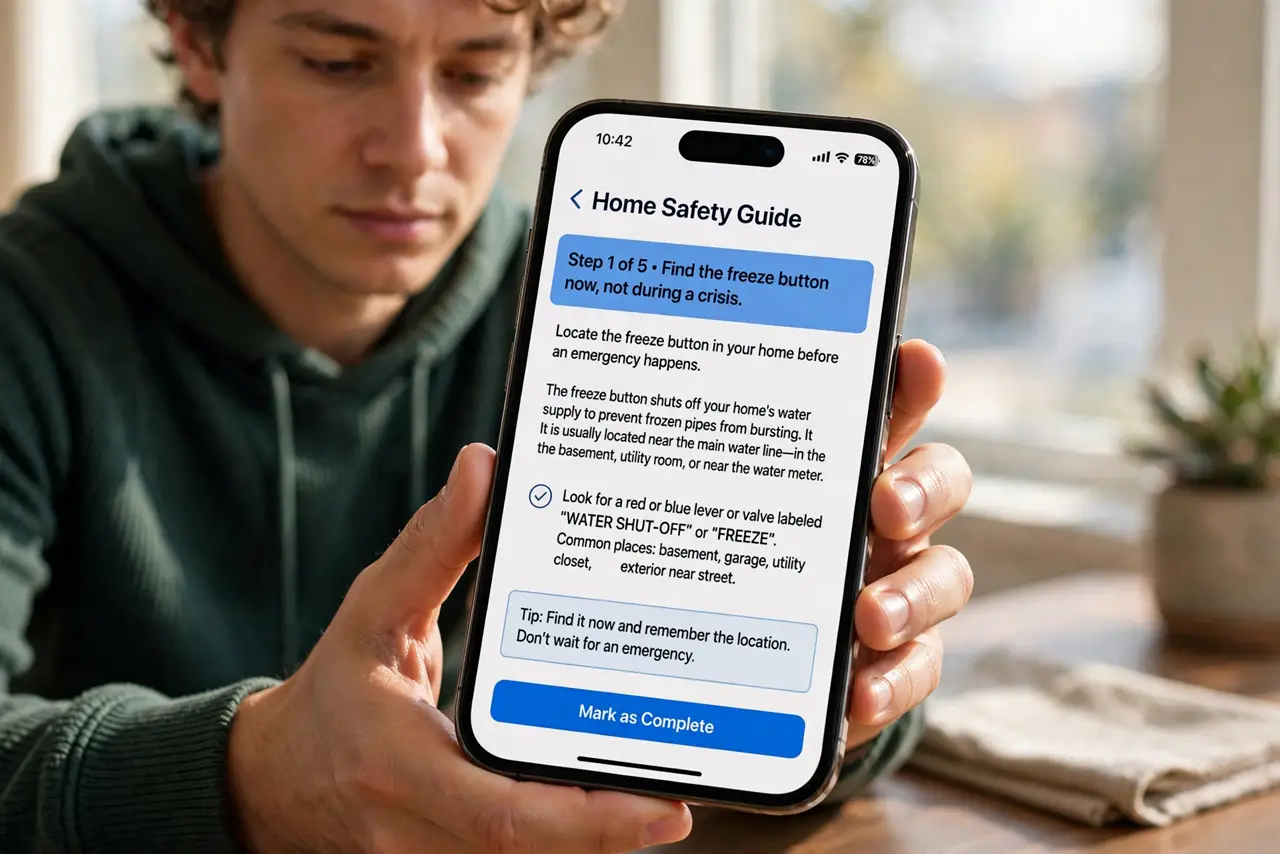
- Find the freeze button now, not during a crisis. Open your banking app today and locate the card lock, freeze, or pause control. Knowing where it is turns a panic into a two-tap response.
- Freeze the moment something feels wrong. Missing card, mystery charge, sketchy ATM — freeze first. You can unfreeze in seconds if it was a false alarm; you cannot un-spend stolen money as easily.
- Know what freezing stops — and does not. Freezing blocks new purchases and ATM withdrawals. Recurring subscriptions and some pending charges may still process — review those separately.
- Investigate after freezing. With the card frozen, check recent transactions calmly, then call the bank about anything unrecognized. The freeze buys you investigation time with zero additional risk.
- Replace the card if it was truly compromised. If the card was stolen or skimmed — not just misplaced — order a replacement after freezing. A frozen compromised card is safe, but a fresh number is safer.
- Unfreeze when resolved. Found the card in the couch? One tap restores it. Freezing is a pause button, not a cancellation — there is no penalty for using it.
What NOT to do
- Do not wait to call the bank before freezing. The app freeze is instant; the phone queue is not — freeze first, call second.
- Do not assume freezing stops recurring billing. Subscriptions already authorized may still charge; cancel those at the source.
- Do not freeze and forget. A frozen card declines everything, including the legitimate purchase you will make tomorrow — unfreeze when the scare is over.
- Do not use freezing as your only fraud response. It stops the bleeding; reporting the fraud and getting a new number treats the wound.
Frequently asked questions
Does freezing hurt my credit score?
No. Freezing is a card-level pause, not an account closure or missed payment. Your credit report never sees it.
Can I still receive deposits while frozen?
Yes. Incoming deposits, direct deposits, and transfers work normally — only outgoing card purchases and ATM use are blocked.
What is the difference between freeze and cancel?
Freeze is a reversible pause; canceling closes the card and issues a new number. Freeze for scares, cancel for confirmed compromise.