Job Offer Scams? Red Flags
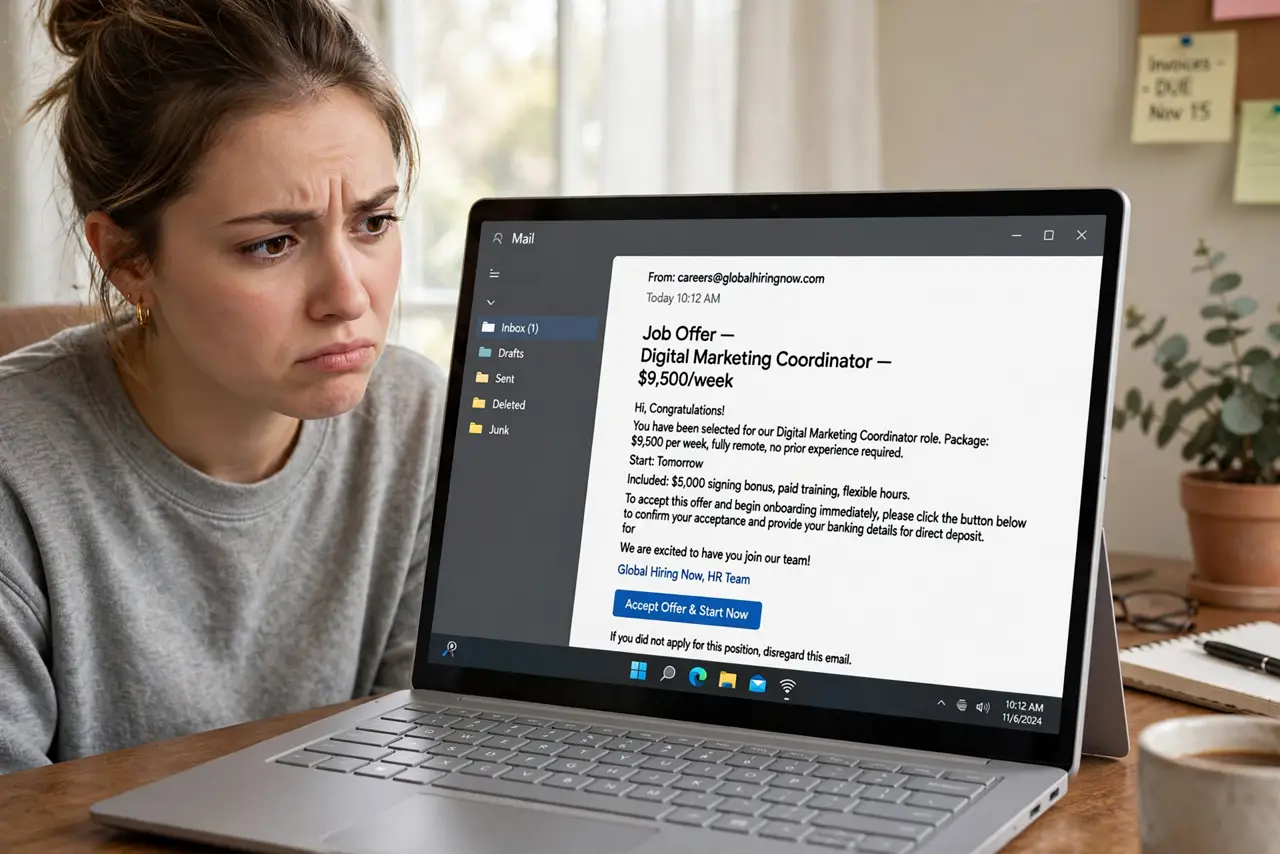
The recruiter found you out of nowhere, the pay is excellent for easy remote work, and they just need a small fee — or your bank details — to get you started. Job scams have exploded with remote work, and they target job seekers at their most hopeful. The offers follow recognizable patterns. Here is how to spot them before you lose money or your identity.
TL;DR / Quick Fix
Quick fix: real employers never ask for upfront fees or bank login — any 'job' that does is a scam. Verify the company: real website, real LinkedIn, real contact info. Never cash their checks or pay for 'equipment' yourself. If the pay seems too good for the work, walk away.
Follow these steps
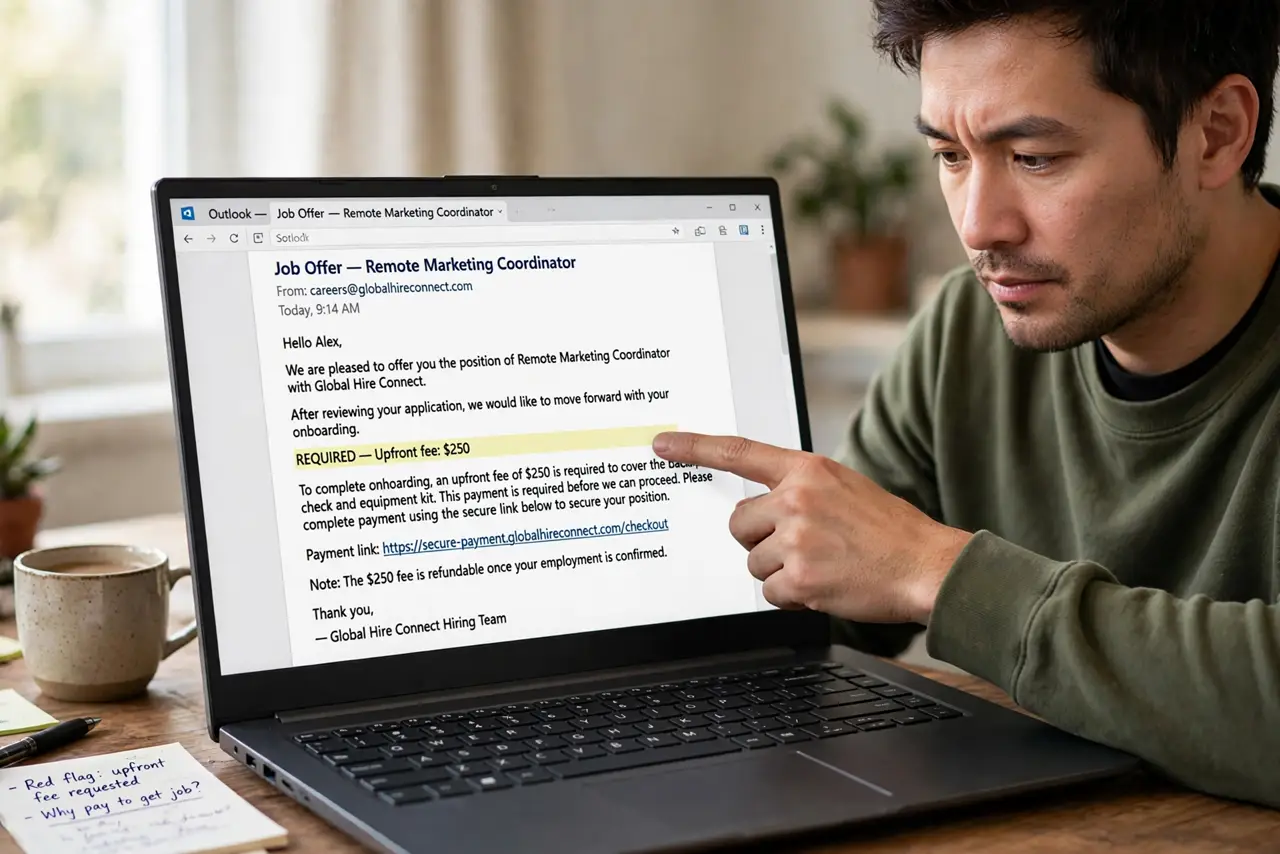
- Spot the upfront fee. Any job asking you to pay — for training, equipment, background checks, or 'placement' — is a scam. Real employers deduct legitimate costs or provide equipment; they never ask for gift cards or wire transfers. The upfront-fee warning details this classic.
- Watch for the overpayment check. The 'employer' sends a check, asks you to deposit it and forward part elsewhere or buy equipment. The check bounces days later; the money you sent is gone. Never cash checks from people who 'hired' you without an interview.
- Verify the company exists. Search the company name plus 'scam.' Check for a real website (not a free domain), a LinkedIn company page with real employees, and a physical address. Contact them through the website's published channels — not the recruiter's email.
- Scrutinize the communication. Free email domains for 'HR,' interviews conducted only by text chat, instant offers with no real interview, pressure to decide fast — each is a red flag, and they cluster. Legitimate hiring is slower and more formal.
- Guard your identity documents. Never send ID scans, Social Security numbers, or bank logins before a verified offer and a real onboarding process. Identity theft is the quieter harvest of job scams — the 'job' is just the lure.
- Report it. Report to the job platform, the FTC (US), or your country's fraud agency. Forward phishing job emails to your email provider's phishing address. Reports protect the next job seeker — and these scams run on volume.
What NOT to do
- Do not pay anything to get a job. Training fees, equipment deposits, background-check payments — all scam markers, no exceptions.
- Do not cash their checks. An overpayment check always bounces; the money you forward does not come back.
- Do not install their 'work software.' Remote-access tools disguised as job software hand scammers your computer.
- Do not trust a job found only via text or chat app. Real recruiters use real channels — and real interviews.
Frequently asked questions
Are all work-from-home offers scams?
No — remote work is legitimate and huge. But its popularity makes it the scammers' favorite costume, so verify remote offers with extra care, not extra trust.
They interviewed me — can it still be a scam?
Yes — text-chat 'interviews' with instant offers are theater. A real interview involves real people on video or in person, and real companies never rush you past verification.
I already sent money — what now?
Stop all contact, report to your bank and the fraud agency immediately, and file a police report. Recovery is unlikely for wire transfers and gift cards, but fast reporting sometimes helps with bank transfers.
What to read next
- Job Scam Upfront Fee Warning?
- Phishing Red Flags? Know Them