Security Key vs Authenticator App?
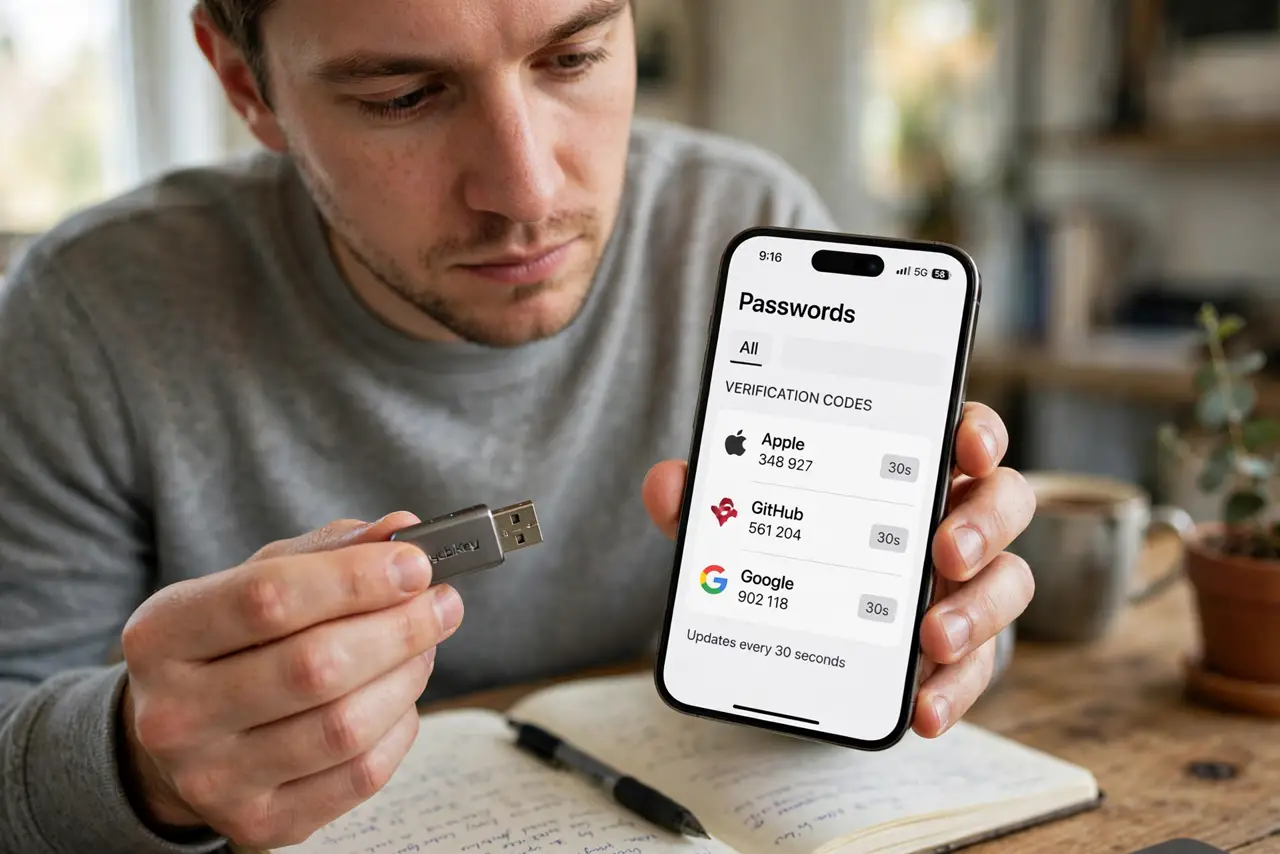
Both beat SMS codes, but they protect you differently: a security key is phishing-proof hardware you tap, while an authenticator app is free software on your phone generating codes. The right choice depends on what you are guarding. Most people end up with a mix — keys for the crown jewels, app for the rest.
TL;DR / Quick Fix
A security key is a physical FIDO2 device you tap to sign in — phishing-proof because it verifies the site. An authenticator app makes codes on your phone — free and convenient, but codes can be phished. Use a key for email and banking; an app suits lower-risk accounts.
Follow these steps
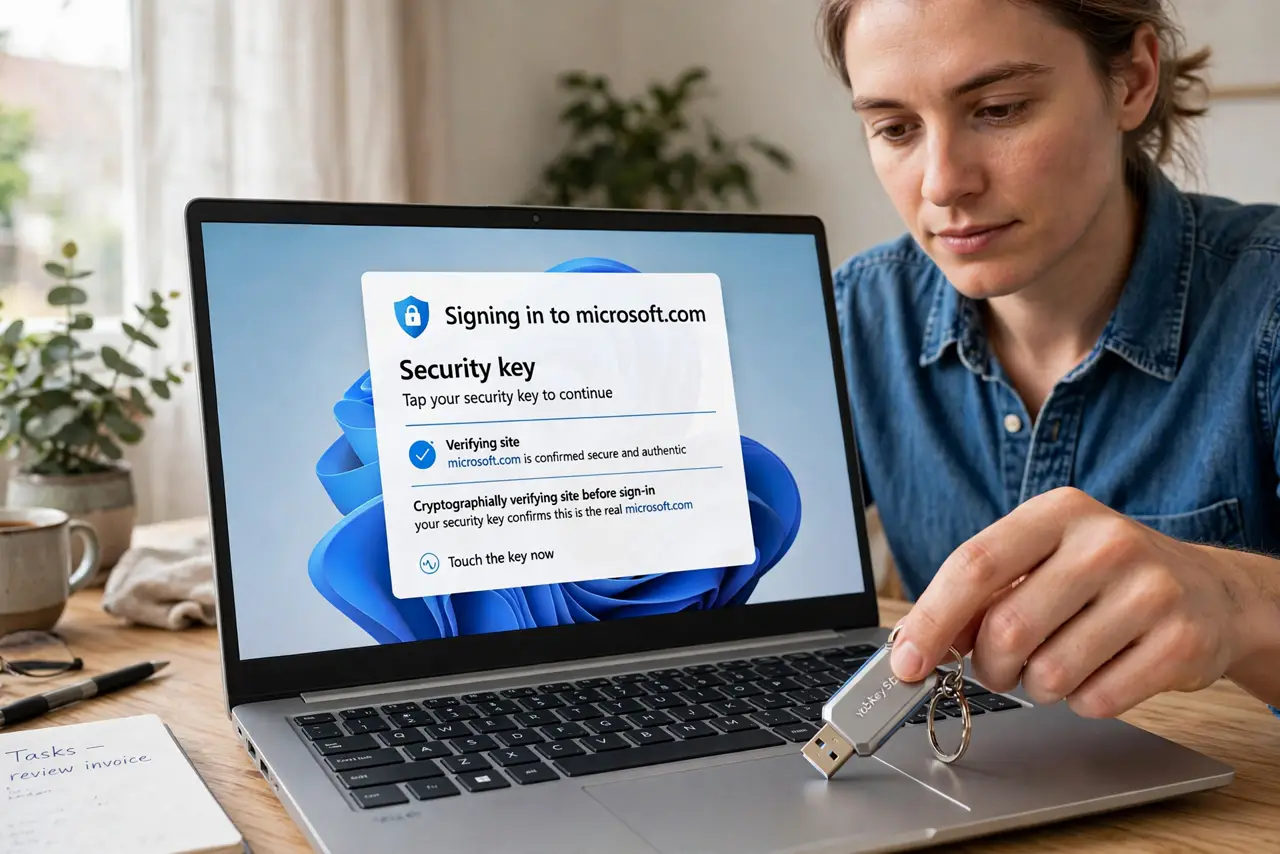
- Understand the key's edge: phishing-proof. The key cryptographically verifies the site before signing in. A fake login page gets nothing — the key simply refuses. See setup for the how-to.
- Understand the app's edge: free and everywhere. Authenticator apps cost nothing and work on the phone you already carry. Setup is scanning a QR code per site — see app vs SMS.
- Compare the failure modes. Lose the phone with the app: restore from cloud backup or backup codes. Lose a lone key: account recovery. Both need a backup plan — neither is magic.
- Compare the phishing risk. App codes can be tricked out of you on a fake site; the key cannot be. For email and banking — the accounts that reset everything — that difference matters.
- Consider the cost honestly. Apps are free; good keys cost a modest amount each, and you want two. Weigh that against what a compromised email would cost you.
- Mix them sensibly. Key on email, banking, and password manager. App on forums, shopping, and everything else. Upgrade over time, not all at once.
What NOT to do
- Do not treat the app as phishing-proof. It is far better than SMS, but a convincing fake site can still harvest its codes — stay alert.
- Do not buy a key and register it on one site. The protection scales with coverage; an unprotected email still resets the protected accounts.
- Do not store app backup codes only in the app. If the phone dies, the codes die with it — keep them somewhere separate.
- Do not assume 'hardware' means complicated. Tapping a key is easier than typing six digits — the hard part is buying two and registering them.
Frequently asked questions
Can I use both on the same account?
Usually yes — most sites let you register a key and an app as separate second factors. Redundancy is a feature here.
Is the authenticator app enough for banking?
It is a big upgrade over SMS. But banks are prime phishing targets, which is exactly where the key's phishing-proofing earns its keep.
Do security keys work with phones?
Yes — NFC keys tap against the phone, and USB-C keys plug straight in. Mobile support is solid on modern phones.