Security Keys? Plain Basics
A security key is a small USB or NFC device — think a chunky flash drive — that proves it is really you when you log in. Tap it (or hold it to your phone) and the site knows the login is genuine. It is the strongest consumer login protection that exists, immune to phishing in a way codes and texts can never be. Here is the plain explanation.
TL;DR / Quick Fix
Quick fix: a hardware security key is a physical device you tap to prove your identity at login — phishing-proof because the check is cryptographic. Buy two keys from a reputable maker, register both on each important account, and keep the spare somewhere safe.
Follow these steps
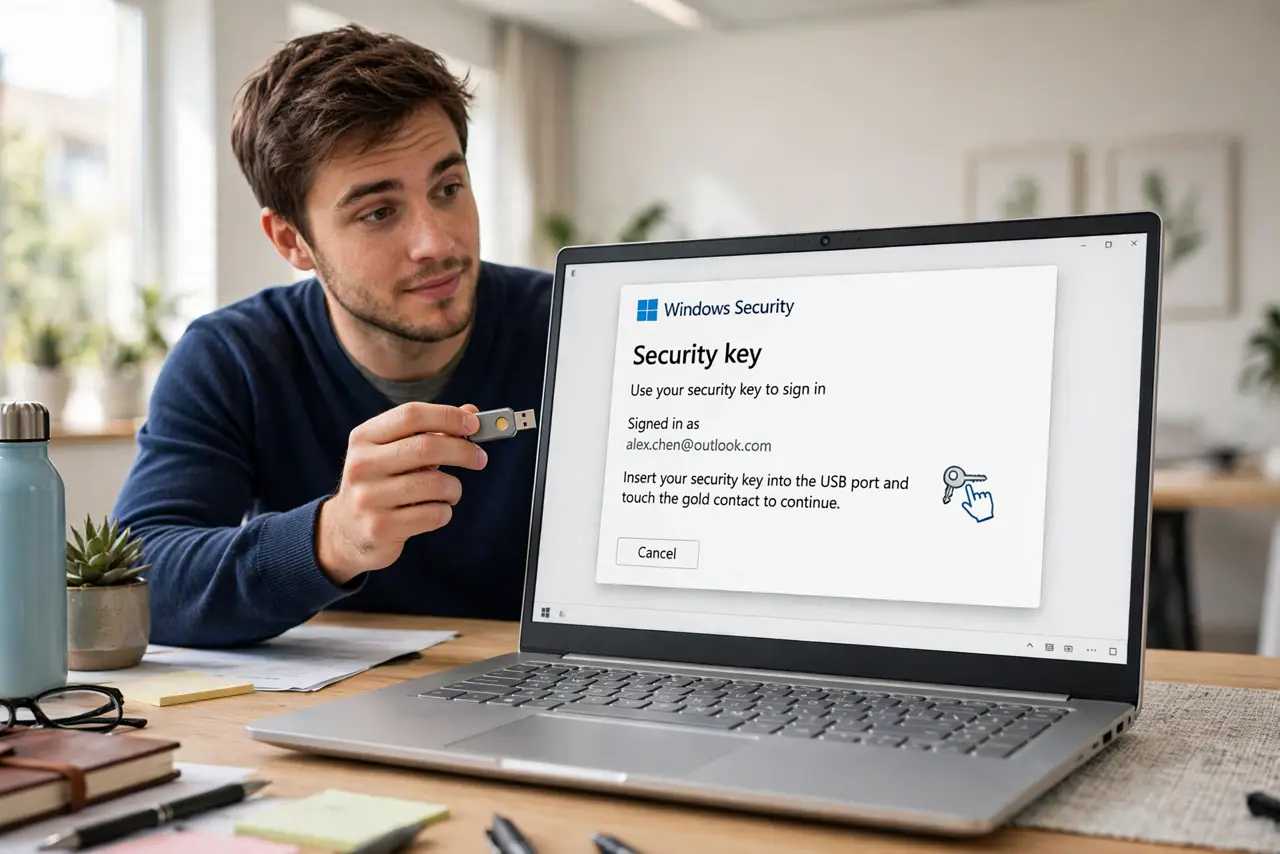
- Understand the tap. You log in with your password, the site asks for the key, you tap it (or hold it to the phone via NFC). The key cryptographically proves it is the genuine device on the genuine site — a fake login page gets nothing usable.
- See why it beats codes. Texted codes and authenticator codes can be phished — you can be tricked into handing them over. A key's proof is bound to the real site's identity, so phishing simply fails. Compare with the authenticator comparison for the full picture.
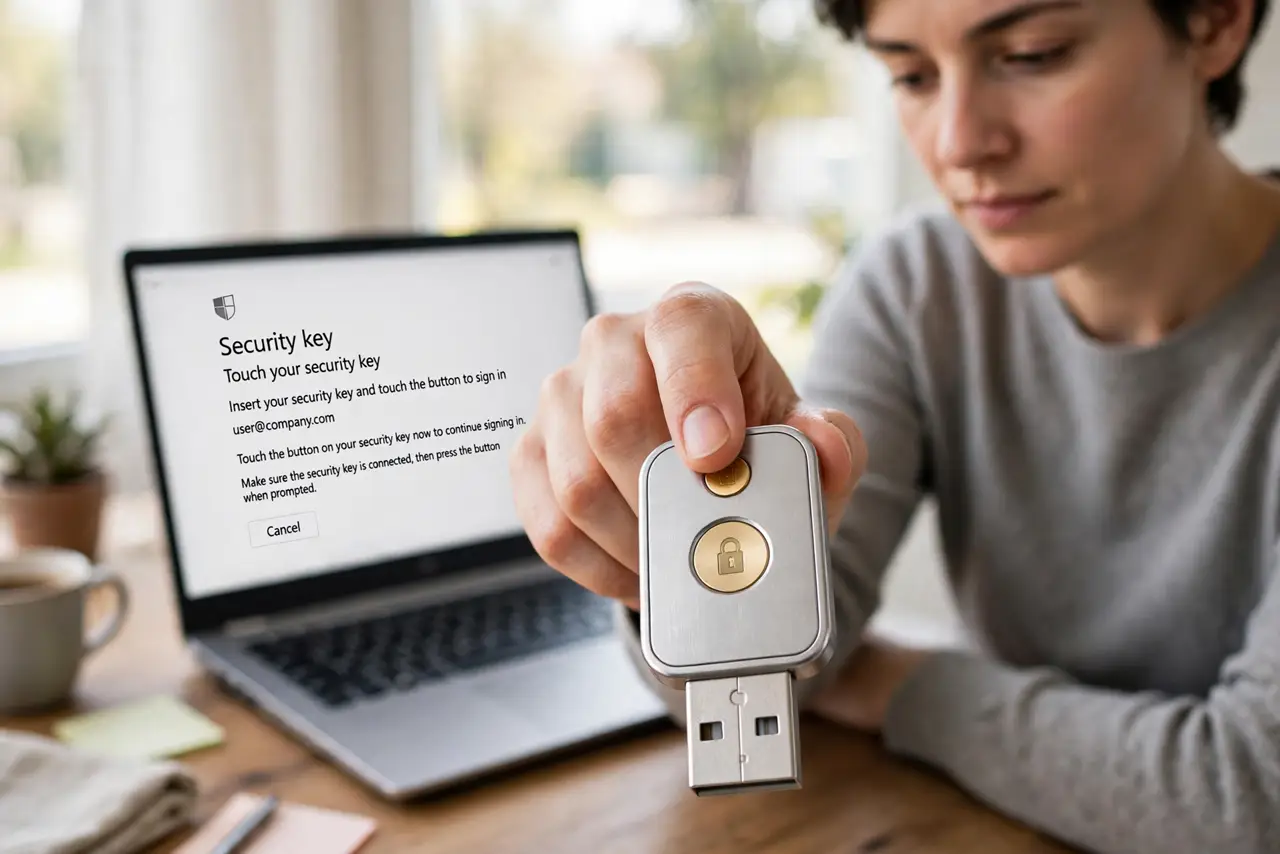
- Buy two, not one. Keys get lost. Register a primary and a backup key on every account — the spare lives in a drawer or safe. One key is a single point of failure wearing a security costume.
- Register on your important accounts first. Email first (it guards password resets for everything else), then banking, then password manager, then the rest. Priority order matters more than completeness.
- Choose reputable makers. Buy from established security-key makers, not mystery brands — the device holds your identity, so supply-chain trust matters. FIDO2/WebAuthn compatibility is the standard to look for.
- Keep a fallback method. During the transition, keep your authenticator app enabled too. If both keys are ever unavailable at once, the fallback saves you from lockout.
What NOT to do
- Do not buy just one key. A single lost key with no backup means account recovery hell — two keys is the minimum sane setup.
- Do not buy from no-name sellers. A security device from an untrusted supply chain is a contradiction — stick to known makers.
- Do not register the key and delete your other methods immediately. Keep a fallback until the key workflow is boring routine.
- Do not assume every site supports keys. Adoption is wide but not universal — email and major platforms do; your local utility probably does not yet.
Frequently asked questions
What if I lose both keys?
Then you fall back to the account's recovery process — backup codes, ID verification, waiting periods. This is why the backup codes from the authenticator era still matter: save them.
Are security keys overkill for normal people?
For high-value accounts (email, banking), no — they are the best protection available and the tap is easier than typing codes. For a forum account, probably.
Can a security key be hacked remotely?
The key never exposes its secret — it only answers cryptographic challenges. Remote theft of the key's secret is not a practical attack; physical theft of the key itself is the threat, which is why you have two.