Macro Warnings? The Danger
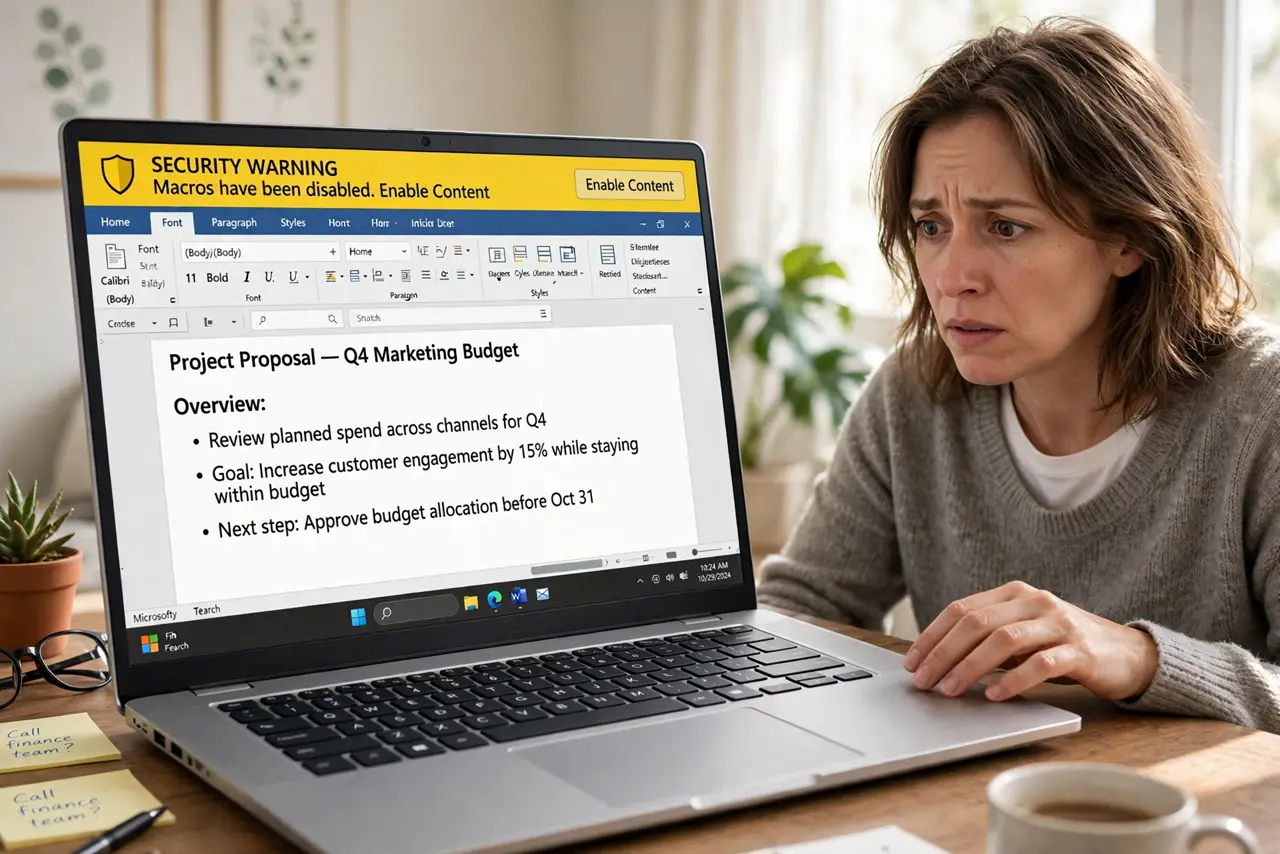
You open a Word or Excel attachment and a yellow bar says macros are blocked for your protection. That warning exists because malicious macros are one of the oldest and still most effective ways malware gets in. One click on Enable Content can hand your computer to an attacker. Here's what's actually at stake.
TL;DR / Quick Fix
Quick fix: never click Enable Content on a document you weren't expecting — even from someone you know, since their account may be compromised. Real documents rarely need macros; if one does, confirm with the sender by phone first. When in doubt, delete the attachment.
Follow these steps
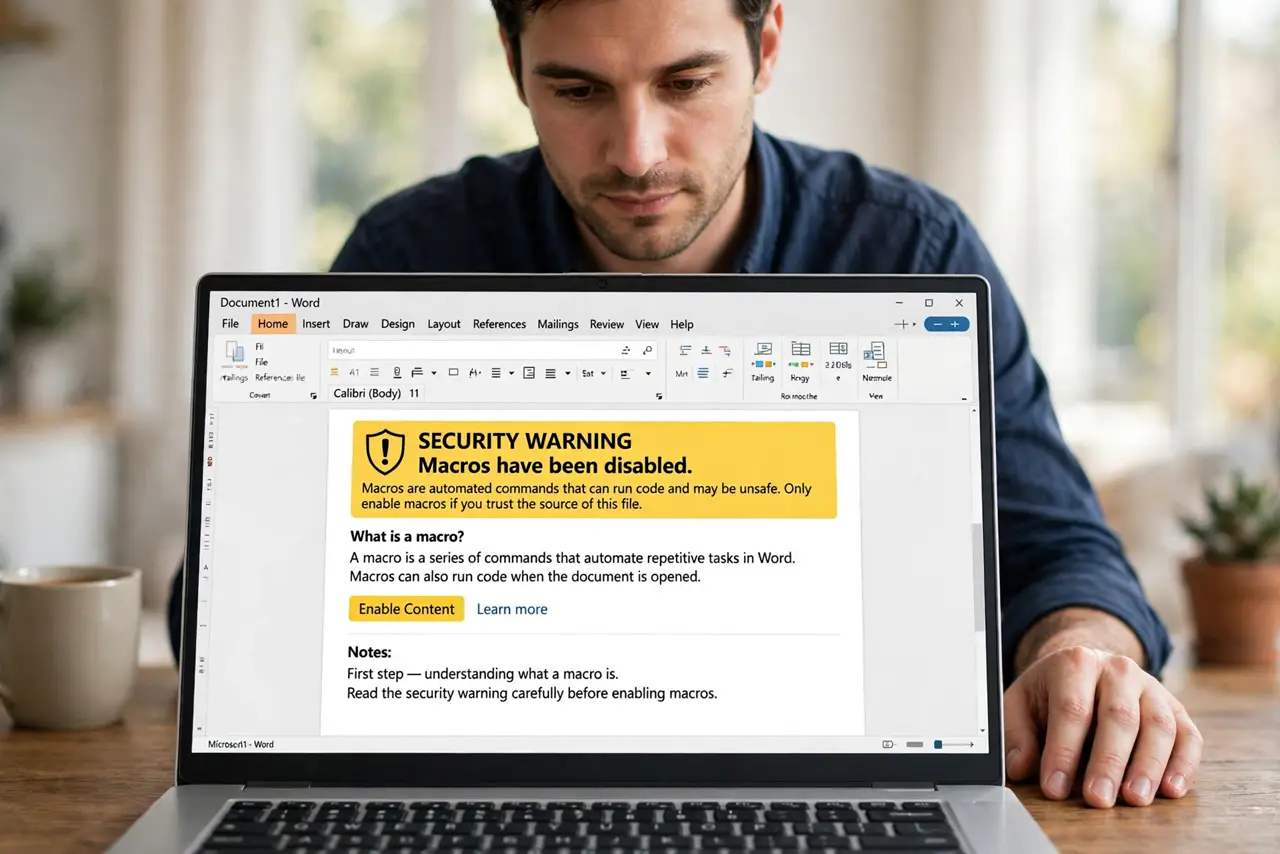
- Understand what a macro is. A macro is code embedded in a document that runs automatically — handy for legit automation, perfect for malware. Attackers hide malicious code in innocent-looking invoices and resumes.
- Treat every unexpected attachment as hostile. The classic attack: an unexpected invoice or shipping notice with Enable Content instructions. If you weren't expecting the file, the macro warning is doing its job — see the attachment trap.
- Verify with the sender another way. If the document looks legitimately needed, call or message the sender separately — not by replying to the email — and ask if they sent it. Compromised accounts send malware to entire contact lists.
- Never enable macros on locked documents. Instructions like enable editing to view this document are social engineering, not a technical requirement. Real senders don't lock content behind macro activation.
- Open risky files safely. If you must view the content, upload it to Google Docs or an online Office viewer — they strip macros. Or open it in a viewer that doesn't execute code at all.
- Keep Office updated. Macro attacks exploit old vulnerabilities. Updated Office blocks more malicious macro techniques automatically — updates are part of the defense.
What NOT to do
- Do not click Enable Content because the document tells you to. The document is the attacker talking — its instructions are the attack.
- Do not assume a known sender means a safe file. Compromised accounts send macro malware to people who trust them — that's the whole strategy.
- Do not disable macro security in the Trust Center. Turning off the warning removes your last line of defense for zero benefit — legitimate macros are rare.
- Do not open macro-enabled files (.docm, .xlsm) casually. The m means macros included — treat those extensions with extra suspicion.
Frequently asked questions
I clicked Enable Content — what now?
Disconnect from the internet, run a full antivirus scan, and change important passwords from a clean device. See clicked a bad link — the incident response steps overlap heavily.
Do Macs get macro viruses too?
Yes — modern Office macros run on Mac as well, and attackers target both. The warning bar protects you on either platform; respect it equally.
Are all macros dangerous?
No — companies use legitimate macros for automation. The rule is about unexpected attachments, not macros in files you created or that your IT department deployed.