Reusing Passwords? The Risk
One password everywhere is comfortable — until one site gets breached and attackers try that exact email-and-password pair on your bank, your email, and everything else. That automated trying has a name, and reused passwords are the reason it works. Here is the real risk and the practical fix.
TL;DR / Quick Fix
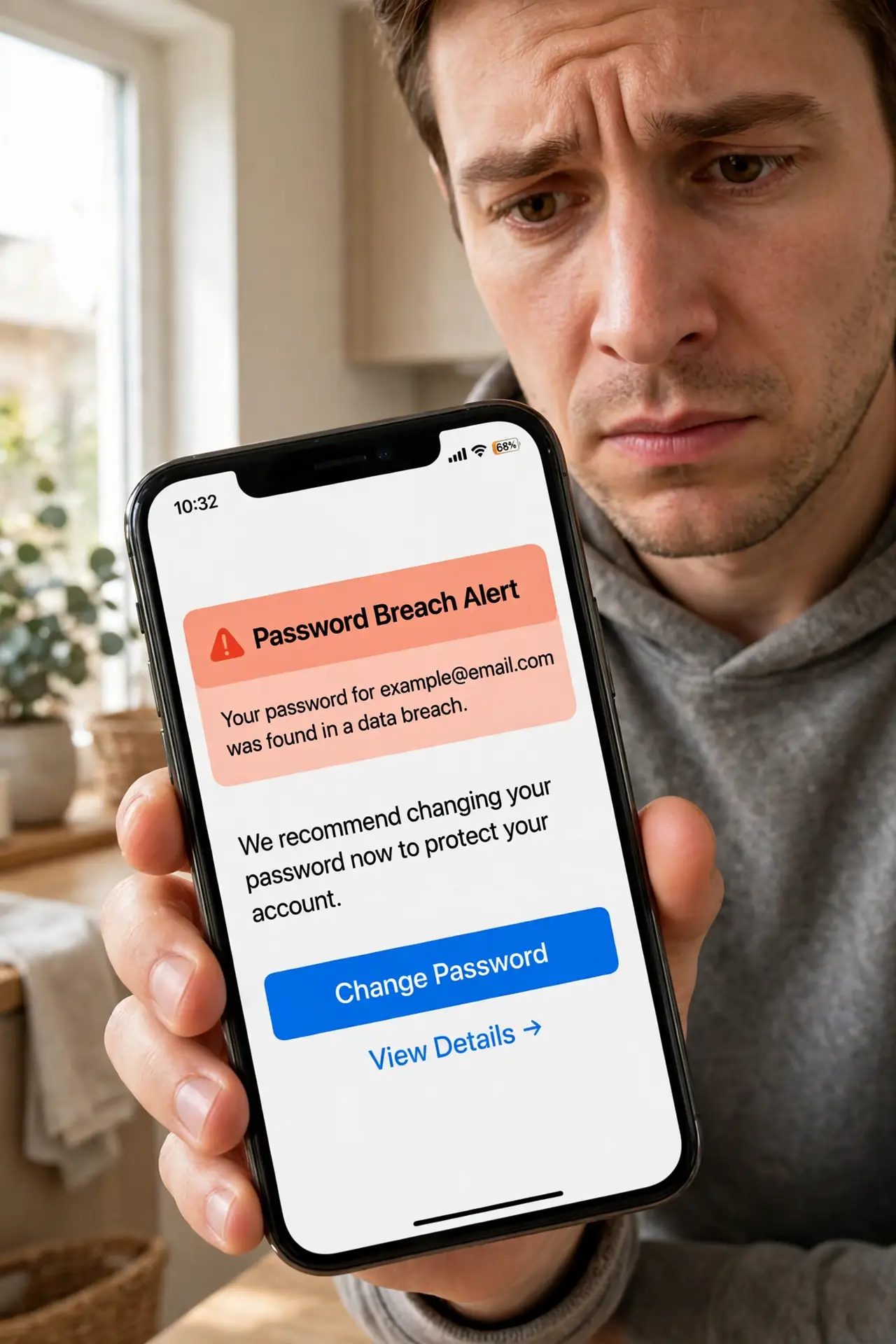
Quick fix: stop reusing passwords — one breach anywhere exposes every account sharing that password. Attackers automate the trying with credential stuffing. Use a password manager to give every account its own long, random password, starting with your email, then banking, then everything else.
Follow these steps
- Understand why reuse fails. Breaches leak email-and-password pairs by the millions. Attackers feed those pairs into automated tools that try them on hundreds of sites — credential stuffing turns one leak into many break-ins.
- Find where you reuse. Think in tiers: email, banking, shopping, throwaway forums. Most people reuse across all four. A password manager's reuse report finds them faster than memory.
- Get a password manager. A manager generates and stores a unique random password per site — you remember one master password. This is the fix that makes unique passwords effortless.
- Change the important ones first. Email first (it resets everything else), then banking and money apps, then the rest. Five a day beats a perfect plan you never start.
- Turn on two-factor where it matters. Even a unique password can leak. Two-factor means the password alone is not enough — see the 2FA app vs SMS comparison to choose well.
- Check whether you are already exposed. Run your email through a breach-check service — see checking for breaches — then change any password tied to a listed breach immediately.
What NOT to do
- Do not 'fix' reuse with tiny variations. Summer2024! on one site and Summer2025! on another fall to the same guessing — attackers try patterns.
- Do not store the new passwords in a notes app. A phone note titled 'passwords' is one unlocked phone away from disaster — see the notes-app risk.
- Do not reuse the master password anywhere. It guards the vault — if it leaks, every unique password inside is exposed.
- Do not wait for a quiet weekend. Change the email and banking passwords today; the long tail can wait.
Frequently asked questions
Is reusing a strong password okay?
No. Strength protects against guessing; reuse protects against nothing once any one site leaks it. A strong-but-reused password fails at the breach, not the guess.
What if I only reuse on 'unimportant' sites?
Those sites still hold your email address, and breaches there feed credential-stuffing lists. 'Unimportant' is where most reuse starts — and where attackers harvest.
Do password managers really help?
Yes — they remove the memory burden that causes reuse. One master password, unique random passwords everywhere else, autofill so you never type them.