Lie on Security Questions
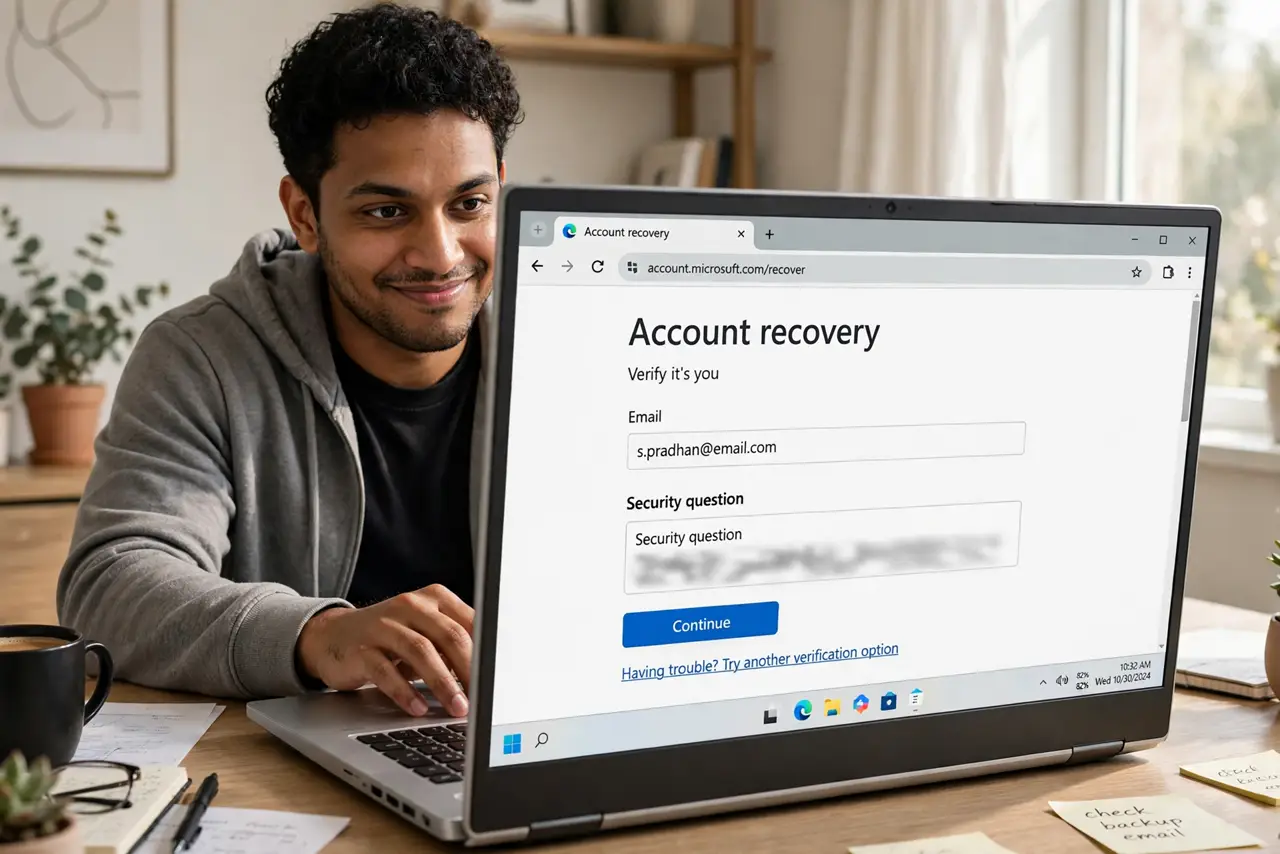
Your mother's maiden name, your first pet, the street you grew up on — security questions ask for facts that are often googleable, guessable, or sitting on your social media. The fix is wonderfully simple: lie. Treat every answer as another password, random and stored safely. This guide shows the right way to fib.
TL;DR / Quick Fix
Quick fix: security questions like your mother's maiden name are googleable — treat the answers as extra passwords, not trivia. Give each site a random nonsense answer stored in your password manager. Never answer truthfully; the truth is exactly what attackers can find or guess.
Follow these steps
- Understand why the truth is dangerous. Attackers research targets — social media, public records, data breaches. A truthful answer is a password you published yourself.
- Generate a random answer per site. Use your password manager's generator to create a nonsense answer for each question. Different sites, different lies.
- Store answers in your password manager. Save each answer in the login's notes field. You will never remember random answers — that is the point, and the manager does.
- Pick the most obscure questions offered. If you must choose, prefer questions with huge answer spaces ('first car' beats 'birth city'). Obscure questions resist guessing better.
- Never reuse an answer across sites. One site's breach should not unlock another's recovery. Unique lies, like unique passwords.
- Prefer better recovery methods first. Where offered, choose authenticator apps or hardware keys over questions. See why passwords must differ — recovery answers deserve the same uniqueness.
What NOT to do
- Do not answer truthfully 'because it is easier to remember'. Memorable to you means discoverable by others.
- Do not use the same lie everywhere. A single reused answer is a single reused password by another name.
- Do not post answers on social media. Those 'fun quizzes' asking your first pet's name are security-question harvesting.
- Do not skip questions when you can pick stronger recovery. If the site offers app-based 2FA, take it and treat questions as backup only.
Frequently asked questions
Is lying on security questions allowed?
Yes — nothing requires truthful answers. Sites only check that your answer matches what you entered.
What if I forget my fake answer?
That is what the password manager is for. Without it, fake answers are a lockout risk — store them.
Are security questions going away?
Slowly — many services now prefer authenticator apps and passkeys. But questions persist, so handle them right.