Reverse-Image-Search a Listing
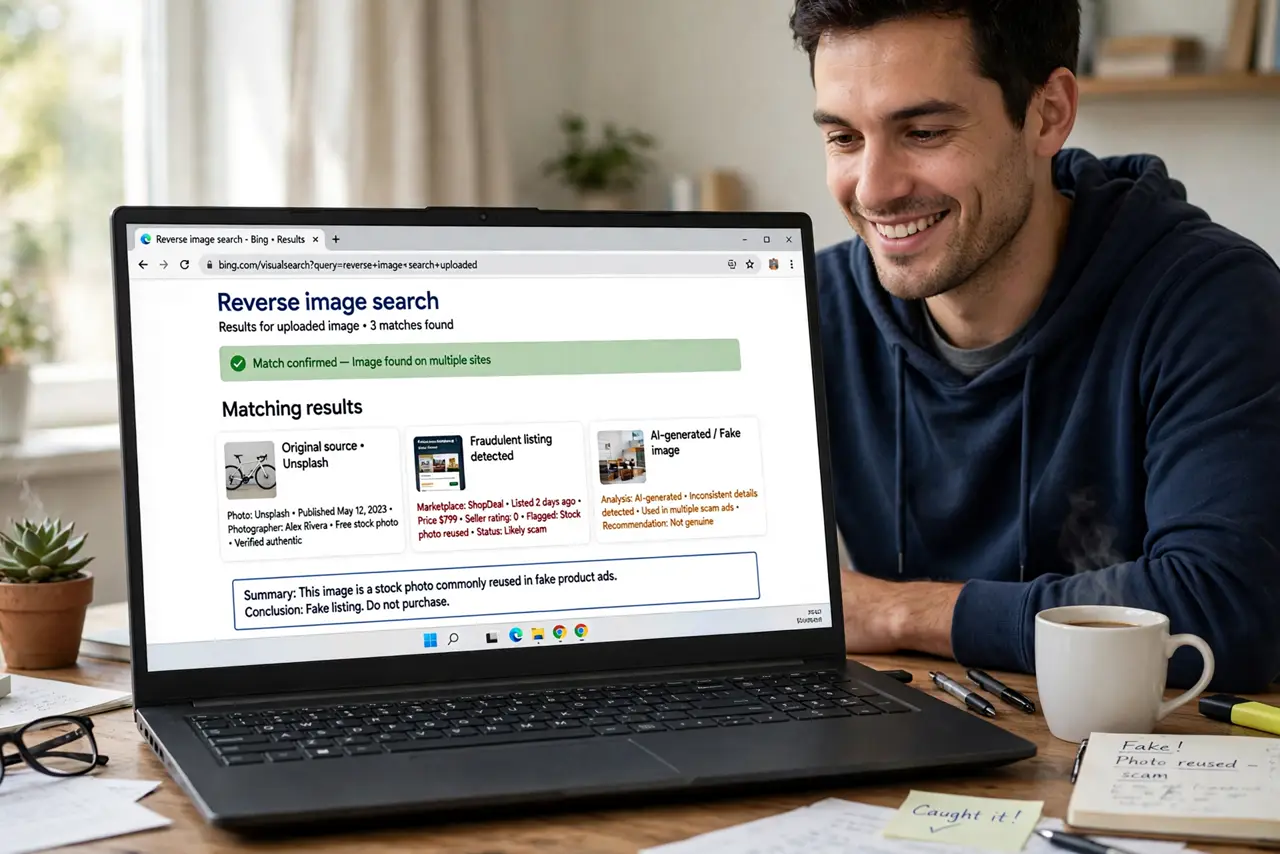
That rental's photos look professionally staged — because they were stolen from a real estate site three states away. Reverse image search lets you find where a photo actually came from, and it takes about thirty seconds. It is the single fastest way to expose fake rentals, marketplace listings, and catfish profiles.
TL;DR / Quick Fix
Quick fix: save the listing photo, then search by image in your browser or a reverse-image tool to see where else it appears. Stolen photos show up on real estate sites, other cities' listings, or stock photo pages. One match elsewhere means the listing is fake — walk away.
Follow these steps
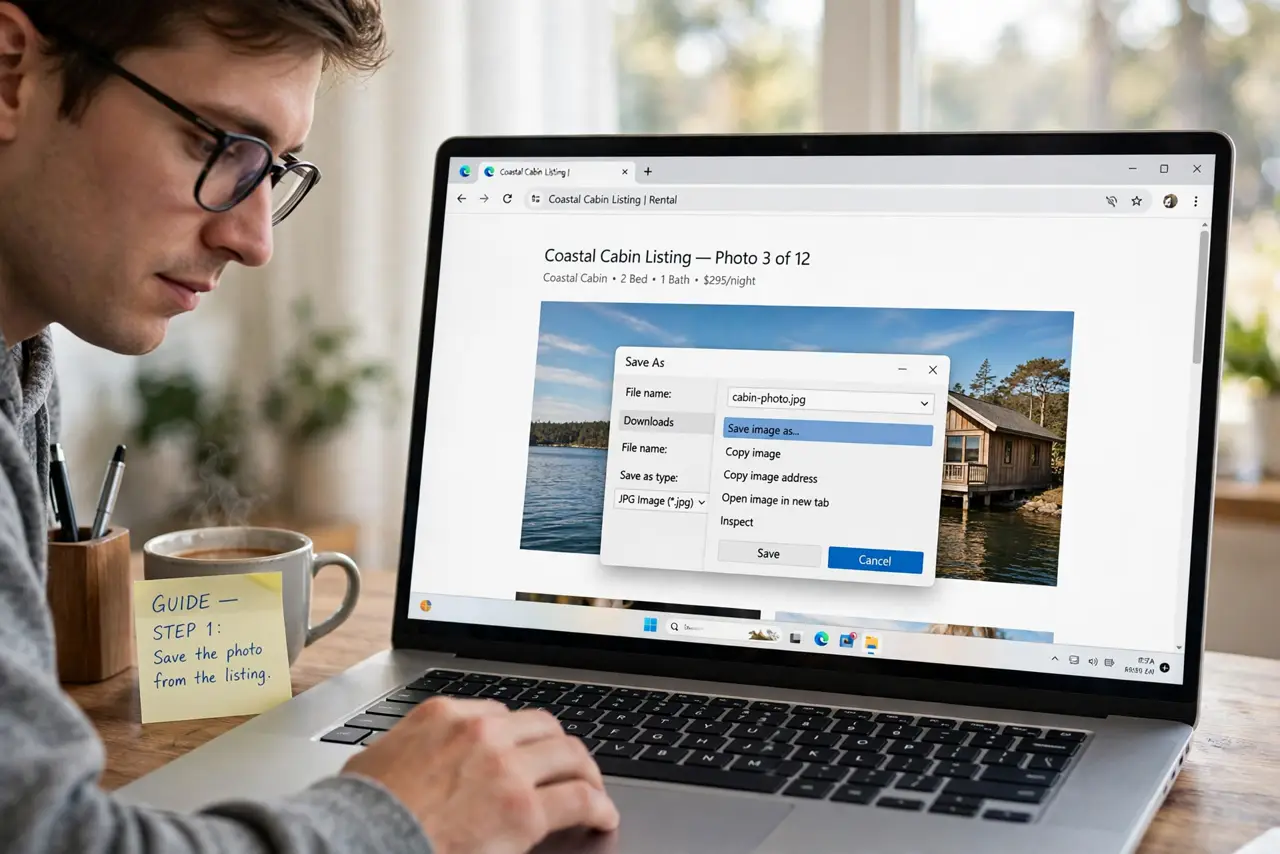
- Save the photo from the listing. Right-click or long-press the listing image and save it. Use two or three different photos — scammers sometimes mix stolen and generic images.
- Search by image in your browser. In Chrome, Edge, or Safari you can search by image directly: upload the saved photo or paste its URL. Lens-style tools work from your phone too.
- Read the results, not just the thumbnails. Look at where matches appear: the same apartment listed in another city, the same seller photo on a stock site, the same pet on a breeder's page from years ago.
- Treat any outside match as disqualifying. One legitimate photo appearing on an unrelated site is enough. Honest sellers photograph their own stuff; only scammers need someone else's pictures.
- Combine with the other checks. Photos are one leg of the stool — also verify the lister, see the item in person, and never pay upfront. A clean image search does not prove honesty, but a dirty one proves fraud.
- Report the stolen listing. Report fake listings to the platform with your evidence. Stolen photos are easy for moderators to act on, and your report protects the next shopper.
What NOT to do
- Do not rely on the listing's own photos as proof of anything. Photos of a kitchen prove a kitchen exists somewhere — not that the lister has it.
- Do not skip this because the deal feels urgent. Thirty seconds of searching beats weeks of disputing a lost deposit.
- Do not confront the scammer with your findings. Just walk away and report — engagement teaches them to steal better photos.
- Do not assume professional photos mean a professional seller. Stolen luxury photos are precisely how the bait looks so good.
Frequently asked questions
What if the search finds no matches?
That is neutral, not proof of legitimacy. Run the other checks — in-person viewing, verified identity, sane payment method — before trusting any listing.
Can I reverse-search directly from my phone?
Yes. Mobile browsers support image search via upload or long-press, and lens-style tools are built into many phones and search apps.
Does this work for profile photos on dating apps too?
Absolutely — it is one of the best catfish detectors. Stolen model photos are the classic fake-profile fuel.